

This profile is part of our MCP server directory, within The MCP Guide. Profiles are checked against each vendor's own documentation. Need a server built? See MCP development.

The Clio MCP server, sold as Clio for Claude, brings Clio Work into Claude. It hands legal tasks to Vincent, Clio's legal AI agent, which researches, reviews documents and drafts using your matter context and Clio's legal sources. Clio hosts it at https://mcp.api.clio.com/mcp, and the same connection powers Clio for Codex.
Checked against: Claude's Clio listing and Clio's help article "Use Clio Work in Claude and Codex" (created 28 October 2026) on 2 November 2026, plus the server's public OAuth metadata. eSEOspace did not install or test this server.
Key Takeaways
- Clio's own connector was added to Claude's directory in October 2026. Several third-party Clio MCP servers also exist, so check the publisher before you connect.
- You need a Clio Work license and a Clio Identity login. Clio says "Clio for Claude is included with Clio Work at no extra cost."
- Claude's listing shows 26 tools for research, citation checks, document review tables, exports and conversations with Vincent.
- Every Clio tool in Claude starts at "Needs approval." Vincent also asks before it creates or changes a record.
- Clio Work accounts that sign in only through vLex single sign-on are not supported yet.
At a glance
| Item | Detail |
|---|---|
| Publisher | Themis Solutions Inc. (DBA Clio) |
| Official? | Yes |
| Hosting | Remote URL |
| Transport | Remote MCP (HTTP) |
| Sign-in | OAuth with your Clio Identity login (read and write scopes) |
| Read or write | Read and write, with approval |
| Price | Included with Clio Work |
| Source code | Not published |
| Status | In Claude's directory since October 2026 |
What it can do
Claude's listing describes these jobs:
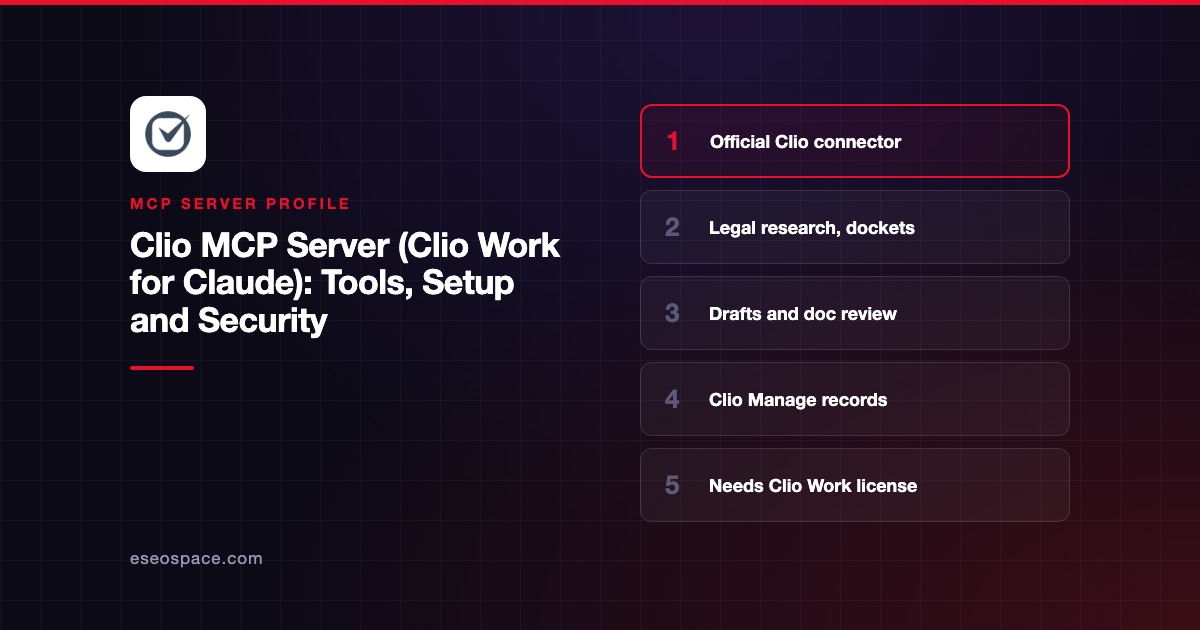
- Research. Search case law, legislation and commentary in Clio Library, read full decisions, and hand harder questions to Vincent for a cited answer.
- Dockets. Review filings in US federal and state cases, build timelines, and see how a judge or opposing counsel handled similar matters.
- Drafting. Turn research into memos, letters, clauses and motions, and export them to Word or PDF.
- Document review. Ask the same questions across many contracts or filings and get one row per document.
- Citation checks. Verify the authorities cited in a document you supply.
- Firm records. Check a matter's status, parties and deadlines, review tasks and the calendar, and log time in Clio Manage.
Tool names include start_research, search_legal_documents, get_legal_document, match_authority, show_cited_authorities, read_review_table, export_document and respond_to_interruption. Clio's help article says Clio Grow records also work when Clio Grow is connected to Clio Manage.
How to connect it
You need a Clio Work license from your firm's Clio administrator, access to your Clio account email for the first connection, and the Claude desktop app. Clio's steps:
- In the Claude desktop app, go to Customize > Connectors.
- Search for Clio and click Connect.
- On the "Install Clio Work App: Clio MCP" page, review the Read and Write access.
- Click Authorize access, then return to Claude.
If your Clio login is not linked to a Clio Work user yet, Clio sends a setup email. Accept it and repeat the steps. Clio limits setup emails to five per hour. The connection works in every region where Clio Work is available.
Security notes
- Approvals by default. Each tool starts at "Needs approval." You can allow, require approval or block each tool under Tool permissions.
- Keep approval on writes. Clio advises keeping approval required "for any tool that creates, updates, or deletes records in Clio."
- Same access checks. Clio Work applies the same checks to each person as in its web app, and firm records stay in Clio.
- Separate history. Conversations in Claude stay in Claude, not in your Clio Work history.
- Professional duty. Clio says reviewing returned sources "supports your professional responsibility for the work product." Lawyers still own the result.
Documents from opposing parties can carry hidden instructions. Read prompt injection through tool results, the MCP project's security best practices and our MCP Security Center.
Alternatives
- DocuSign MCP server for agreements and signatures.
- Box MCP server for firm document storage.
- Microsoft Graph MCP server for Outlook and SharePoint work.
Next step
Start with research and citation checks, which leave matter records untouched, before you let Vincent log time or update records. Our guide to MCP for law firms covers compliance limits and a starter stack.
More in the MCP Guide
Featured in: Best MCP Servers for Legal Teams and Law Firms in 2026
Free tools: MCP Server Risk Checklist · Tool Permission Planner
Latest research: State of MCP: October 2026
Frequently asked questions
Does Clio have an official MCP server?
Yes. Clio's connector runs at mcp.api.clio.com and was added to Claude's directory in October 2026. Clio documents it in its help center.
Does Clio for Claude cost extra?
Clio says it is included with Clio Work at no extra cost. Each person needs a Clio Work license assigned by the firm's Clio administrator.
Can Claude change records in Clio Manage?
Yes, with approval. Clio says Vincent asks before it creates or changes a record, and each Clio tool in Claude starts at "Needs approval."
Does it work in ChatGPT?
Not in regular ChatGPT chat. Clio offers Clio for Codex in the ChatGPT desktop app, which uses the same Clio Work connection.









