

This fix is part of MCP troubleshooting, within The MCP Guide. Still stuck? Request a free MCP readiness review.
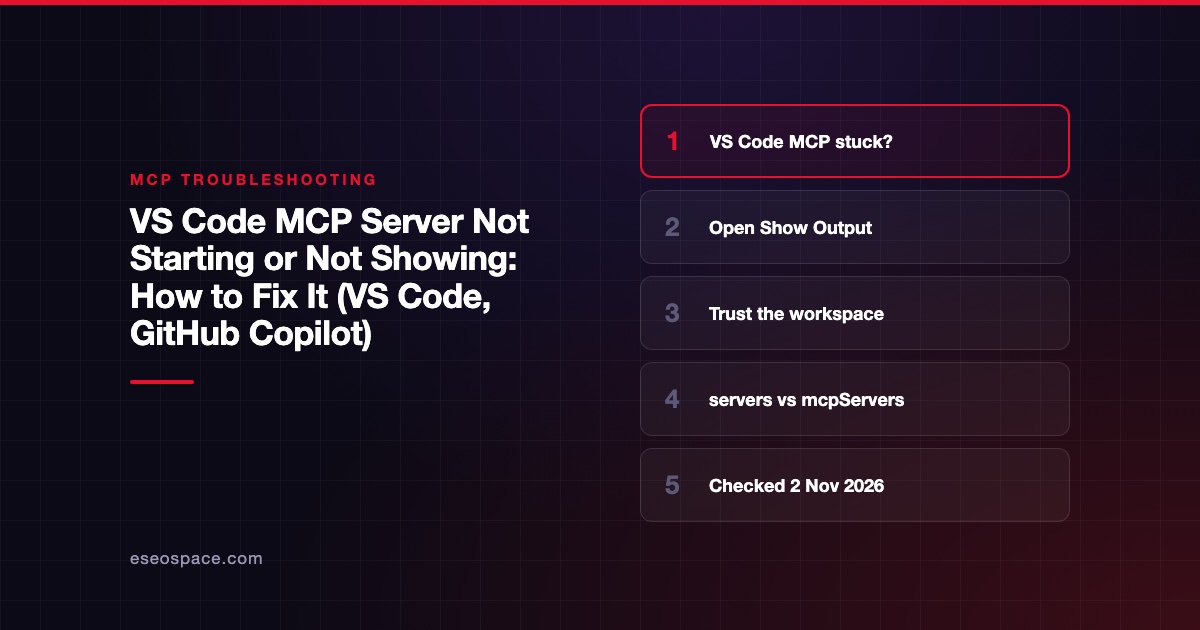
When an MCP server won't start in Visual Studio Code, the server's own output channel almost always says why. The fastest fix is to run MCP: List Servers from the Command Palette, select the server, choose Show Output, and fix the first error you see. Then use Restart Server and send a chat request that needs one of its tools.
Checked against: Microsoft's Add MCP servers in VS Code, Manage and troubleshoot MCP servers and the MCP configuration reference on 2 November 2026. eSEOspace did not run these steps on your setup; follow Microsoft's pages if they differ.
Key Takeaways
- Every MCP server in VS Code has an output channel. Open it from MCP: List Servers > Show Output before changing anything.
- Servers in
.vscode/mcp.jsonand.mcp.jsoninherit Workspace Trust, and Restricted Mode stops them from starting. - VS Code now has two formats: the VS Code format uses a
serverskey, while the portable Copilot format usesmcpServers. Copying one into the other breaks it. - Microsoft says
.vscode/mcp.jsonand the user-profilemcp.json"remain available for compatibility and are labeled deprecated in the guided flow." - A Docker stdio server must not use
-d, and a stdio command must be on thePATHof the machine that runs it.
What this error means
"Not starting" can mean four different things in VS Code, and Microsoft's troubleshooting table treats them separately:
| Symptom | Likely area |
|---|---|
| The server is missing or edits don't appear | Wrong harness, workspace or config file |
| A stdio server fails to start | Command, arguments, runtime or PATH |
| Startup is blocked | Workspace Trust or a separate MCP trust prompt |
| The server runs but its tools never appear | Server disabled, wrong harness or tool selection |
Microsoft also warns that "a running server doesn't guarantee that its tools are available to the current session." So check both startup and tool availability.
Quick fix
- Open the Command Palette (
Ctrl+Shift+Pon Windows and Linux,Shift+Cmd+Pon macOS) and run MCP: List Servers. - Select the server and choose Show Output. Read the first error.
- If nothing ran at all, check that the workspace is trusted. Restricted Mode blocks workspace servers.
- Run the server's command in a terminal on the same machine to confirm the runtime is installed.
- Fix the config, then choose Restart Server. If that action isn't offered, stop and start it.
- If tools changed on the server side, run MCP: Reset Cached Tools.
- Send a prompt that names the server and a low-risk action, then expand the tool call to confirm it came from that server.
Fix by client / OS
VS Code: the wrong config format
The configuration reference describes two formats:
- VS Code format in
.vscode/mcp.jsonor your user profile, with a top-levelserversobject. It supports${input:...}variables,envFile,cwd, development mode and per-server sandboxing. - Portable Copilot format in a workspace-root
.mcp.jsonor~/.copilot/mcp-config.json(or$COPILOT_HOME/mcp-config.json), with a top-levelmcpServersobject.
A minimal VS Code format entry, checked against the reference on 2 November 2026:
{
  "servers": {
    "playwright": {
      "type": "stdio",
      "command": "npx",
      "args": ["-y", "@playwright/mcp@latest"]
    }
  }
}
The portable version drops type and uses mcpServers. Microsoft says Copilot harness sessions read the portable format directly and receive eligible servers forwarded from the VS Code format. Servers that need interactive input, such as ${input:...} variables, are not forwarded. If a server starts in one chat harness but not another, that is the usual reason. Our VS Code mcp.json setup guide covers both files.
VS Code: blocked by trust
Microsoft says workspace .vscode/mcp.json and .mcp.json configurations "inherit Workspace Trust. Restricted mode prevents these servers from starting." Servers from other sources can use a separate MCP trust prompt. If you dismissed that prompt, run MCP: Reset Trust. Review the configuration before you trust a repository, because stdio servers can run code.
VS Code: stdio command not found
The command field "must be available on your system path or contain its full path," per the reference. A command that works in your terminal can still fail in VS Code if VS Code was started with a different PATH. Use a full path to node, python or uvx to rule that out. If npx itself is missing, see spawn npx ENOENT.
VS Code: Docker servers
Microsoft's troubleshooting table says a Docker stdio server that exits or doesn't connect usually has a bad argument: "Don't use detached mode (-d), because the client needs the stdio connection."
Remote workspaces, WSL and dev containers
Microsoft says user-profile stdio servers run locally. For a remote workspace, configure the server there or use MCP: Open Remote User Configuration, and install its runtime where the command runs. In a dev container, add the server under customizations.vscode.mcp in devcontainer.json.
Sandboxed servers on Windows
Per-server sandboxing (sandboxEnabled) works only on macOS and Linux. Microsoft says this mechanism isn't available on Windows, so remove it from a config you share with Windows users.
Where to find the logs
- Show Output on a server opens its output channel in the Output view. You can reach it from MCP: List Servers or from the server's menu in Chat: Open Customizations > MCP Servers.
- For a tool that is available but never called, Microsoft points to the Chat Debug view section "An MCP tool is not being invoked."
- Redact tokens and authorization headers before you share logs with a server's publisher, as Microsoft advises.
If it still fails
Check organizational limits. Microsoft notes that an enterprise allowlist can block a server and that local configuration "can't override organizational restrictions." The chat.mcp.access setting also controls which servers can be used.
Check autostart. The chat.mcp.autostart setting decides whether VS Code starts servers when you send a message. The default, newAndOutdated, starts servers that never ran or whose configuration changed. Disabled servers and servers in an error state are skipped, so restart an errored server by hand.
Then test the server outside VS Code with the MCP Inspector. For JSON-RPC codes in the output, use our MCP error code lookup. The VS Code GitHub connect guide shows a working end-to-end example.
Next step
If you roll out MCP servers to a team on VS Code, decide early which format you standardize on. eSEOspace's MCP readiness audit reviews configs, trust settings and server choices across your team.
More in the MCP Guide
Free tools: MCP Error Code Lookup · MCP Config Generator
Latest research: State of MCP: October 2026
Frequently asked questions
Is .vscode/mcp.json deprecated?
Microsoft's docs say .vscode/mcp.json and the user-profile mcp.json "remain available for compatibility and are labeled deprecated in the guided flow." You may still need them for input variables, envFile or per-server sandboxing.
Why does my server show as running but Copilot can't use it?
The server may be disabled for the session, unsupported by the selected harness, or not forwarded because it needs interactive input. Check Chat: Open Customizations > Tools or Configure Tools for the harness you use.
How do I restart an MCP server in VS Code?
Run MCP: List Servers, select the server and choose Restart Server. If that isn't offered, choose Stop Server and then Start Server.
Can VS Code reuse my Claude Desktop or Cursor config?
Yes. The chat.mcp.discovery.enabled setting can discover servers from Claude Desktop, Cursor, Windsurf and GitHub Copilot CLI configs. Microsoft says Copilot CLI discovery is on by default and the others are off.









