This profile is part of our MCP server directory, within The MCP Guide. Profiles are checked against each vendor's own documentation. Need a server built? See MCP development.
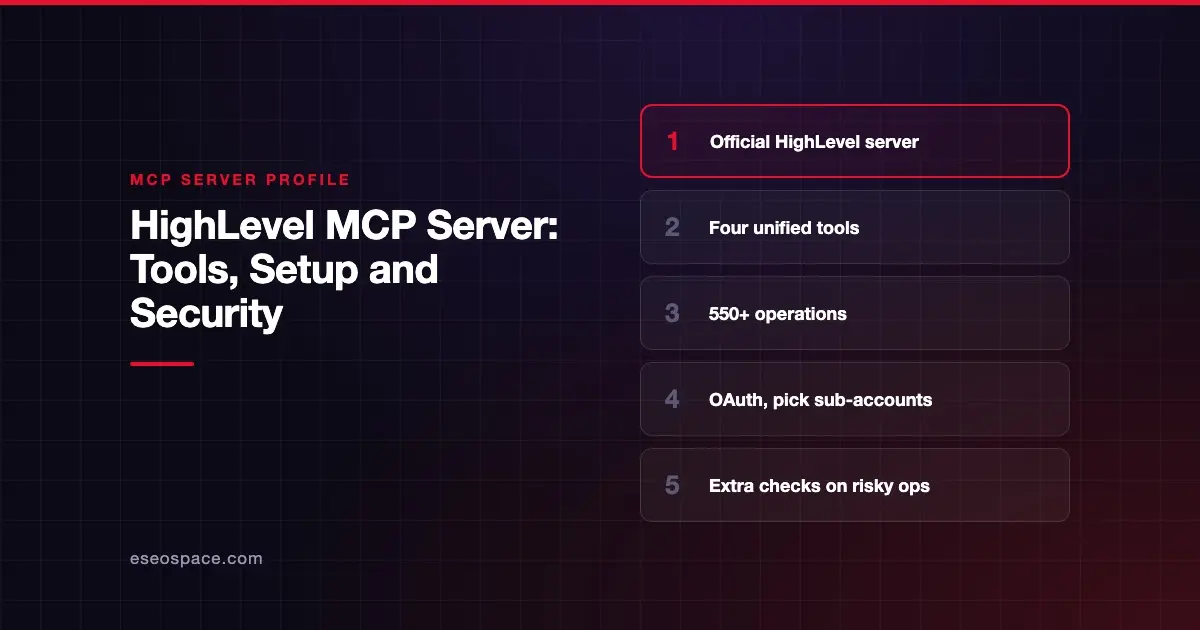
HighLevel's MCP server lets AI apps such as Claude, ChatGPT, Codex and Cursor work with your HighLevel sub-accounts: contacts, conversations, calendars, pipelines and more. HighLevel hosts it on its LeadConnector API domain and exposes four unified tools that search and run more than 550 operations.
Checked against: HighLevel MCP Server documentation on 28 October 2026. eSEOspace did not install or test this server.
Key Takeaways
- HighLevel publishes a separate endpoint per client family, such as
https://services.leadconnectorhq.com/mcp/anthropic/v2for Claude. - The server has four tools:
list_locations,search_operations,describe_operationandexecute_operation. - HighLevel says the catalog holds more than 550 operations across 38 domains, filtered by the scopes you grant.
- Sign-in is OAuth only; you choose which sub-accounts the connection can reach.
- Agency-wide connections across many sub-accounts are still rolling out, per HighLevel.
At a glance
| Item | Detail |
|---|---|
| Publisher | HighLevel (LeadConnector) |
| Official? | Yes |
| Hosting | Remote URLs under https://services.leadconnectorhq.com/mcp/ |
| Transport | Streamable HTTP |
| Sign-in | OAuth (LeadConnector sign-in, choose sub-accounts) |
| Read or write | Read and write, limited by granted scopes |
| Price | No separate MCP price listed |
| Source code | Closed |
| Status | Single sub-account connections live; agency-wide connections rolling out |
What it can do
HighLevel's MCP docs describe a small, unified tool set instead of one tool per API endpoint:
| Tool | Purpose |
|---|---|
list_locations | List the sub-accounts (locations) the connection can reach |
search_operations | Search the operation catalog available to your connection |
describe_operation | Show the details and inputs of one operation |
execute_operation | Run an operation |
HighLevel says the catalog has more than 550 operations across 38 domains. Which ones you can run depends on the OAuth scopes and permissions you grant. HighLevel suggests asking search_operations to list the exact operations for your connection.
This design keeps the tool list short for the AI, which helps with context size. It also means one tool, execute_operation, can do almost anything your scopes allow. Approval prompts for that tool matter more than usual.
How to connect it
HighLevel lists a different URL for each client family:
| Client | Endpoint |
|---|---|
| Claude | https://services.leadconnectorhq.com/mcp/anthropic/v2 |
| ChatGPT, Codex and OpenAI-compatible clients | https://services.leadconnectorhq.com/mcp/openai/v2/ |
| Cursor | https://services.leadconnectorhq.com/mcp/cursor/v2 |
Claude.ai. Open Settings, then Connectors. Click Add custom connector, enter the Claude URL and click Connect. Sign in to LeadConnector, pick the sub-account or sub-accounts, and approve.
Claude Code. HighLevel documents this command:
claude mcp add --transport http leadconnector https://services.leadconnectorhq.com/mcp/anthropic/v2Codex. HighLevel's CLI example:
codex mcp add leadconnector --url https://services.leadconnectorhq.com/mcp/openai/v2/codex
codex mcp login leadconnector
Cursor. Add the server to .cursor/mcp.json or ~/.cursor/mcp.json:
{
  "mcpServers": {
    "leadconnector": {
      "url": "https://services.leadconnectorhq.com/mcp/cursor/v2"
    }
  }
}
HighLevel describes its OpenAI endpoint as a remote Streamable HTTP server, the remote transport defined in the MCP specification. HighLevel also documents ChatGPT setup through Developer mode, though OpenAI's custom MCP server guide now says Developer Mode isn't needed and the server is added from Plugins (Business and Enterprise/Edu, as of October 2026). HighLevel lists Claude Cowork, Muse and Grok Bot as supported. For agency-wide access, HighLevel says the agency must install with the multi-sub-account (bulk) option.
Security notes
- You choose sub-accounts. HighLevel says requests for sub-accounts you did not select are refused.
- Scopes limit operations. The assistant can only run operations your OAuth scopes allow.
- Extra checks on risky actions. HighLevel says sensitive and irreversible operations require additional confirmation and safety checks.
- Review and revoke. You can review or revoke access from your LeadConnector account.
- One powerful tool.
execute_operationcovers hundreds of actions. Keep your client's approval prompt on for it. - Agencies. An agency-wide grant reaches many client sub-accounts at once. Start with one sub-account.
Agencies hold data for many clients, which raises the stakes of a mistake. Read MCP excessive permissions, MCP cross-server data leakage and the MCP Security Center.
Alternatives
- HubSpot MCP server: CRM, content and marketing email in one hosted server.
- Pipedrive MCP server: a native sales CRM server on all plans.
- Twilio MCP server: Twilio's own API server if you build messaging outside HighLevel.
Next step
Connect one test sub-account first and ask search_operations what your connection can do before you run anything. If you run an agency and want a safer rollout plan, book an MCP readiness audit. More options are in the MCP server directory.
Frequently asked questions
Does the HighLevel MCP server use API keys?
The current docs describe OAuth only. You sign in to LeadConnector and choose sub-accounts during the flow. The docs do not mention Private Integration Tokens for this server.
Why are there different URLs for Claude, ChatGPT and Cursor?
HighLevel publishes a separate endpoint for each client family. Use the one that matches your AI app, as listed on HighLevel's MCP page.
Can I connect all my agency's sub-accounts at once?
HighLevel says agency-wide connections are rolling out. The agency must install with the multi-sub-account (bulk) option. Single sub-account connections work today.
What can the server actually do?
HighLevel says it exposes more than 550 operations across 38 domains. Ask the search_operations tool to see the operations your connection's scopes allow.