This profile is part of our MCP server directory, within The MCP Guide. Profiles are checked against each vendor's own documentation. Need a server built? See MCP development.
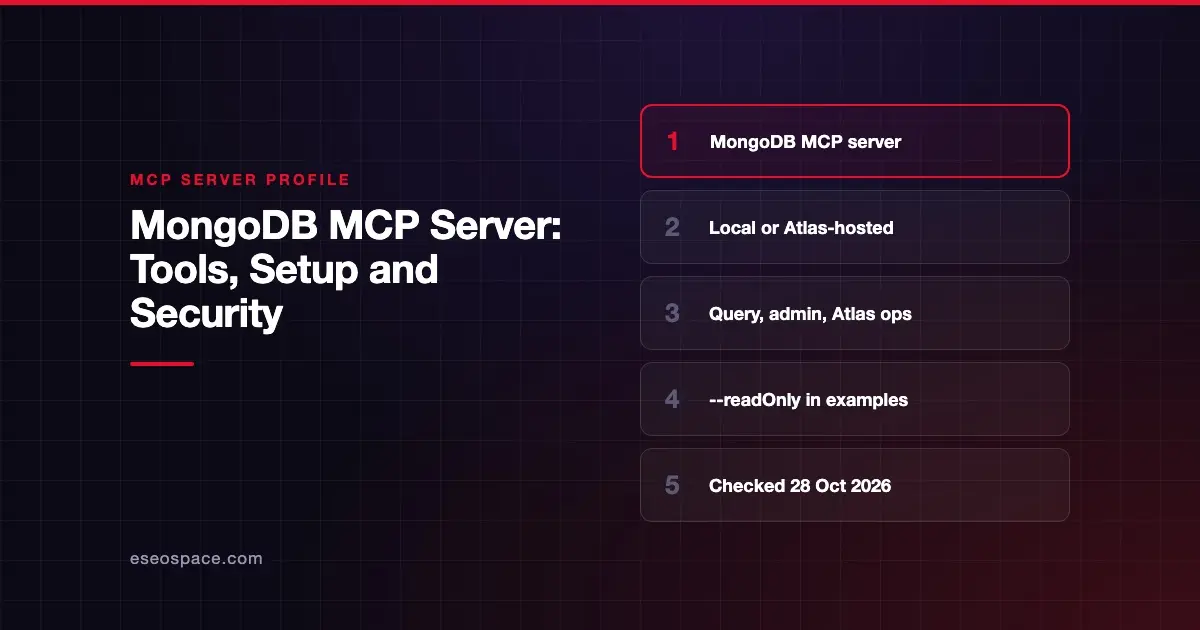
The MongoDB MCP server lets an AI app query and manage MongoDB databases and MongoDB Atlas. It can run finds and aggregations, describe schemas and indexes, and create or scale Atlas clusters. MongoDB publishes it as open source, and also runs an Atlas-hosted version that uses OAuth.
Checked against: MongoDB MCP Server README on 28 October 2026. eSEOspace did not install or test this server.
Key Takeaways
- You can run the server locally with
npxagainst any MongoDB connection string, or use the Atlas-hosted server with OAuth. - Every config example in MongoDB's README includes
--readOnly, which removes create, update and delete tools. - By default, risky tools such as
drop-database,drop-collectionanddelete-manyask for confirmation, if your client supports elicitation. - Tool results are wrapped with a prompt-injection warning unless you turn that off.
- MongoDB advises passing connection strings and API credentials as environment variables, not command-line arguments.
At a glance
| Item | Detail |
|---|---|
| Publisher | MongoDB |
| Official? | Yes |
| Hosting | Both: local npm package (mongodb-mcp-server) and an Atlas-hosted remote server |
| Transport | stdio locally; HTTP option for the local server; remote server over HTTP |
| Sign-in | Connection string or Atlas service account (local); OAuth (Atlas-hosted) |
| Read or write | Read and write; --readOnly available |
| Price | No separate MCP price listed |
| Source code | mongodb-js/mongodb-mcp-server |
| Status | Not stated |
What it can do
The README lists four tool groups.
Database tools include find, aggregate, count, collection-schema, collection-indexes, explain, export, list-databases and list-collections. Write tools include insert-many, update-many, delete-many, create-collection, create-index, rename-collection, drop-collection, drop-index and drop-database.
Atlas tools need Atlas API credentials. They include atlas-list-clusters, atlas-inspect-cluster, atlas-create-free-cluster, atlas-create-cluster, atlas-upgrade-cluster, atlas-pause-resume-cluster, atlas-create-db-user, atlas-create-access-list, atlas-get-performance-advisor and atlas-list-alerts. Four atlas-streams-* tools manage Atlas Stream Processing.
Atlas Local tools create, connect to, list and delete local Atlas deployments.
Assistant tools are list-knowledge-sources and search-knowledge, which search MongoDB's documentation and guidance.
The server also offers resources: config, debug and an exported-data template for files made by export.
How to connect it
MongoDB's quickest route is its official plugins. The mongodb-atlas plugin connects to the Atlas-hosted server over OAuth. MongoDB calls it the recommended way to reach Atlas. The mongodb plugin runs the server locally for self-managed databases. Plugins exist for Cursor, VS Code, Claude, Codex, GitHub Copilot CLI and Grok.
For a guided local setup, MongoDB gives:
npx -y mongodb-mcp-server@latest setupA manual config with a connection string looks like this in the README:
{
  "mcpServers": {
    "MongoDB": {
      "command": "npx",
      "args": ["-y", "mongodb-mcp-server@latest", "--readOnly"],
      "env": {
        "MDB_MCP_CONNECTION_STRING": "mongodb://localhost:27017/myDatabase"
      }
    }
  }
}
The local server needs Node.js 22.13 or later. MongoDB says Node 20 support is deprecated. A Docker image is also documented.
The README notes that you cannot sign in to the remote Atlas server with a static API key over HTTP. Use a client that supports OAuth, or the mongodb-atlas-mcp-remote stdio package with service account credentials.
Security notes
MongoDB builds several safety defaults into the server:
- Read-only mode.
--readOnlyorMDB_MCP_READ_ONLY=trueregisters only read, connect and metadata tools. MongoDB's examples all include it. Its getting started guide says: "For security, always enable read-only mode unless you must perform write operations." - Confirmation.
MDB_MCP_CONFIRMATION_REQUIRED_TOOLSdefaults to a list that includesdrop-database,drop-collection,delete-many,drop-index,atlas-create-db-userandatlas-create-access-list. This needs a client that supports elicitation, a feature defined in the MCP specification. - Untrusted data warning. Results are wrapped in delimiters with a prompt-injection warning unless
MDB_MCP_DISABLE_UNTRUSTED_DATA_WARNINGis set to true. Leave it on. See prompt injection through MCP tool results. - Disabled tools.
MDB_MCP_DISABLED_TOOLSlets you remove specific tools. - Server-side JavaScript is disabled by default.
MongoDB also gives two "Security Recommendations." Give Atlas service accounts only the minimum permissions they need. And pass secrets as environment variables, because command-line arguments "can be visible in process lists and logged." For more on that risk, read secrets and credential leakage in MCP and the MCP security hub.
Alternatives
- Redis MCP Server: for caches, sessions, JSON documents and vector search.
- Firebase MCP Server: includes Firestore document tools for Google's document database.
- Supabase MCP Server: if your app runs on Postgres instead.
See every database profile in the MCP server directory.
Next step
Decide whether your team needs Atlas admin tools at all. If you only want answers from data, run with --readOnly and no Atlas credentials. For help planning access, see our MCP readiness audit.
Frequently asked questions
Is the MongoDB MCP server read-only by default?
Not by default. The readOnly setting defaults to false. However, every configuration example in MongoDB's README includes --readOnly, and MongoDB says to remove it only if you need writes.
Can it work with self-hosted MongoDB, not just Atlas?
Yes. The local server accepts any MongoDB connection string, whether the database runs locally or in Atlas. The Atlas tools need Atlas service account credentials.
Does the MongoDB MCP server ask before deleting data?
By default it asks for confirmation before tools such as drop-database, drop-collection and delete-many. This only works if your MCP client supports elicitation, so do not rely on it alone.
Is there a hosted MongoDB MCP server?
Yes. MongoDB runs an Atlas-hosted MCP server that uses OAuth. The mongodb-atlas plugin connects to it, and MongoDB calls this the recommended way to work with Atlas.