0 entries
Disclosure: this is a guest article, and it links to Higgsfield Marketing Studio. eSEOspace added the platform-policy sources, rechecked plans, prices and Trustpilot scores on 23 November 2026, and updated the figures that had changed.
Product shots, actor-led ads and social clips call for different tools. To choose the best AI tool for video ads, we compared five options by the job each documents, from exploring templates to finishing a video on an editable timeline.
Higgsfield Marketing Studio leads for template-led product content. Below, we explain the documented strengths, limitations and purchase conditions behind each recommendation.
Key Takeaways
- Higgsfield Marketing Studio is our top pick for template-led product content. Its library of 1,500+ templates spans product shots, motion, UGC, TikTok, ads, posters and marketplace images.
- Creatify fits product-link ads. Its documented workflow collects product-page assets and drafts a script.
- Arcads suits actor-led creative. Weigh its product-placement functions against its Trustpilot score and trial conditions.
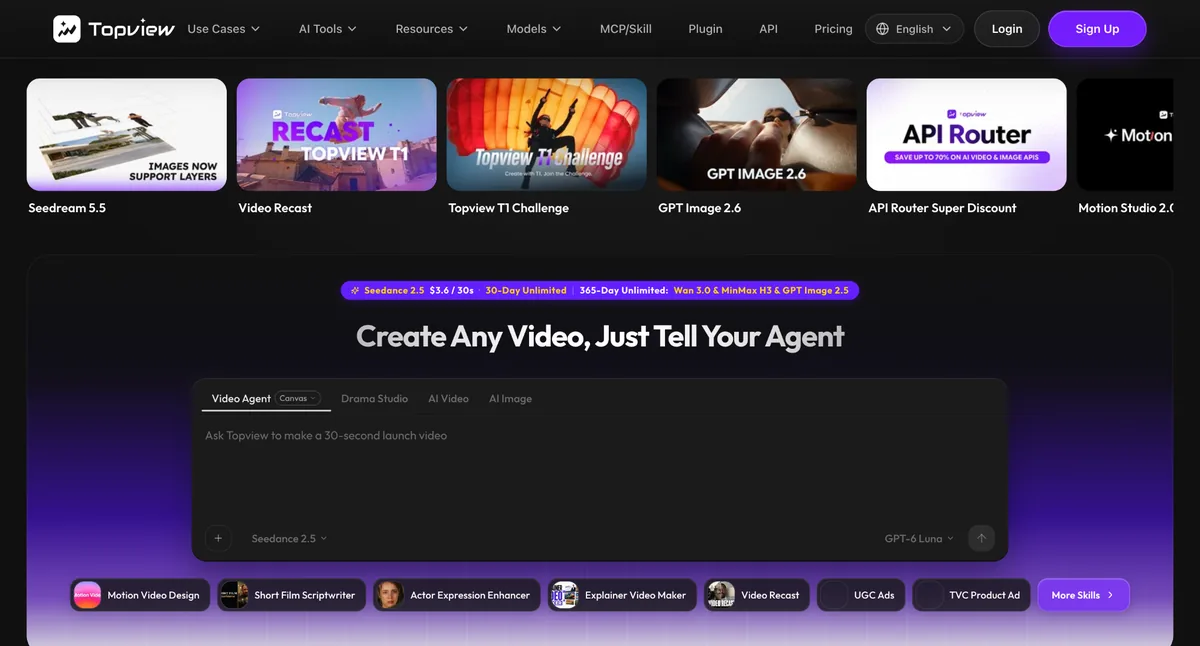
- Topview fits structured product-video variations. It accepts images, URLs or briefs.
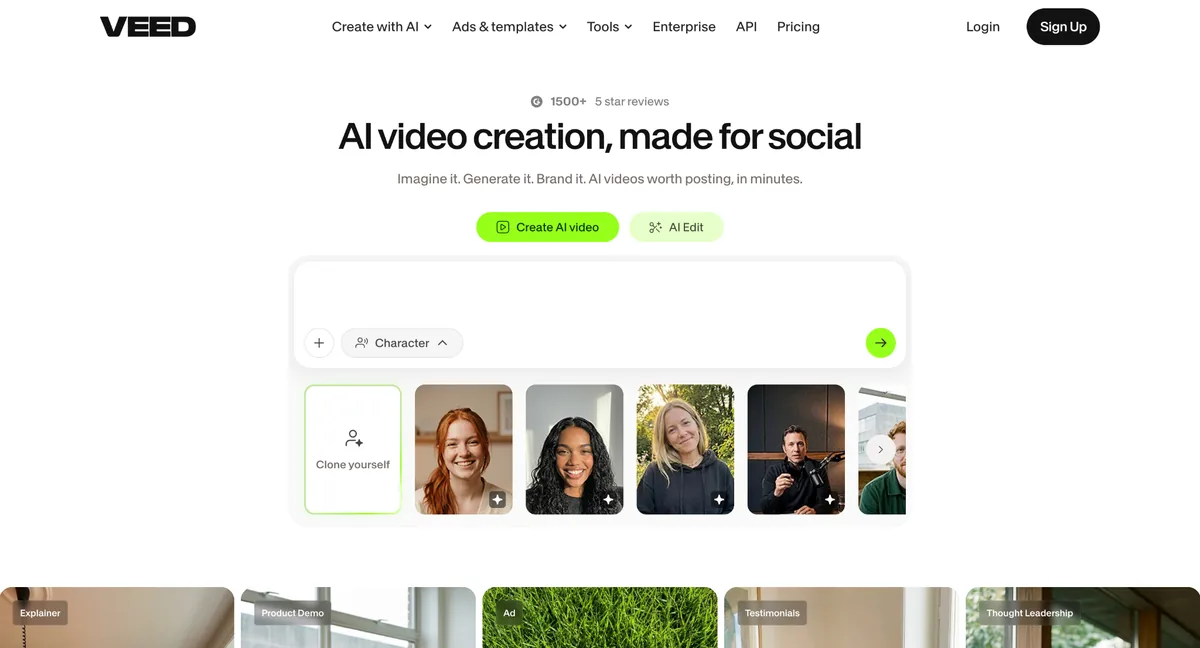
- VEED pairs generation with editing. Generated clips can enter a timeline for trimming, text and music.
How We Picked
We reviewed official product pages, help documentation, pricing pages and third-party review profiles on November 12, 2026. eSEOspace rechecked plans, prices and Trustpilot scores on November 23, 2026; the G2 figures are from the November 12 review.
Commercial details reflect live pages read on those dates and may change. This was desk research: we did not generate samples, time renders or run ads.
For localization planning, we also considered AI video translation tools.
Our criteria were relevance to product content, documented format breadth, usable starting assets, editing or regeneration requirements, purchasing limitations and suitability for a small ecommerce team without a dedicated video editor.
The first slot favors template-led production; later picks address specific production jobs. Review scores cover whole platforms, not individual ad features. We did not rank products by comparing G2 scores directly with Trustpilot scores.
1. Higgsfield Marketing Studio
Higgsfield Marketing Studio pros
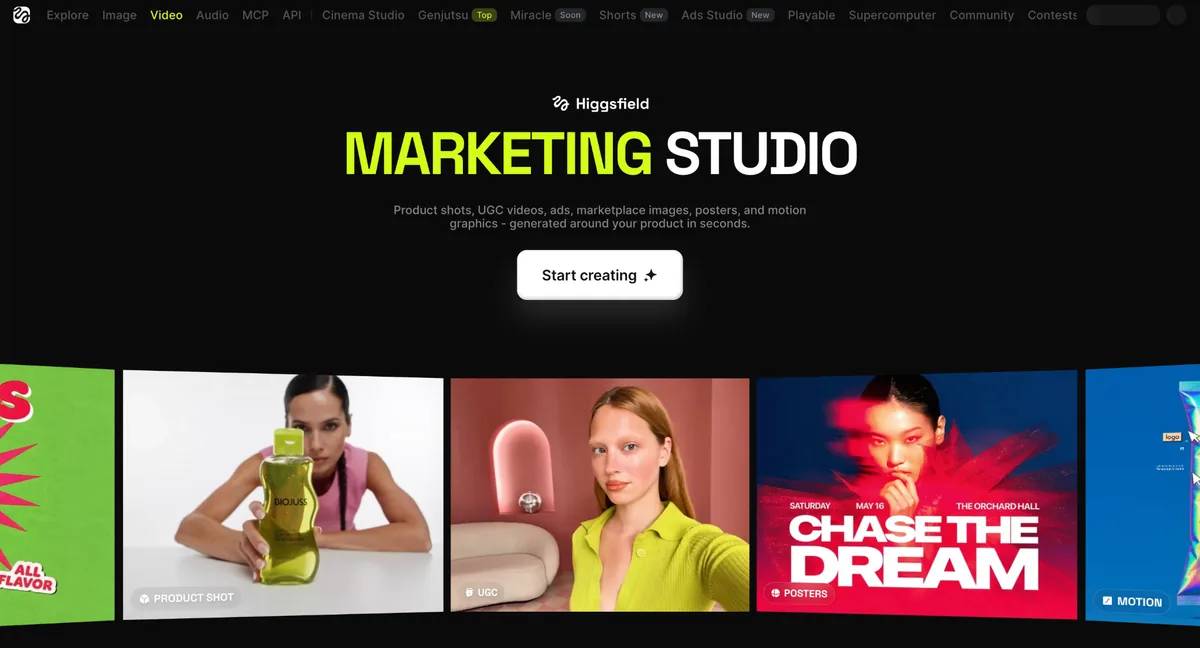
- 1,500+ image and video templates across Product shot, Motion, UGC, TikTok, Ads, Posters and Marketplace
- Starts from a product link, an uploaded product image or a template
- Poster templates open as editable layers for headlines, dates and images, and other image results can be edited after generation (text, crop, background and lighting)
Higgsfield Marketing Studio cons
- Video results can't be edited after generation; changing one means regenerating it, which uses more credits
- Available video duration depends on the selected format, so check fit for any fixed-length brief
Why we picked Higgsfield Marketing Studio
We would start with Higgsfield Marketing Studio when a team wants to compare product shots, motion clips and creator-style UGC in one place. Its template library lets a small ecommerce team test several creative directions from the same product before committing to a format.
Higgsfield AI holds 3.9/5 on Trustpilot from 5,633 reviews, a platform-wide score rather than a Marketing Studio rating. As with every tool here, review product details and wording before publishing.
Higgsfield Marketing Studio pricing
Marketing Studio runs on Higgsfield credits, and the total appears on the Generate button before you create. Higgsfield's own guides list a 2K product shot at 1.5 credits, a 2K poster at 7.5 credits and a 15-second UGC review video at 107.5 credits. Check the live pricing page for current plan amounts and credit allowances.
2. Creatify
Creatify pros
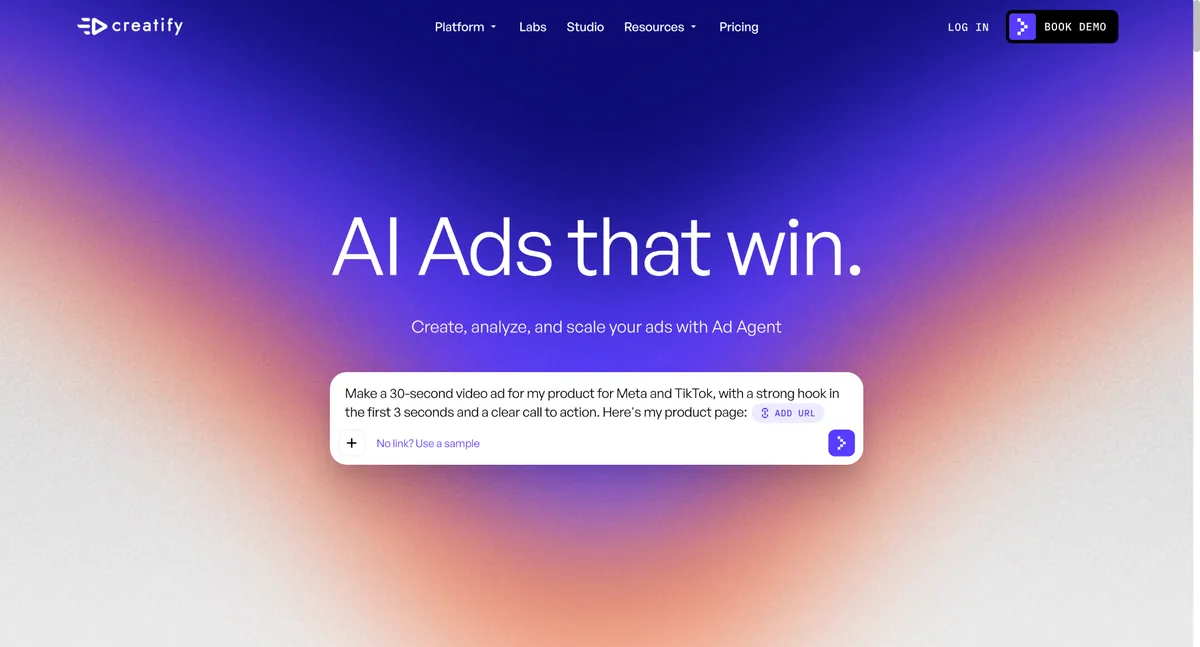
- Product-link workflow collects assets and drafts an ad script
- Pro and higher plans list 1,500 AI actors, and the platform supports 75+ languages
- Boreal, Creatify's own video model, supports text-to-video and image-to-video generation
Creatify cons
- Free exports are watermarked
- Unused credits expire after one extra month of rollover
Why we picked Creatify
We picked Creatify for teams starting with an existing product page rather than an open-ended creative brief. Its documented URL-to-video workflow uses that page's assets and drafts a script, making the starting point clear.
We have not assessed presenter realism or generation speed, and actor access differs by plan. Creatify holds 4.8/5 on G2 from 1,819 reviews, a platform-wide score rather than a product-ad feature rating.
Creatify pricing
The Free plan includes 10 monthly credits for up to two video ads or 20 image ads, with watermarked exports. Individual paid tiers are Standard, Pro and Ultra, with a Business plan for teams.
Annual billing normally costs about 30% less per month than monthly billing, and seasonal offers can lower it further. Confirm the billing term before choosing a plan.
3. Arcads
Arcads pros
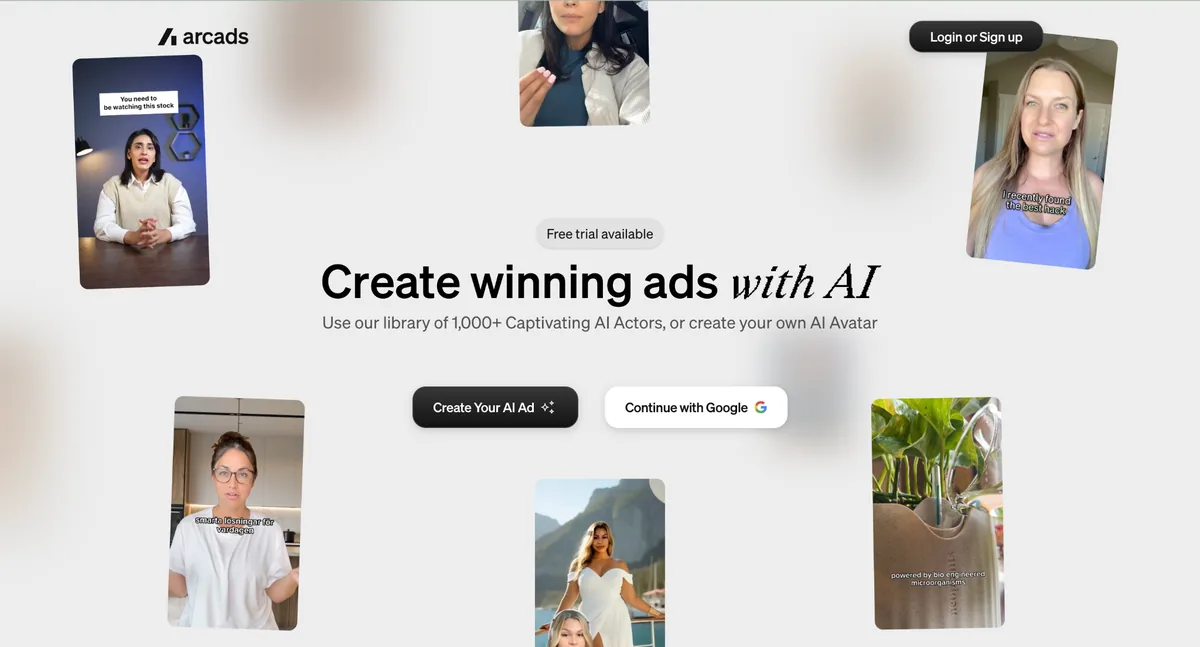
- Vendor advertises 1,000+ AI actors and custom-avatar creation
- Documents actor-held, surface and lifestyle product placements, plus unboxing features
Arcads cons
- Starter and Creator pause at credit limits; unused credits reset
- Pro can incur additional per-credit charges
- Trial requires a card and converts automatically unless canceled
Why we picked Arcads
We picked Arcads for actor-led product creative because its documented features center on presenters and product placement. Those functions make it relevant to that specific brief, but they do not guarantee accurate product rendering.
Arcads holds 2.6/5 on Trustpilot from 196 reviews, a platform-wide caveat that keeps our specialist recommendation from being an unqualified endorsement. We would check product shape, color, labels and wording before publishing any output.
Arcads pricing
The card-required trial provides 1,000 credits for 72 hours, with every feature unlocked and no charge during the trial. The Starter monthly plan begins afterward unless canceled, so set a reminder before the deadline. Current dollar prices are shown in the app.
4. Topview
Topview pros
- Accepts a product image, URL or short brief
- Structures scenes with captions and voiceovers
- Supports variations across hooks and creative angles
Topview cons
- The lowest Plus rate requires paying for a year upfront
- Promotional unlimited access does not include priority processing
Why we picked Topview
We picked Topview for teams planning structured product-video variations from an existing asset or brief. Its documented approach combines scenes, captions and voiceovers, which fits a brief calling for several creative angles, such as testing the TikTok ad formats an ecommerce brand already runs.
We would treat generated videos as drafts and review product details and wording rather than adopt the vendor's accuracy or conversion promises. Topview holds 4.0/5 on Trustpilot from 364 reviews, covering the platform rather than this feature specifically.
Topview pricing
Plus includes 100 credits per month at a USD 36 per month list price. Seasonal sales often lower that, and the lowest rate requires paying for a year upfront, so confirm the amount and billing term at checkout.
Promotional unlimited access means credit-free access, not priority speed or a permanent promise of unlimited video generation. Check the selected plan's terms before purchase.
5. VEED
VEED pros
- Generates clips from prompts, scripts and images
- Generated clips can be added to an editable timeline
- Trim footage and add text and music after generation
VEED cons
- Free AI-credit availability varies by region
- Free exports are 720p and watermarked
- Credit use differs by generation model
Why we picked VEED
We picked VEED when finishing the social clip matters alongside generating its footage. The help center confirms that generated clips can enter the timeline for trimming and adding text and music, which makes its editing controls relevant to final assembly.
Each model uses a different number of credits, so we would not translate a credit allowance into a fixed number of finished ads. VEED holds 4.6/5 on G2 from 2,194 reviews, covering the full platform.
Once a clip is live, ranking video content still depends on watch time, retention and accurate metadata.
VEED pricing
Free AI credits are region-dependent; we could not confirm US availability. A paid subscription removes the export watermark.
Creator supports exports up to 1080p; Pro and Enterprise support up to 4K. These export limits do not establish generated footage's native resolution. Plan amounts differ by billing term, so confirm the price at checkout.
Check Disclosure Rules Before You Publish
AI actors and creator-style clips follow the same advertising rules as human ones, and the platforms add labels of their own. Four checks before an AI-made ad goes live:
- Don't present an AI actor as a real customer. The FTC's rule on consumer reviews and testimonials bars testimonials that misrepresent that the person exists or used the product, and its Endorsement Guides require endorsements to reflect the honest experience of the endorser. A presenter reading product facts is a different claim from "I used this and loved it."
- Label realistic AI video on TikTok. TikTok requires creators to label AI-generated content that contains realistic images, audio or video, and may label it automatically.
- Disclose realistic synthetic scenes on YouTube. YouTube requires creators to disclose AI-generated or altered content that seems realistic, such as a realistic scene that didn't actually occur, when they upload it.
- Expect an "AI info" label on Meta ads. Meta labels ad images created or edited with its own generative AI features or with third-party AI tools.
Creator-style ads still work best when they read like real content; our guide to TikTok ads that don't feel like ads covers that side.
Conclusion
Higgsfield Marketing Studio is our top pick for template-led product content. Its 1,500+ templates give a small team a fast way to test product-shot, motion, UGC and other directions from one workspace.
We would shortlist Creatify for product-link ads, Arcads for actor-led creative with careful attention to its review score and trial terms, Topview for structured variations and VEED for generation plus timeline editing. Match the tool to the deliverable before comparing subscriptions.
Before purchasing, check current credits, renewal terms, billing commitments and watermark rules.
Review product appearance, wording and the final creative before publication. This desk research does not establish conversion lift, ROAS, platform approval or legal compliance.
Frequently Asked Questions
What is the best AI tool for video ads?
It depends on the deliverable. For template-led product content across shots, motion and UGC, Higgsfield Marketing Studio is our starting point, while Arcads suits actor-led ads and VEED suits timeline finishing.
Do these tools offer free plans?
Creatify and VEED offer free plans with watermarked exports. Arcads offers a 72-hour, card-required trial that converts to Starter unless canceled.
Can I edit an AI video after it is generated?
VEED lets generated clips enter an editable timeline. In Higgsfield Marketing Studio, Posters open as editable layers and other image results can be edited after generation, while video results are regenerated rather than edited.
Do I have to label AI-generated ads?
Often, yes. TikTok requires a label on realistic AI-generated content, YouTube requires creators to disclose realistic AI-generated or altered content, and Meta adds an "AI info" label to ad images made or edited with AI. Separately, the FTC's rules bar testimonials from people who don't exist or never used the product.
Think your company belongs on this list? Ask us to review it. If it meets our quality standard, we will add it.
How companies are reviewed: we also write independent, fact-checked reviews of companies, with strengths and weaknesses, in Company Spotlight.