




Blog
Key Takeaways
- Personalizing the shopping experience with customer data and dynamic product recommendations helps ChatGPT deliver tailored responses that boost engagement.
- Streamlining checkout through instant checkout, cart-abandonment recovery, and simplified payment options reduces friction and lifts conversions.
- Improving customer support means automating FAQs, offering real-time assistance, and escalating complex issues to human agents when needed.
- Maintaining a consistent brand voice with a defined personality and pre-approved responses keeps ChatGPT interactions on-brand and trustworthy.
- Leveraging analytics, A/B testing, and customer feedback drives continuous improvement of your Shopify store's ChatGPT experience.
Integrating ChatGPT with your Shopify store is just the beginning. To truly unlock its potential, you need to optimize the AI-powered shopping experience for your customers. From personalizing interactions to leveraging analytics, there are countless ways to make ChatGPT a valuable asset for your e-commerce business.
In this blog, we’ll explore actionable tips to enhance your Shopify store with ChatGPT and create a seamless, engaging, and efficient shopping journey.
Why Optimization Matters
While ChatGPT is a powerful tool, its effectiveness depends on how well it’s configured and maintained. A well-optimized ChatGPT integration can:
- Increase customer satisfaction.
- Boost conversion rates.
- Reduce cart abandonment.
- Strengthen brand loyalty.
By fine-tuning your integration, you can ensure that ChatGPT delivers value to both your customers and your business.
Tip 1: Personalize the Shopping Experience
1.1 Use Customer Data
Leverage customer data to provide personalized recommendations. For example:
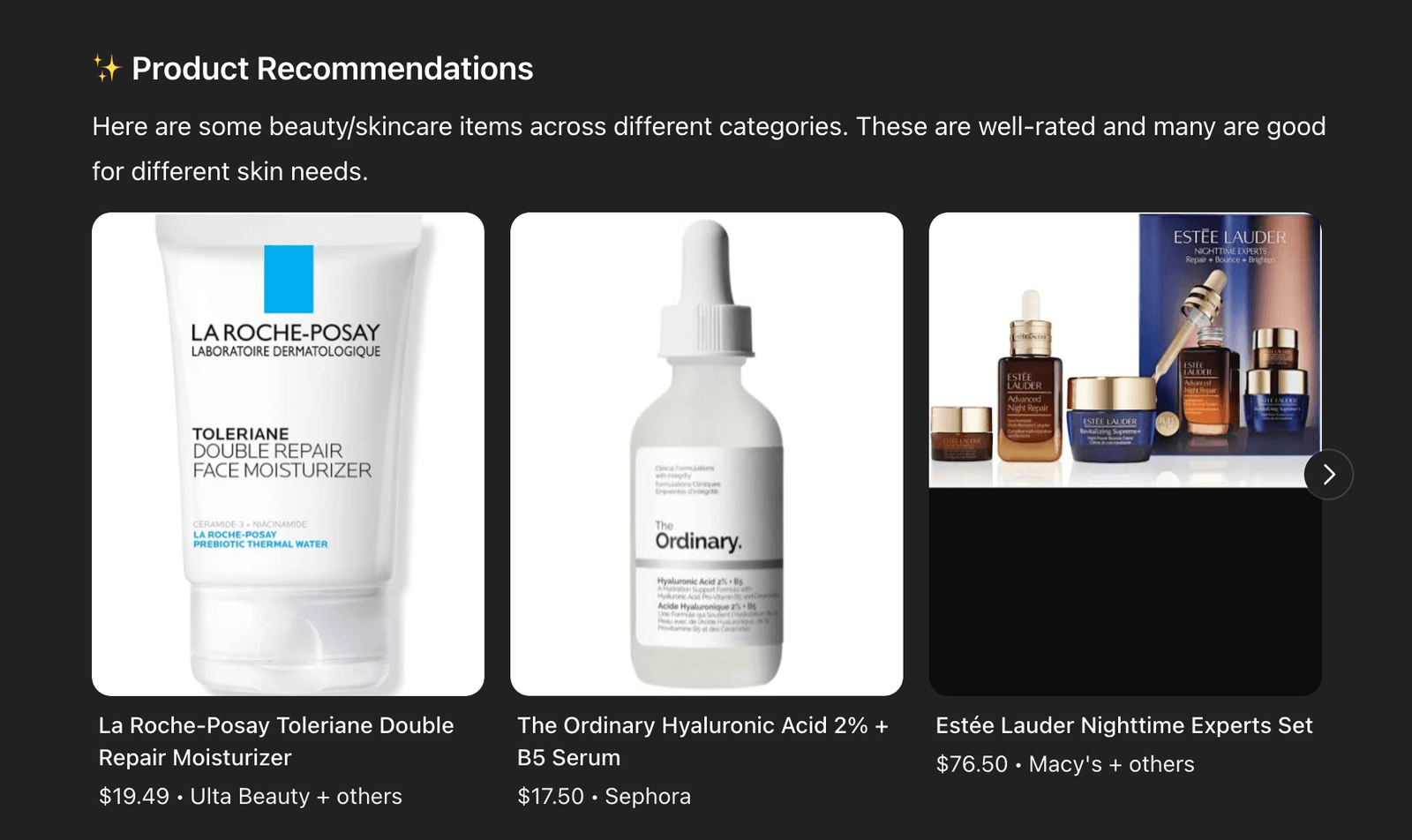
- If a customer frequently buys skincare products, ChatGPT can suggest complementary items like serums or moisturizers.
- For first-time visitors, ChatGPT can offer a welcome discount or guide them to bestsellers.
1.2 Tailor Responses to Customer Preferences
Train ChatGPT to recognize and adapt to customer preferences, such as:
- Preferred product categories.
- Budget constraints.
- Style or size preferences.
1.3 Offer Dynamic Product Recommendations
Enable ChatGPT to suggest products based on real-time factors like seasonal trends, inventory levels, or ongoing promotions.
Tip 2: Streamline the Checkout Process
Get a FREE Audit
We'll perform a comprehensive SEO, AEO, GEO & CRO audit of your website — completely free — and show you exactly how to outrank your competitors.
Don't have a site yet? Get in touch →
2.1 Enable Instant Checkout
With OpenAI’s Instant Checkout feature, customers can complete purchases directly within the chat interface. This eliminates the need for multiple clicks and reduces friction in the buying process.
2.2 Address Cart Abandonment
ChatGPT can proactively engage with customers who abandon their carts by:
- Offering discounts or free shipping.
- Answering questions about the products in their cart.
- Providing reminders to complete their purchase.
2.3 Simplify Payment Options
Ensure that ChatGPT supports multiple payment methods, including credit cards, digital wallets, and buy-now-pay-later options, to cater to a wide range of customer preferences.
Tip 3: Improve Customer Support
3.1 Automate FAQs
Train ChatGPT to handle common customer inquiries, such as:
- “What’s your return policy?”
- “How long does shipping take?”
- “Do you offer gift wrapping?”
This frees up your support team to focus on more complex issues.
3.2 Provide Real-Time Assistance
Enable ChatGPT to assist customers in real-time, whether they’re browsing products, comparing options, or checking out. For example:
- If a customer asks, “What’s the difference between these two laptops?” ChatGPT can provide a detailed comparison.
- If a customer is unsure about sizing, ChatGPT can guide them using your store’s size chart.
3.3 Escalate Complex Issues
Set up workflows to escalate complex or sensitive issues to a human support agent. This ensures that customers always receive the help they need.
Tip 4: Maintain a Consistent Brand Voice
4.1 Define Your Brand Personality
Whether your brand is playful, professional, or luxurious, ensure that ChatGPT’s responses align with your tone and style. For example:
- A playful brand might use emojis and casual language.
- A luxury brand might focus on elegance and sophistication.
4.2 Use Pre-Approved Responses
Create a library of pre-approved responses for common questions to maintain consistency and accuracy.
4.3 Update Regularly
As your brand evolves, update ChatGPT’s training data to reflect changes in your messaging, product offerings, or policies.
Tip 5: Leverage Analytics for Continuous Improvement
5.1 Track Key Metrics
Monitor metrics like:
- Customer satisfaction scores.
- Conversion rates.
- Average response time.
- Cart abandonment rates.
Use these insights to identify areas for improvement.
5.2 Conduct A/B Testing
Experiment with different ChatGPT configurations to see what works best. For example:
- Test different response styles to see which resonates most with your audience.
- Experiment with various product recommendation strategies.
5.3 Gather Customer Feedback
Encourage customers to provide feedback on their ChatGPT interactions. Use this feedback to refine the AI’s performance and address any pain points.
Tip 6: Expand ChatGPT’s Capabilities
6.1 Add Multilingual Support
If you serve a global audience, enable ChatGPT to communicate in multiple languages. This ensures that all customers feel valued and understood.
6.2 Integrate with Other Tools
Connect ChatGPT with other tools in your tech stack, such as:
- CRM systems for personalized interactions.
- Inventory management software for real-time stock updates.
- Marketing platforms for targeted promotions.
6.3 Explore Advanced Features
Consider adding advanced features like:
- Multi-item carts for more complex purchases.
- Voice-enabled interactions for hands-free shopping.
- AI-driven upselling and cross-selling.
Common Mistakes to Avoid
Mistake 1: Overloading ChatGPT
Avoid overwhelming ChatGPT with too many tasks. Focus on a few key use cases and expand gradually.
Mistake 2: Neglecting Updates
Regularly update ChatGPT’s training data to ensure it stays relevant and accurate.
Mistake 3: Ignoring Customer Feedback
Customer feedback is invaluable for improving ChatGPT’s performance. Make it a priority to listen and adapt.
What’s Next?
By following these tips, you can transform ChatGPT into a powerful tool for enhancing your Shopify store. But optimization is an ongoing process. As your business grows and customer needs evolve, continue to refine and expand your ChatGPT integration.
In our next blog, we’ll explore how to scale and future-proof your AI integration, ensuring that it remains a valuable asset for years to come.
Frequently Asked Questions
How can ChatGPT personalize the shopping experience on my Shopify store?
Can ChatGPT help reduce cart abandonment and simplify checkout?
How does ChatGPT improve customer support for a Shopify store?
How do I keep ChatGPT consistent with my brand voice?
What common mistakes should I avoid when using ChatGPT on Shopify?
Put this into action with eSEOspace
We help businesses grow with website development that actually performs. Explore the services behind this guide:
Get a FREE GEO/AEO/SEO Audit
We'll analyze your site's SEO, GEO, AEO & CRO — completely free — and show you exactly how to get found across Google and AI answers.
Don't have a site yet? Get in touch →
Great — your audit is on the way!
We'll send your free SEO/GEO/AEO/CRO audit within the next few hours. Where should we send it?
You're all set! ✓
Your free audit is being prepared — check your inbox in the next few hours. Talk soon!








