

This fix is part of MCP troubleshooting, within The MCP Guide. Still stuck? Request a free MCP readiness review.
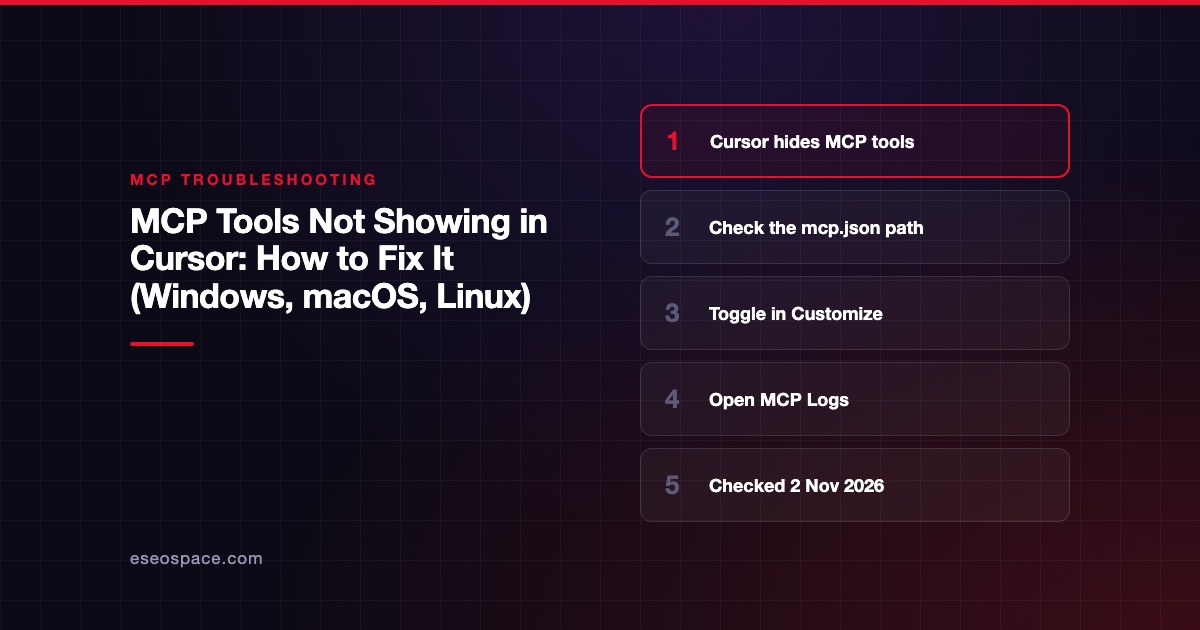
If an MCP server's tools do not show up in Cursor, the server is usually disabled, failed to start, needs sign-in, or sits in a config file Cursor is not reading. The fastest fix is to open Customize, confirm the server is toggled on and not in an error state, then open the Output panel, choose MCP Logs, and read the line for that server.
Checked against: Cursor's MCP documentation, Cursor's "Dynamic context discovery" post and the MCP debugging guide on 2 November 2026. Cursor's settings labels change often, so follow Cursor's docs if a menu differs. eSEOspace did not reproduce each case.
Key Takeaways
- Cursor reads
.cursor/mcp.jsonin your project and~/.cursor/mcp.jsonin your home folder. - Cursor's docs say disabled servers "won't load or appear in chat," so check the toggle in Customize first.
- The Output panel's MCP Logs channel shows initialization, tool calls and errors.
- A remote server that needs a new sign-in can drop out of the tool list until you re-authenticate.
- Older Cursor docs limited the Agent to the first 40 tools. Current docs give no fixed number, but trimming tools still helps.
What this error means
Cursor loads MCP servers from JSON config, starts or connects to each one, and asks it for its tools. A tool appears in chat only if every step works.
Cursor's MCP documentation lists three transports: stdio, which Cursor runs and manages locally, plus SSE and Streamable HTTP, which use a URL. Each has its own failure points. A stdio server can fail to start. A URL server can fail to connect or need OAuth.
There is also a model-side layer. Since January 2026, Cursor's dynamic context discovery post says the agent starts with only tool names and looks up full descriptions when a task needs them. So a tool can be configured correctly but not called because the agent did not choose it. That is not the same as a missing tool.
Quick fix
- Check the file location. Project tools go in
.cursor/mcp.jsonat the project root. Global tools go in~/.cursor/mcp.json. A file in any other folder is ignored. - Validate the JSON. Servers go under one
mcpServersobject. Use the MCP config generator to rebuild it if unsure. - Open Customize in the sidebar and make sure the server toggle is on.
- Read MCP Logs. Open the Output panel (Cursor's docs give Cmd+Shift+U), then choose MCP Logs from the dropdown.
- Sign in again if the log shows an authentication error on a remote server.
- Toggle the server off and on to restart it, then start a new chat.
Fix by client / OS
Cursor on macOS
A stdio server that works in Terminal but not in Cursor often cannot find npx, node or uvx. Use the full path from which npx in command. Our macOS PATH guide explains why apps miss your shell PATH.
Cursor on Windows
Write paths with double backslashes inside JSON. If the log says spawn npx ENOENT, Cursor could not find npx; put the full path from where npx in command.
Environment variables in Cursor
Cursor's docs say it resolves ${env:NAME} in command, args, env, url and headers. It also supports ${userHome}, ${workspaceFolder} and ${workspaceFolderBasename}. If you used another syntax, such as $NAME, the value is passed literally and the server may fail to authenticate.
{
  "mcpServers": {
    "my-api": {
      "url": "https://mcp.example.com/mcp",
      "headers": {
        "Authorization": "Bearer ${env:MY_API_TOKEN}"
      }
    }
  }
}
Remote servers and OAuth
For OAuth servers, Cursor's docs list http://localhost:8787/callback as the desktop app's callback and https://www.cursor.com/agents/mcp/oauth/callback for web and Cloud Agents. If the provider rejects the redirect, see MCP OAuth redirect errors. Cursor's docs also note that signing out locally does not sign out Cloud Agents; use the server's Cloud row in Customize.
Too many tools
In March 2025, a user on Cursor's forum quoted the docs of the time: "Currently, Cursor will only send the first 40 tools to the Agent." The current MCP docs page does not state a number. Cursor's January 2026 post describes syncing tool descriptions to a folder instead of sending them all up front. If you see a tool-limit warning, disable servers you do not need for this project. Our too many tools guide covers this for each client.
Where to find the logs
- Cursor: Output panel (Cmd+Shift+U), MCP Logs. Cursor's docs say to look for "connection errors, authentication issues, or server crashes."
- The server itself: stdio servers write diagnostics to stderr, per the MCP debugging guide. Check MCP Logs for those lines.
- Failed tool calls: Cursor marks them as failed in chat. You can retry or check the logs.
Paste any JSON-RPC error code into the MCP error code lookup.
If it still fails
- Test the server alone in the MCP Inspector with
--method tools/list. If the list is empty there too, the server is the problem. - Check enterprise policy. Cursor's docs say enterprise admins can set tool allowlists. Ask your admin if only some tools are missing.
- Compare with a known-good guide such as connect Cursor to Linear.
- Start a new chat after each fix. It is a cheap way to rule out a chat that started before the server came back.
If your company is standardizing on Cursor and MCP, our MCP readiness audit can set up an approved server list.
More in the MCP Guide
Free tools: MCP Error Code Lookup · MCP Config Generator
Latest research: State of MCP: October 2026
Frequently asked questions
Where does Cursor look for MCP config?
In .cursor/mcp.json inside your project and ~/.cursor/mcp.json in your home folder. Project files suit project-specific tools; the home file applies everywhere.
Why does the server show as connected but the agent never calls a tool?
The agent chooses tools by name and description. Name the tool in your prompt, or improve its description. See tool naming and descriptions.
Does Cursor ask before running MCP tools?
Yes, by default. Cursor's docs say it asks for approval before running MCP tools, and you can expand a call to see its arguments. Auto-run follows the same run modes as terminal commands.
Is there still a 40-tool limit in Cursor?
Cursor's current MCP docs do not name one. Older docs, quoted on Cursor's forum in 2025, said only the first 40 tools went to the Agent. Keep only the servers you need enabled to be safe.









