This profile is part of our MCP server directory, within The MCP Guide. Profiles are checked against each vendor's own documentation. Need a server built? See MCP development.

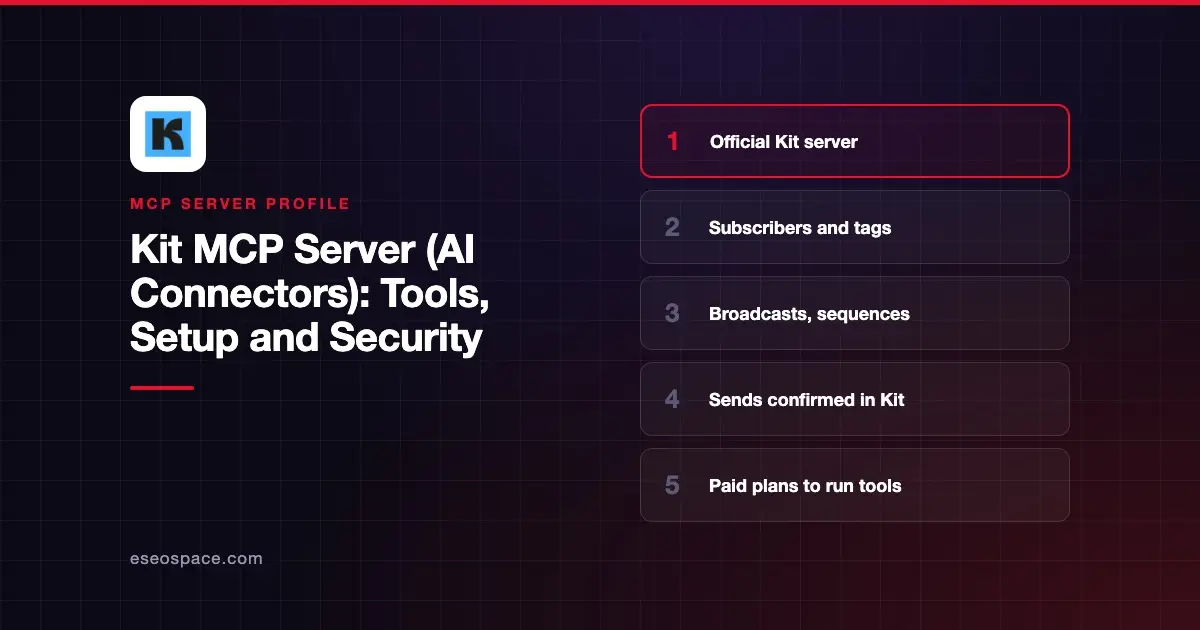
The Kit MCP server, which Kit calls AI Connectors, connects an AI app to your Kit creator account. It can look up subscribers, tag and segment people, draft broadcasts, build sequences and report on growth. Kit hosts it at https://app.kit.com/mcp.
Checked against: Claude's Kit listing and Kit's AI Connectors help article on 2 November 2026. eSEOspace did not install or test this server.
Key Takeaways
- Kit's server URL is
https://app.kit.com/mcp, and sign-in uses OAuth with your Kit account. - Tools run only on paid Kit plans (Creator and Pro). Free accounts can connect, but running a tool shows an upgrade prompt.
- Claude's listing shows 83 tools. Kit's help article says "65+ tools," so the count is growing.
- Sending a broadcast, deleting a sequence, unsubscribing someone or firing a webhook returns a link into Kit. The action runs only when you click Confirm there.
- Every tool carries a risk tag: read, write or destructive.
At a glance
| Item | Detail |
|---|---|
| Publisher | Kit, Inc. |
| Official? | Yes |
| Hosting | Remote URL |
| Transport | Remote MCP (HTTP) |
| Sign-in | OAuth with your Kit account |
| Read or write | Read, write and destructive tools |
| Price | Included on paid plans (Creator and Pro) |
| Source code | Not published |
| Status | In Claude's directory since August 2026 |
What it can do
Kit says Claude, ChatGPT, Cursor and other MCP clients "can read your Kit account and take actions on your behalf." Claude's listing groups the work as "Tag subscribers, manage segments, draft and schedule broadcasts, enroll contacts in sequences, and more."
The tool names show the range:
- Subscribers and tags.
create_subscriber,bulk_create_subscribers,bulk_tag_subscribers,filter_subscribersandadd_subscriber_to_sequence. - Broadcasts.
create_broadcast,get_broadcast,list_broadcasts,get_stats_for_a_broadcastandget_link_clicks_for_a_broadcast. - Sequences.
create_sequence,create_sequence_emailanddelete_sequence. - Pages, forms and products.
create_landing_page,list_forms,create_productandlist_purchases. - Reporting.
get_growth_statsandget_email_stats.
Kit also ships prompt templates for common jobs. In Claude Desktop and Cursor, they show up in the slash-command menu.
How to connect it
Kit says connecting "takes about 60 seconds." The flow is the same in every client:
- Add a custom connector or MCP server with the URL
https://app.kit.com/mcp. - Sign in to Kit in the browser window that opens.
- Review the permissions and click Allow.
In Claude, use Customize > Connectors, then Add custom connector, and name it Kit. Kit says a one-click Claude directory listing was "on the way" when the article was written. Claude's directory now lists Kit, added in August 2026. In Cursor, add the URL under Settings, then Tools & Integrations, then MCP Tools.
For ChatGPT, Kit's steps use developer mode and an app with OAuth authentication. ChatGPT's custom MCP flow has changed recently, so check our ChatGPT notes before you follow older screenshots.
If you run several Kit accounts, add one connector per account. Kit suggests a different suffix on each URL, such as https://app.kit.com/mcp?account1.
Security notes
Kit describes three layers of protection:
- Risk tags. Each tool is tagged read, write or destructive, so your client can decide when to ask.
- Confirm in Kit. For sending a broadcast, deleting a sequence, unsubscribing a subscriber or firing a webhook, the server returns a deep link. The write "only fires when you click Confirm inside the Kit app."
- Same rights as today. Kit says the server "doesn't give your AI client any new powers over your account." Other users on the account get the same read or write access they already have.
Kit also rate-limits each AI client connection. Bulk tools, such as bulk_delete_tags, can change many records at once, so keep approvals on for those.
Subscriber replies and form entries can carry hidden instructions. Read prompt injection through tool results, the MCP project's security best practices and our MCP Security Center.
Alternatives
- beehiiv MCP server for newsletters with ads, podcasts and community.
- Mailchimp MCP servers for campaign drafts in Claude.
- ActiveCampaign MCP server for automation-heavy email marketing.
Next step
Start by asking for broadcast stats and subscriber growth, then let the AI draft a broadcast you review in Kit. Our email newsletter playbook walks through the full workflow.
More in the MCP Guide
Free tools: MCP Server Risk Checklist · Tool Permission Planner
Latest research: State of MCP: October 2026
Frequently asked questions
Is the Kit MCP server free?
It is included on paid Kit plans, Creator and Pro. Free accounts can connect and see the tools, but running one shows an upgrade prompt.
Can the AI send a broadcast by itself?
No. For sends and other destructive actions, Kit returns a link into the Kit app. The action happens only when you click Confirm there.
What is the Kit MCP server URL?
https://app.kit.com/mcp. Add a suffix such as ?account2 if you connect more than one Kit account.
Which AI tools work with Kit?
Kit names Claude, ChatGPT and Cursor and says other MCP-compatible assistants work too. Kit is also listed in Claude's connector directory.