This profile is part of our MCP server directory, within The MCP Guide. Profiles are checked against each vendor's own documentation. Need a server built? See MCP development.

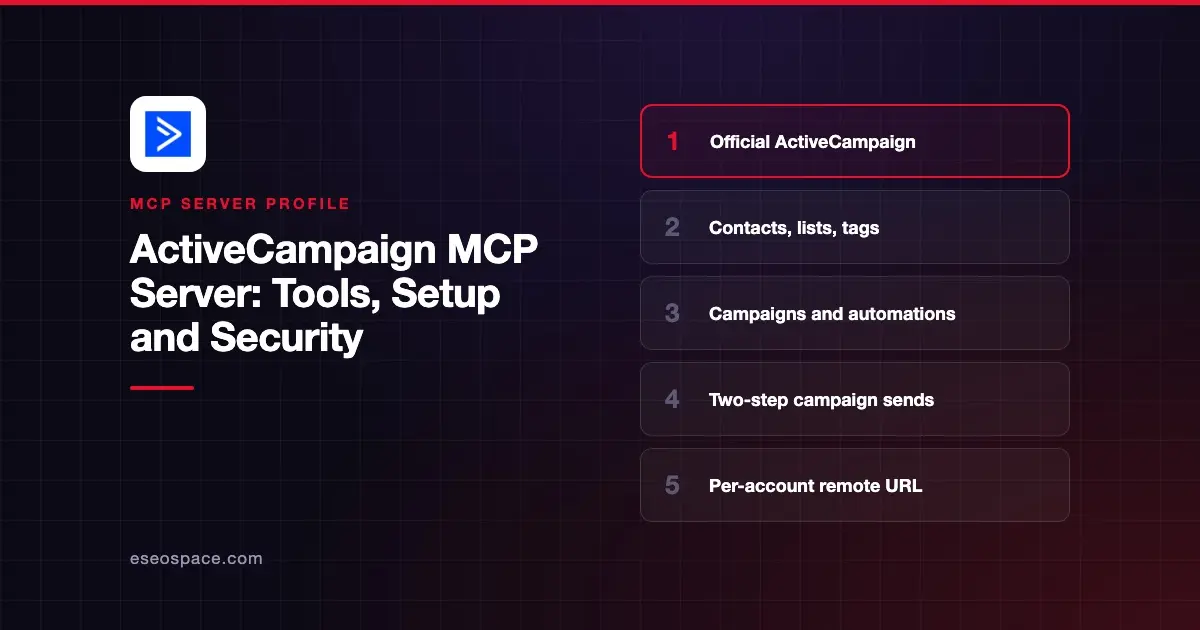
The ActiveCampaign MCP server lets an AI app work inside your ActiveCampaign account. It can look up contacts, manage lists and tags, report on campaigns and add people to automations. ActiveCampaign runs it as a remote server, so you connect with a URL instead of installing software.
Checked against: Claude's ActiveCampaign listing, ActiveCampaign's MCP page, the Claude setup tutorial and the available tools page on 2 November 2026. eSEOspace did not install or test this server.
Key Takeaways
- ActiveCampaign publishes a remote MCP server and an official connector in Claude's directory, added in November 2025.
- Your Remote MCP URL is "unique to your account" and lives under Settings, then Developer, in ActiveCampaign.
- The tools page lists 396 tools: 90 core tools plus 306 tools in an API catalog.
- Campaign sends take two steps.
prepare_campaign_send"Never sends anything on its own," andconfirm_campaign_sendruns only after you approve. - No delete tools appear in the published list.
At a glance
| Item | Detail |
|---|---|
| Publisher | ActiveCampaign |
| Official? | Yes |
| Hosting | Remote, per-account URL |
| Transport | Remote MCP (HTTP) |
| Sign-in | ActiveCampaign login and approval |
| Read or write | Read and write; no delete tools listed |
| Price | No separate MCP price listed |
| Source code | Not published |
| Status | In Claude's directory since November 2025 |
What it can do
Claude's listing shows 32 tools. They cover contacts, tags, lists, custom fields, email activity, campaigns, automations and groups. Examples include list_contacts, create_or_update_contact, add_tag_to_contact, add_contact_to_list, list_campaigns, get_campaign_links, add_contact_to_automation and remove_contact_from_automation.
ActiveCampaign's own tools page lists a larger set. It groups 90 core tools by job:
- Contacts, tags, lists and fields. Read and update contact records and their custom field values.
- Campaigns. Generate, edit, copy and version campaigns, run performance reports, and schedule or send.
- Automations. Generate and edit automations, and add or remove contacts.
- Deals and pipelines. Create and update deals, notes, pipelines and stages.
The remaining 306 tools form an API catalog. The page says "update and delete operations are not currently exposed through the catalog," so catalog tools only read and create. The page also says "the tool list your MCP client receives from the server is authoritative," and that availability depends on the connected user's permissions.
ActiveCampaign gives sample uses: pull yesterday's email performance, get a contact's phone number, create a tag or start an automation.
How to connect it
ActiveCampaign's Claude tutorial gives these steps:
- In ActiveCampaign, go to Settings, then Developer, and copy your Remote MCP URL.
- In Claude, open the connectors page (now labeled Customize > Connectors), browse, pick ActiveCampaign and click Connect.
- Paste the Remote MCP URL and continue.
- Log in to ActiveCampaign and approve the connection.
On a company Claude account, an administrator must first connect and approve ActiveCampaign for the organization. ActiveCampaign's MCP page also points to setup guides for ChatGPT and lists Cursor as a supported client. For other clients, our MCP config generator can format the entry.
Security notes
- Sends need a second step. The prepare-then-confirm design means a single tool call cannot email your list. Keep your client's approval prompts on for
confirm_campaign_sendandconfirm_campaign_schedule. - Treat the URL like a password. The Remote MCP URL is unique to your account, so keep it out of shared documents and repositories.
- Permissions follow the user. Connect with a user whose ActiveCampaign role matches the job. A reporting assistant does not need an admin login.
- Automations act on real people. Adding a contact to an automation can trigger emails. Review those calls before you approve them.
Campaign content and contact notes can carry hidden instructions. Read prompt injection through tool results, the MCP project's security best practices and our MCP Security Center.
Alternatives
- Mailchimp MCP servers for campaign drafts in Claude.
- Klaviyo MCP server for ecommerce email and SMS.
- HubSpot MCP server if your email and CRM live in HubSpot.
Next step
Start with reporting prompts, such as last week's campaign results, before you let the AI add contacts to automations. For a full workflow, see our email newsletter playbook, or compare options in best MCP servers for marketing.
More in the MCP Guide
Free tools: MCP Server Risk Checklist · Tool Permission Planner
Latest research: State of MCP: October 2026
Frequently asked questions
Does ActiveCampaign have an official MCP server?
Yes. ActiveCampaign runs a remote MCP server and lists an official connector in Claude's directory. Each account gets its own Remote MCP URL under Settings, then Developer.
Can the ActiveCampaign MCP server send campaigns?
Yes, with a safeguard. prepare_campaign_send builds a summary and sends nothing. confirm_campaign_send runs only after the user approves that summary.
Can it delete contacts?
The published tool list has no delete tools. The page says the API catalog does not expose update or delete operations, though core tools can update contacts and remove a contact from an automation.
Why does Claude show fewer tools than the tools page?
Claude's listing shows 32 tools, while ActiveCampaign's tools page lists 396. ActiveCampaign says the list your client receives from the server is the one to trust, and it depends on your permissions.