This profile is part of our MCP server directory, within The MCP Guide. Profiles are checked against each vendor's own documentation. Need a server built? See MCP development.

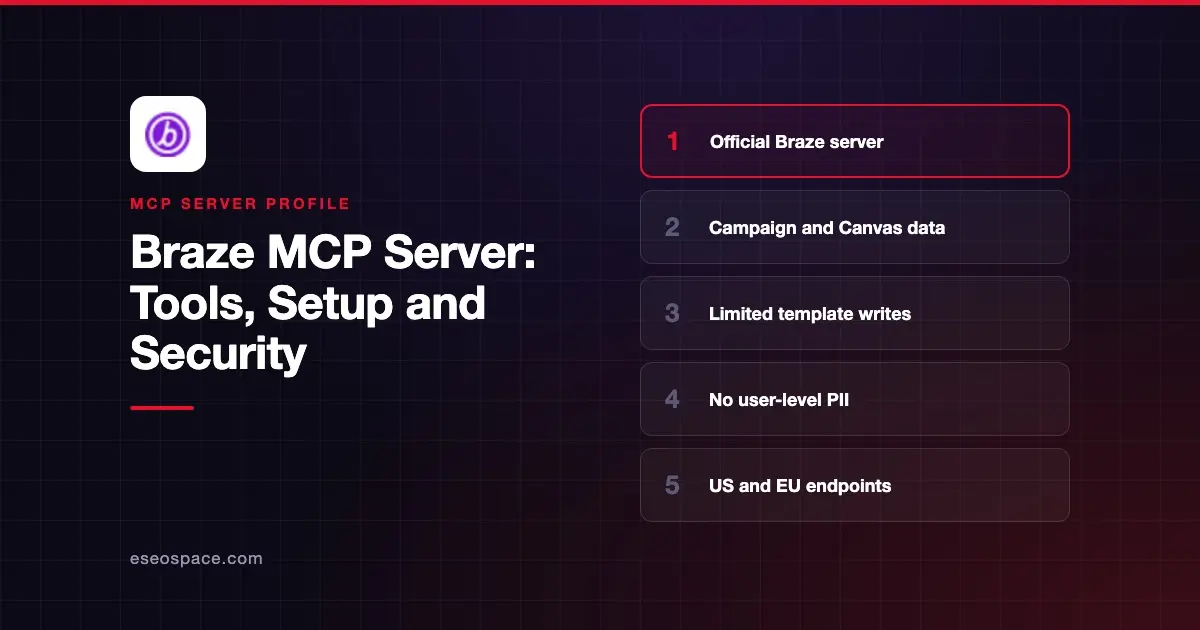
The Braze MCP server lets an AI app answer questions about your Braze workspace. It reads campaigns, Canvases, catalogs, segments and KPI data, and it can create or update a few content items. Braze hosts it, and you sign in with your Braze dashboard account.
Checked against: Claude's Braze listing and Braze's MCP server docs on 2 November 2026. eSEOspace did not install or test this server.
Key Takeaways
- Braze runs two remote endpoints:
https://mcp.braze.com/mcp(US) andhttps://mcp.braze.eu/mcp(EU). Braze says either one can reach any Braze cluster. - You sign in with OAuth through your Braze account, so no API key is needed for MCP.
- Claude's listing shows 42 tools. Write support is limited to content blocks, email templates and media library uploads.
- Braze says "Tools that expose user-level PII are not available."
- The server is not available on free trial accounts, or on accounts that use IP allowlisting.
At a glance
| Item | Detail |
|---|---|
| Publisher | Braze |
| Official? | Yes |
| Hosting | Remote URL, US and EU |
| Transport | Remote MCP (HTTP) |
| Sign-in | OAuth with your Braze dashboard account |
| Read or write | Mostly read; limited content writes |
| Price | No separate MCP price listed; not on free trials |
| Source code | Not published for the remote server |
| Status | In Claude's directory since August 2026; older local server deprecated |
What it can do
Claude's listing says the server covers 16 categories, "including campaigns, canvases, catalogs, events, KPIs, templates, media library, and more." The 42 tools include:
- Campaigns and Canvases.
get_campaign_list,get_campaign_details,get_campaign_dataseries,get_canvas_listandget_canvas_data_summary. - KPIs. Daily and monthly active users, new users, sessions, uninstalls and revenue series.
- Segments and events.
get_segment_list,get_segment_detailsandget_events_data_series. - Catalogs and products.
get_catalogs,get_catalog_itemsandget_product_list. - Content writes.
create_content_block,update_content_block,create_email_template,update_email_templateandcreate_media_library_asset.
Braze's docs note that the four Canvas tools are read-only. The listing has no tool for sending a campaign or editing a Canvas.
How to connect it
Braze says setup means pasting a URL, not installing a package or editing config files. The docs name Claude (custom connectors), ChatGPT (custom connectors), Cursor, OpenAI Codex, Claude Code and VS Code. Braze adds that any MCP client that supports remote servers with OAuth should work.
In Claude, add Braze from the directory under Customize > Connectors, or add a custom connector with your region's URL. In Claude Code, the general pattern is:
claude mcp add --transport http braze https://mcp.braze.com/mcpThen run /mcp in a session to sign in. Use the .eu URL if your team works in the EU. Braze notes that directory listings may not appear in every client, so the manual URL route is the fallback. Our MCP config generator can format the entry for other clients.
Security notes
Braze's design keeps the riskiest data out of reach:
- No user-level PII. Tools do not return data from user profiles.
- Your permissions apply. Access is "tied to your Braze dashboard user account, not a shared API key." Permission changes apply on the next request, and deactivated users lose access.
- Edits are attributed. Changes made through MCP show under your user in edit history.
- Client allowlist. Braze keeps a list of supported client domains, so unverified clients may be blocked.
- Prompt privacy. Braze says it receives only the tool calls, not your original prompt.
Braze recommends against "auto-mode" in AI clients and asks you to review proposed actions first. The older local Braze MCP server, released in August 2025, is deprecated, so move to the remote server.
Template and content block text can contain hidden instructions. Read prompt injection through tool results, the MCP project's security best practices and our MCP Security Center.
Alternatives
- Klaviyo MCP server for ecommerce email and SMS.
- ActiveCampaign MCP server for email automation with contact writes.
- Google Analytics MCP server for site and app analytics.
Next step
Use the server first for weekly KPI and campaign summaries, then allow template writes once reviewers trust the output. Our weekly marketing report playbook shows a reporting workflow, and the MCP server directory lists more options.
More in the MCP Guide
Free tools: MCP Server Risk Checklist · Tool Permission Planner
Latest research: State of MCP: October 2026
Frequently asked questions
Does Braze have an official MCP server?
Yes. Braze hosts a remote server at https://mcp.braze.com/mcp and https://mcp.braze.eu/mcp, and it is listed in Claude's connector directory.
Can the Braze MCP server send messages?
The listed tools do not include a send tool. Writes are limited to content blocks, email templates and media library uploads.
Can the AI see customer profiles?
No. Braze says tools that expose user-level PII are not available, and the tools do not return user profile data.
Do I need a Braze API key?
Not for MCP. You sign in with OAuth through your Braze dashboard account. Braze says API keys are still needed for its REST API.