This profile is part of our MCP server directory, within The MCP Guide. Profiles are checked against each vendor's own documentation. Need a server built? See MCP development.

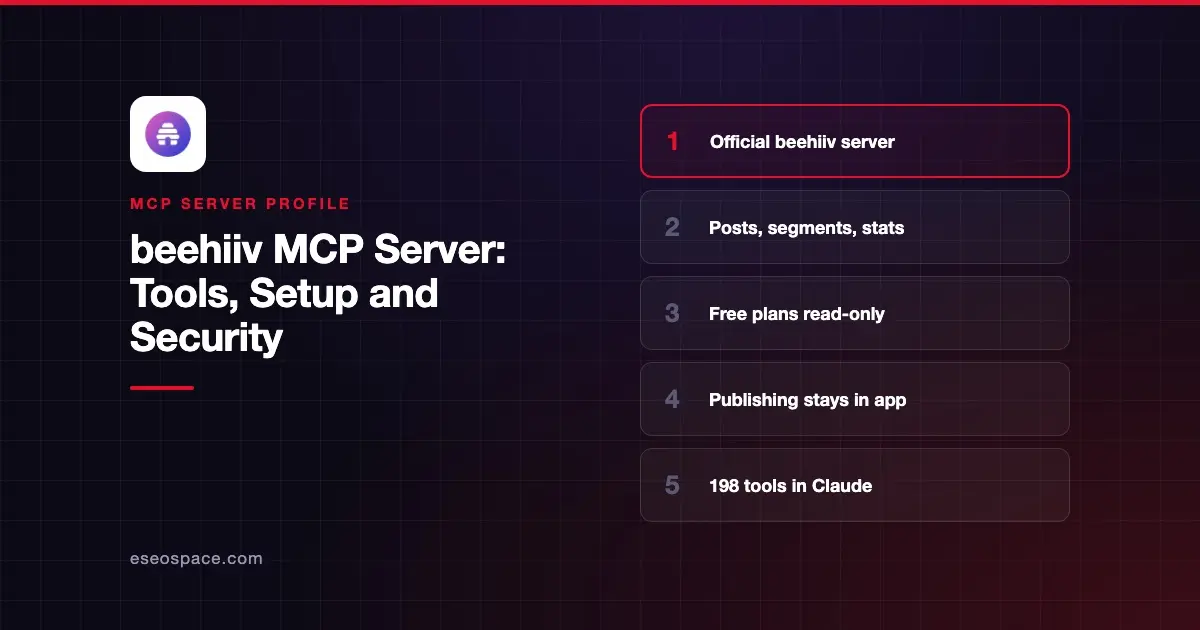
The beehiiv MCP server connects an AI app to your beehiiv newsletter workspace. It can read posts, subscriber data, stats, podcasts and ad offers, and on paid plans it can draft posts and build segments and automations. beehiiv hosts it at https://mcp.beehiiv.com/mcp.
Checked against: Claude's beehiiv listing, beehiiv's getting-started article and beehiiv's MCP launch post on 2 November 2026. eSEOspace did not install or test this server.
Key Takeaways
- beehiiv says the MCP is available to all users, with "no waitlist or paid plan required." Free plans are read-only.
- Paid plans add write tools for drafts, templates, segments, forms, products, automations and page metadata.
- Publishing, scheduling, sending posts and turning on automations still happen in the beehiiv app.
- Claude's listing shows 198 tools, added to the directory in August 2026.
- beehiiv warns that the MCP "has no fixed version," so tools and responses can change.
At a glance
| Item | Detail |
|---|---|
| Publisher | beehiiv |
| Official? | Yes |
| Hosting | Remote URL |
| Transport | Remote MCP (HTTP) |
| Sign-in | OAuth through beehiiv |
| Read or write | Read on all plans; write on paid plans |
| Price | No separate MCP price |
| Source code | Not published |
| Status | Launched March 2026; write access added June 2026 |
What it can do
Claude's listing says the server reaches your "entire beehiiv ecosystem, from podcasts and automations to segments, products, monetization data, and more."
beehiiv's getting-started article splits the tools in two:
- Read (all plans). Content, subscriber information, performance metrics, podcast shows and episodes with stats and transcripts, website analytics, and ad network offers.
- Write (paid plans). Posts and drafts, post templates, subscriber tags, custom fields, segments, surveys, polls, signup flows, subscribe forms, recommendations, products and tiers, automation workflows and emails, page SEO titles and descriptions, and site redirects.
Tool names in Claude's listing include edit_post, duplicate_post, get_post_stats, get_automation_stats, add_automation_step, get_podcast_episode_transcript, get_ad_report and generate_image.
The article also lists what the server cannot do. It cannot publish or schedule posts, send posts, activate automations, edit page body content or reach Stripe billing data.
How to connect it
beehiiv's in-app steps are:
- Open Settings from the bottom-left corner of your beehiiv account.
- Choose MCP in the left panel.
- Pick your AI client and follow the steps to grant access.
beehiiv has guides for Claude, Claude Code, Cursor and Codex, plus an "Other" option for any client that supports remote MCP servers. In Claude, you can also add beehiiv from the directory under Customize > Connectors. Our MCP config generator can format the URL for other clients.
Each connection is tied to one workspace. To add a second workspace, add a unique suffix to the URL, such as ?account=2, and sign that connection in separately.
Security notes
- Role-based access. beehiiv says data access "is determined by your workspace user role and permissions."
- Humans publish. Drafts and automations built by the AI must be published or turned on in the app, which gives you a review step.
- Custom fields. Data collected through your subscribe forms may be readable through the MCP. Review it under Subscribers, then Custom fields.
- Your responsibility. beehiiv states, "You are responsible for ensuring that any third-party tools you connect" meet your privacy commitments to subscribers.
- Unversioned tools. Because tools change over time, beehiiv points production sending to its versioned API instead.
With nearly 200 tools, the server can take up a lot of your model's context. Our guide to MCP prompt injection, the MCP project's security best practices and the MCP Security Center cover the wider risks.
Alternatives
- Kit MCP server for creator email with sequences and landing pages.
- Mailchimp MCP servers for campaign drafts.
- ActiveCampaign MCP server for automation-heavy email marketing.
Next step
Start with read-only questions, such as which posts drove upgrades, then try drafting on a paid plan. Our email newsletter playbook shows the full workflow.
More in the MCP Guide
Free tools: MCP Server Risk Checklist · Tool Permission Planner
Latest research: State of MCP: October 2026
Frequently asked questions
Is the beehiiv MCP server free?
beehiiv says there is no paid plan required to use it. Free plans get read-only access. Creating or editing content needs a paid plan.
Can the AI publish or send a newsletter?
No. beehiiv says publishing, scheduling and sending are not available through the MCP. You finish those steps in the beehiiv app.
How do I connect more than one publication?
Each connection covers one workspace. Add a different suffix to the server URL, such as ?account=2, and sign each connection in separately.
Why did my tools change?
The beehiiv MCP has no fixed version, so tools are updated over time. In Claude, choose Refresh tools list from the MCP tools dropdown, or reconnect in other clients.