



Link Reclamation: How to Find and Recover Lost Backlinks
Link Reclamation: How to Find and Recover Lost Backlinks
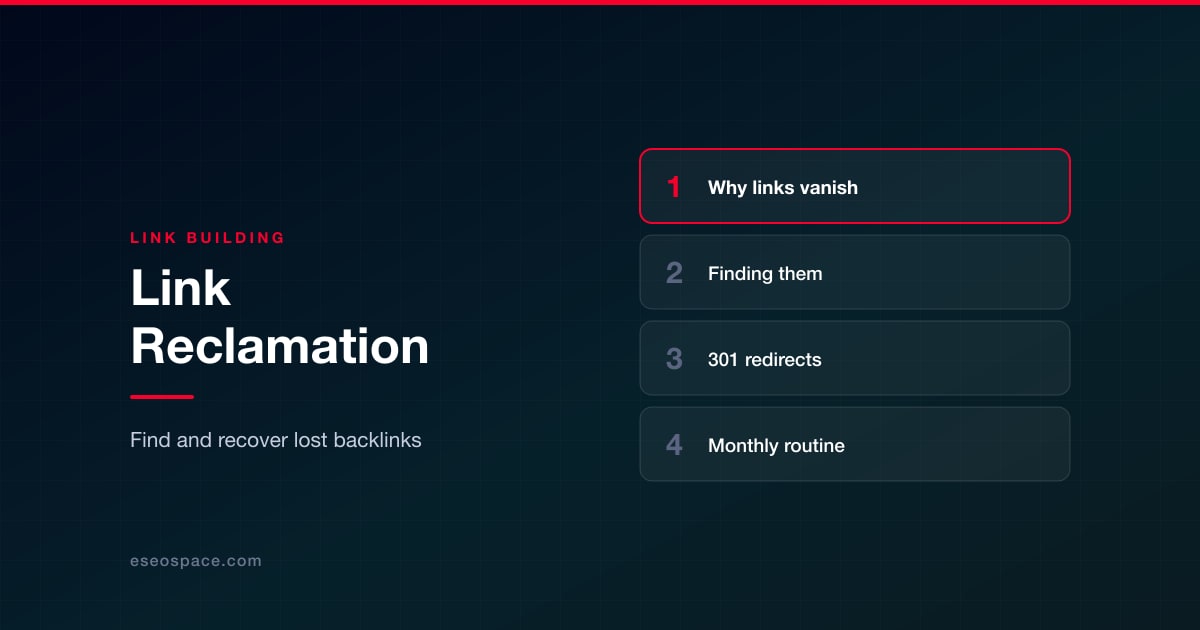
Link reclamation is the process of finding backlinks your site has lost, or links that now point to broken URLs, and getting them working again. Most lost links can be recovered in one of two ways: fix the problem on your own site with a 301 redirect, or ask the linking site to update or restore the link.
Because these links were earned once, reclaiming them is usually faster than building new ones. This guide explains why links go missing, how to find them, what to fix first, and the monthly routine our team uses to keep the problem small.
Key Takeaways
- Many "lost" links are not gone at all; they point to URLs on your site that now return a 404.
- Fix your own side first with permanent server-side redirects, which needs no one else's permission.
- Search Console's Links report is a sample, so combine it with a backlink tool, a crawl of your own 404s and your server logs.
- Ask linking sites to update a link only after you've confirmed what changed and what the right replacement URL is.
- Prioritize by the relevance and traffic of the linking page, and run a short check every month.
Why backlinks get lost
Before you look for lost links, it helps to know the usual causes. Most fall into two groups: changes you made and changes the other site made.
Changes on your side
- URL changes without redirects. A page gets renamed, moved into a new folder or merged with another, and the old URL starts returning a 404.
- Redesigns and platform migrations. Moving to a new CMS often changes URL patterns across the whole site. If the redirect map misses pages, every link to them breaks at once.
- Protocol and hostname changes. Switching from http to https, or from www to non-www, without sitewide redirects leaves older links pointing at a version of the site that no longer resolves cleanly.
- Broken or chained redirects. Redirects that loop, point to another redirect several times over, or land on a page that has since been deleted.
- Deleted content. An old study, tool or guide gets removed because no one knew it was still earning links.
Changes on the linking site
- The linking page was deleted, moved or put behind a login.
- An editor updated the article and removed or replaced your link.
- The site changed its outbound link policy, for example adding rel="nofollow" to all external links.
- The whole site went offline or changed ownership.
The first group is entirely in your control, which is why we always start there.
Find the links you've lost
No single data source sees every link, so we combine four.
Search Console's Links report
Google's Links report shows your top linked pages, top linking sites and top linking text. It is free and comes from Google, but it has real limits. Google describes it as a sample rather than a complete list, tables are capped at 1,000 rows, and some listed links may already have been removed. It also doesn't show when a link was lost. Export the "Latest links" data regularly so you have snapshots to compare over time.
Lost-link reports in backlink tools
Most major backlink tools track when a link was first seen and when it disappeared, and many also report links pointing to URLs on your site that return errors. These reports are the fastest way to spot recent losses. Treat them as leads to verify: third-party crawlers can mark a link as lost when a page simply timed out, and their coverage differs from tool to tool.
Crawl your own 404s that still have inbound links
This is often where the biggest wins are. Crawl your site and export every URL that returns a 404 or 410, then match that list against the target URLs in your backlink data. Any broken URL that still has external links pointing to it is a reclamation opportunity you can fix today. Server logs help too: a 404 URL that keeps getting visits with an external referrer is being linked from somewhere. Our guide on how to monitor and fix broken links covers the crawling side in more detail.
This matters because Google's documentation on HTTP status codes says it doesn't index URLs that return a 4xx code and removes already-indexed ones. A link to a 404 sends visitors to a dead end and points at a URL Google drops from its index.
The Wayback Machine
When you find a broken URL but don't remember what was on it, check the Internet Archive's Wayback Machine. It shows past captures of the page, so you can see what it covered and choose the closest living replacement. For larger lists, the Wayback Availability API returns the closest archived snapshot for a URL, which makes it easy to check many URLs at once. The Wayback Machine also helps when a linking page has changed: an older capture can show exactly how the link used to read.
Fix your side first with 301 redirects
If the link points to a URL on your site that no longer works, you don't need to contact anyone. Add a permanent redirect from the old URL to the most relevant live page.
Google's guidance on redirects says that with a permanent redirect (301 or 308), its indexing pipeline uses the redirect as a signal that the target should be canonical, and that server-side redirects have the highest chance of being interpreted correctly. Temporary redirects (302, 307) don't send that canonical signal, so use a permanent one when the move is permanent. On the question of link value, Google's Gary Illyes stated in 2016 that 30x redirects don't lose PageRank anymore.
A few rules we follow when building redirects:
- Redirect to the closest equivalent. Send an old pricing guide to the current pricing guide, not to the homepage. If nothing on the site covers the same topic, consider restoring or rebuilding the page instead.
- Avoid chains. Point every old URL directly to the final destination rather than through two or three hops.
- Cover every variant. Make sure http, https, www and non-www versions of old URLs all resolve to one final URL.
- Keep redirects in place. Old links keep working only as long as the redirect exists, so don't prune redirects that still receive traffic or links.
After deploying, test a sample of the old URLs and confirm each returns a single 301 to a page that returns 200.
Then ask linking sites to update
Once your side is clean, some links still need the other site's help: links that were removed during an edit, links pointing to a URL you can't redirect, or links that now go through a long redirect chain you'd like shortened. Keep the request short and helpful.
Subject: Quick fix for a link in your guide to commercial roofing

Hi Sam,

Your guide "Choosing a Commercial Roofing Material" links to our
TPO vs. EPDM comparison. We moved that page, so the link now goes
through a redirect. The current URL is:
https://example.com/guides/tpo-vs-epdm/

If you have a minute to update it, readers will land there directly.
Thanks for referencing it in the first place.

Alex Chen
Example Roofing
When a link was removed on purpose during an edit, find out why before you ask for it back. If your page was replaced because it went out of date, update your page first and then mention what changed. If the editor simply prefers another source, accept that and move on. Never offer payment for a restored link unless it will be marked rel="sponsored"; Google's spam policies treat paid links that pass ranking credit as link spam.
Lost links are closely related to unlinked brand mentions. When an edit removes your link but keeps your brand name, the page becomes an unlinked mention, and the same polite, one-follow-up approach applies.
How to prioritize what to reclaim
A large site may find hundreds of lost or broken links. Work through them in this order.
| Situation | Fix | Effort | Priority |
|---|---|---|---|
| Links point to your 404 page, closest replacement exists | 301 redirect | Low, no outreach | First |
| Links point to your 404 page, no replacement exists | Restore or rebuild the page, then redirect | Medium | High if the links are strong and relevant |
| Link goes through a chain or http version | Collapse the chain; optionally ask for an update | Low | Medium |
| Link removed during an edit | Improve your page, then ask the editor | Medium | Medium to high on relevant sites |
| Linking page deleted or site offline | Usually none; note it and move on | None | Low |
Within each group, rank by how relevant the linking site is to your business and whether the linking page gets real visitors. Third-party metrics like Domain Rating are vendor estimates, not Google signals, so use them only to sort a long list, never as the final decision. Be skeptical of lost links from low-quality or spammy pages. Losing those is not a problem to solve, and our article on toxic backlinks explains how to judge whether a low-quality link needs any action at all.
A monthly link reclamation routine
Reclamation works best as a habit, not an annual cleanup. This routine takes most sites an hour or two a month:
- Export link data. Download the latest links from Search Console and the lost-links report from your backlink tool.
- Crawl for 404s. Match broken URLs against pages that still have inbound links.
- Redirect. Add permanent redirects for every broken URL with links, and test them.
- Verify losses. Visit each lost linking page to confirm the link is really gone, and check the Wayback Machine for what changed.
- Send requests. Contact editors for high-priority removed or outdated links, one follow-up at most.
- Log results. Record the URL, cause, fix, contact date and outcome in a shared sheet.
Add one step to every site change: before any redesign, migration or URL cleanup, export all URLs with inbound links and build the redirect map from that list. It prevents most lost links before they happen.
How reclamation fits a healthy link profile
Reclamation protects what you have already earned. It doesn't replace earning new links, and no one can guarantee that recovered links will change rankings. What it does is keep your strongest references working for both readers and search engines. For a sense of what a sound profile looks like overall, see what a healthy backlink profile actually looks like. Once your own broken URLs are handled, the same skills carry over to finding dead pages on other sites, which is the basis of broken link building.
If you're evaluating link building agencies, ask whether they include reclamation and redirect audits or only sell new placements. Many sites have more value sitting in broken URLs than any new campaign would add in a month. When you want help, eSEOspace's link building service includes lost-link audits, redirect mapping and editor outreach as part of an ongoing program.
Frequently Asked Questions
What is the difference between link reclamation and broken link building?
Link reclamation recovers links that already pointed to your site. Broken link building finds dead pages on other sites and offers your content as a replacement for links that never pointed to you.
Do 301 redirects pass link value?
Google's Gary Illyes said in 2016 that 30x redirects don't lose PageRank, and Google's redirect documentation says permanent redirects signal that the target should be canonical. Redirect to a genuinely equivalent page, since a redirect to an unrelated page doesn't serve the people clicking the link.
Why doesn't Search Console show all my lost links?
The Links report is a sample, capped at 1,000 rows per table, and it doesn't report when links were removed. Combine it with a backlink tool and a crawl of your own 404s.
Should I redirect every 404 to the homepage?
No. Redirect each old URL to the closest page that covers the same topic. If nothing matches and the URL has no valuable links, letting it return a 404 is fine.
How often should we check for lost links?
Monthly for most sites, and always before and after a redesign or migration, which is when the largest losses happen.
Put this into action with eSEOspace
We help businesses grow with website development that actually performs. Explore the services behind this guide:
Get a FREE Audit
We'll perform a comprehensive SEO, AEO, GEO & CRO audit of your website — completely free — and show you exactly how to outrank your competitors.
Don't have a site yet? Get in touch →
Get a FREE GEO/AEO/SEO Audit
We'll analyze your site's SEO, GEO, AEO & CRO — completely free — and show you exactly how to get found across Google and AI answers.
Don't have a site yet? Get in touch →
Great — your audit is on the way!
We'll send your free SEO/GEO/AEO/CRO audit within the next few hours. Where should we send it?
You're all set! ✓
Your free audit is being prepared — check your inbox in the next few hours. Talk soon!








