
0 entries
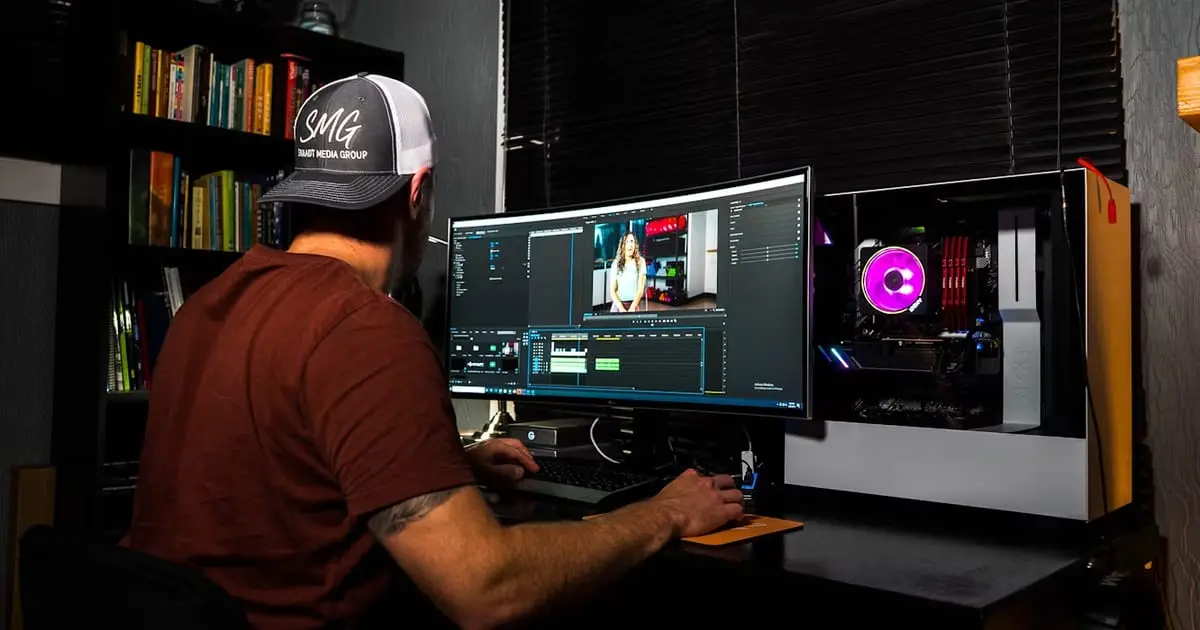
Search engines prioritize high-quality video content that keeps users on pages longer. Content teams publishing weekly video clips face severe render bottlenecks when working on outdated computers. Faster rendering cycles mean quicker upload schedules, giving search rankings an immediate edge. Modern video workflows demand hardware capable of crunching 4K footage without dropping frames during playback.
The rig is only half the job, of course: the finished clip still has to be published in a way search engines can read, which is where video SEO begins. But no publishing schedule survives a workstation that needs all afternoon to export a five-minute cut.
 High-Performance GPUs with Dedicated Hardware Encoders
Video processing relies heavily on graphics card performance to render visual effects and balance export speeds. Moving from integrated graphics, or from a card several generations old, is usually the single most visible change you can make to effects-heavy render and export times, though the size of the gain depends on your codec, the effects in play, and how well your editing software actually uses the card. Content managers publishing daily video logs cut waiting times significantly by pairing fast GPUs with active editing software.
Top-tier graphics processors deliver the memory bandwidth that keeps a timeline scrubbing in real time. NVIDIA's RTX 5090, for instance, carries 32GB of VRAM and dedicated hardware encoders that take the export off the CPU entirely. High video memory capacity prevents dropped frames and crashes when applying color grading or stacking multi-layer motion graphics.
High-Performance Workstation Systems and Desktop Rigs
Video creators seeking quick output often turn to custom hardware configurations built to sustain demanding workloads. Well-balanced desktop rigs distribute resources across system cooling, storage access, and processing threads. When comparing workstation options, creators may look at configurations from providers such as Novatech Gaming alongside other custom-build choices to assess which setup fits their production needs. Reliable hardware can help prevent unexpected slowdowns when handling high-bitrate media files.
Proper system balance prevents thermal throttling during long video renders. Maintaining cool operating temperatures allows components to hold their boost clocks through a heavy export instead of sagging halfway through it. An SEO content strategy relies on predictable output rates, which makes hardware stability an operational priority rather than a nice-to-have.
High-Capacity DDR5 System RAM
Editing high-definition footage demands large volumes of system memory to prevent caching lag. As a working baseline, 16GB covers basic HD timelines, 32GB handles standard single-stream 4K comfortably, and 64GB or more is where multi-stream and RAW projects stop falling back on the swap file. Upgrading system memory capacity prevents software freezes when toggling between motion design applications and a browser full of reference tabs.
High memory capacity also lets editing software pre-render video segments smoothly in background buffers, so the timeline stays responsive while an export runs. Heavy multi-application workflows need that headroom; without it, the system leans on slow swap files at exactly the moment you are trying to work. On a machine that doubles as a gaming rig, a modern DDR5 kit is the upgrade that serves both jobs at once.
High-Speed NVMe Solid State Drives
Storage speed directly determines how fast project files, proxy assets, and cache files load into editing software. On a rig still working off a SATA drive or a spinning disk, moving the active project onto NVMe SSD storage is the cheapest upgrade with the most immediately noticeable effect. Fast read and write speeds eliminate scrubbing lag across complex multi-camera video tracks.
Using separate drives for the operating system, media caches, and active project files prevents file transfer bottlenecks. PCIe 4.0 and PCIe 5.0 drives move gigabytes of raw video in seconds. Quick file access keeps editors focused on creative polishing rather than progress bars.
Multi-Threaded Processors with Hardware Encoders
Central processing units handle complex timeline instructions, audio rendering, and background file exports. Intel Quick Sync, NVIDIA NVENC, and AMD AMF are fixed-function encoders that run the export in dedicated silicon rather than on general-purpose cores, which is what makes same-day turnaround on a daily video schedule realistic. Selecting processors with built-in hardware acceleration lightens the workload on core execution units.
Higher core counts allow editing software to process multiple video frames in parallel. Fast single-core speeds keep scrubbing responsive, and multi-threaded power accelerates final file compression. Efficient CPU rendering ensures exported video files meet publishing deadlines consistently.
High-Resolution Color-Calibrated Displays
Clear visual feedback allows creators to catch color flaws before publishing videos to search audiences. Upgrading display hardware improves editing precision through several key display parameters:
- High-resolution 4K display panels showing precise pixel detail across multi-track timelines
- High dynamic range support displaying deep contrast levels and accurate shadows
- Wide color gamut coverage matching sRGB and DCI-P3 color standards
- Factory color calibration preventing output color shift across different viewing devices
Accurate monitor color balance prevents costly re-renders after video uploads go live. Clear image quality speeds up visual editing tasks, letting teams publish polished video content faster. Consistent visual standards build user trust and boost viewer retention metrics on target pages.
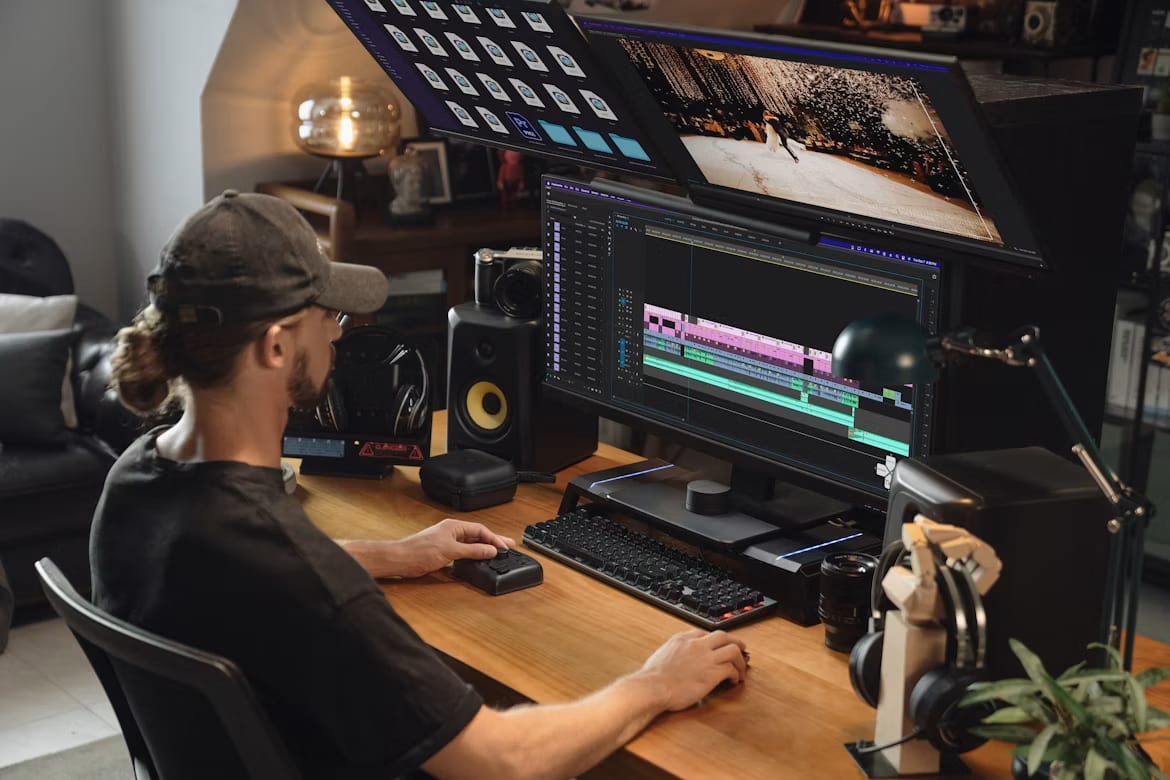
Upgraded video editing rigs reduce friction across the entire content creation lifecycle. Streamlined rendering speeds allow production teams to publish optimized video assets on regular schedules. Consistent video publishing directly improves search engine visibility and keeps website visitors engaged longer.
Hardware only gets the file exported on time, though. The clip still has to land somewhere search engines and AI assistants can read it, which means embedding it properly on your own pages and giving it video schema markup so it can earn a rich result. If you would rather hand that half to someone else, our video SEO services cover it.
How companies are reviewed: we also write independent, fact-checked reviews of companies, with strengths and weaknesses, in Company Spotlight.