This profile is part of our MCP server directory, within The MCP Guide. Profiles are checked against each vendor's own documentation. Need a server built? See MCP development.

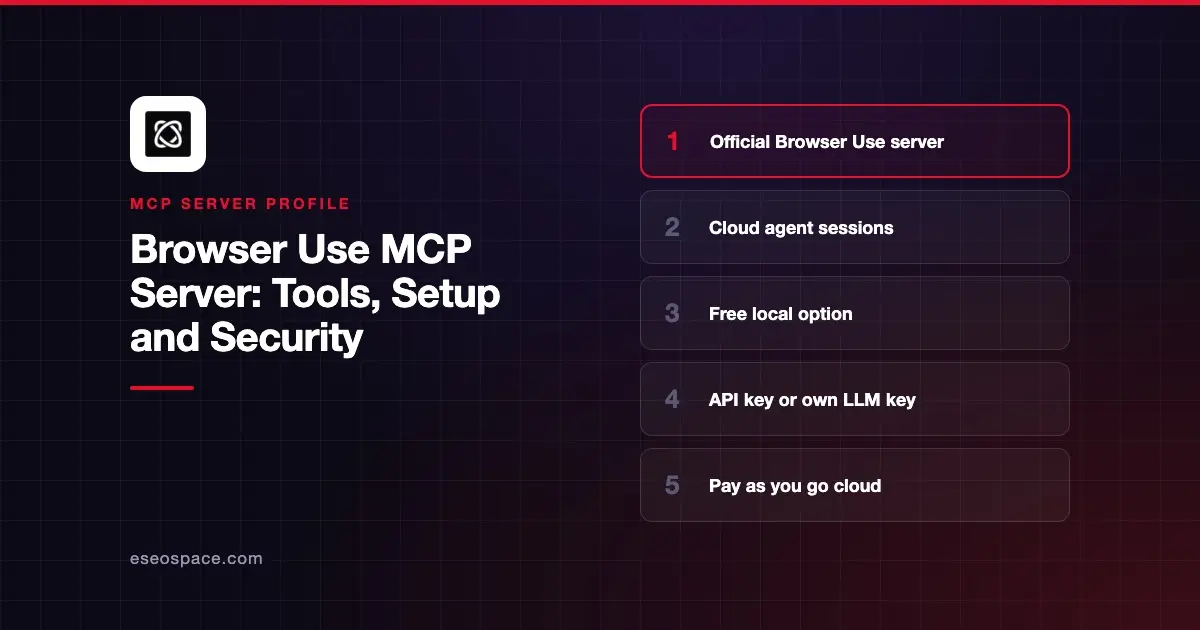
Browser Use gives your AI app a browser agent that can open pages, click, type and return results. It offers two MCP servers: a hosted one at https://api.browser-use.com/v3/mcp that runs tasks on Browser Use's cloud browsers, and a free local one that runs on your machine.
Checked against: Browser Use's cloud MCP guide, its local MCP server docs and the browser-use GitHub repo on 2 November 2026. eSEOspace did not install or test this server.
Key Takeaways
- The cloud server hands a whole task to a Browser Use agent and returns the result, using an API key.
- The local server runs with
uvx --from 'browser-use[cli]' browser-use --mcpand needs your own OpenAI or Anthropic key. - The cloud server runs API V3 sessions. Browser Use's docs recommend V4 for new API integrations, but the MCP server has not moved.
- The open-source library is MIT licensed. Cloud use is pay as you go.
- A browser agent can act on any site it reaches, so scope tasks and watch logged-in sessions.
At a glance
| Item | Detail |
|---|---|
| Publisher | Browser Use |
| Official? | Yes |
| Hosting | Both: remote URL and local Python package |
| Transport | HTTP (cloud); stdio (local) |
| Sign-in | Cloud: API key as Authorization: Bearer. Local: your LLM provider key |
| Read or write | Read-write (the agent clicks, types and submits) |
| Price | Local free; cloud pay as you go |
| Source code | browser-use/browser-use (MIT) |
| Status | Not stated |
What it can do
The cloud guide lists seven tools:
run_sessioncreates a session and runs a task. Options includemodel,output_schema,profile_id,workspace_idandproxy_country, which defaults tous.get_sessionpolls status, output, step count, cost and a live URL.send_tasksends a follow-up to an idle keep-alive session.stop_sessionstops the task or destroys the sandbox.get_session_messages,list_sessionsandlist_browser_profilesreturn history, recent sessions and saved profiles.
The local server docs describe lower-level tools for direct control. They include browser_navigate, browser_click, browser_type, browser_get_state, browser_screenshot, browser_extract_content, tab tools and session tools. A separate retry_with_browser_use_agent tool runs a full agent task, which the docs suggest only as a last resort.
How to connect it
Cloud server. Get an API key from your Browser Use cloud settings. For Claude Code, Browser Use documents:
claude mcp add -t http -H "Authorization: Bearer YOUR_API_KEY" browser-use https://api.browser-use.com/v3/mcpFor Cursor, add this to .cursor/mcp.json:
{
  "mcpServers": {
    "browser-use": {
      "url": "https://api.browser-use.com/v3/mcp",
      "headers": {
        "Authorization": "Bearer YOUR_API_KEY"
      }
    }
  }
}
The guide also gives an mcp-remote config for Claude Desktop. The legacy x-browser-use-api-key header still works for existing setups.
Local server. You need uv. For Claude Code:
claude mcp add browser-use -- uvx --from 'browser-use[cli]' browser-use --mcpIn Claude Desktop, put your OPENAI_API_KEY or ANTHROPIC_API_KEY in the server's env block. On macOS, the docs suggest using the full path to uvx if Claude Desktop cannot find it. Our MCP config generator can help format the JSON.
Security notes
A browser agent is one of the riskier things to connect, because web pages are untrusted input.
- Prompt injection. Any page can hide instructions. Read prompt injection through tool results before you point the agent at unknown sites.
- Logged-in profiles.
profile_idlets a cloud task reuse saved browser state. Use profiles only for accounts you are willing to let the agent act in. - Disabled protections. The local server has a
BROWSER_USE_DISABLE_SECURITYvariable that turns off browser security features. Leave it unset. - Costs. Browser Use's docs say API-key monthly spending caps are "soft limits," and a client timeout does not cancel a server-side run. Check
list_sessionsfor runs that keep going. - Keys. Keep API keys out of committed files, as the guide advises.
Browser Use's docs also say the agent's own success flag is "agent-reported," so verify important actions yourself. The MCP project's security best practices and our MCP Security Center cover more.
Alternatives
- Playwright MCP server for deterministic, low-level browser control.
- Browserbase MCP server for hosted browsers driven by your agent.
- Chrome DevTools MCP server for debugging pages in Chrome.
Next step
Start with read-only tasks on public sites, such as collecting prices, and review the session messages before trusting results. Our best MCP servers for browser automation list compares the options, and the MCP server directory has more.
More in the MCP Guide
Free tools: MCP Server Risk Checklist · Tool Permission Planner
Latest research: State of MCP: October 2026
Frequently asked questions
Is the Browser Use MCP server free?
The local server is free and open source, but you pay your own LLM provider. The cloud server bills usage to your Browser Use account, which the docs describe as pay as you go.
What is the difference between the cloud and local servers?
The cloud server runs a full agent task on Browser Use's browsers and returns the result. The local server exposes step-by-step browser tools that your own AI drives.
Does the cloud MCP server use API V4?
No. Browser Use's guide says "The MCP server runs API V3 sessions, not V4 runs."
Which clients does it support?
Browser Use documents Claude Code, Claude Desktop, Cursor and Windsurf, and says any MCP client can connect.