This profile is part of our MCP server directory, within The MCP Guide. Profiles are checked against each vendor's own documentation. Need a server built? See MCP development.
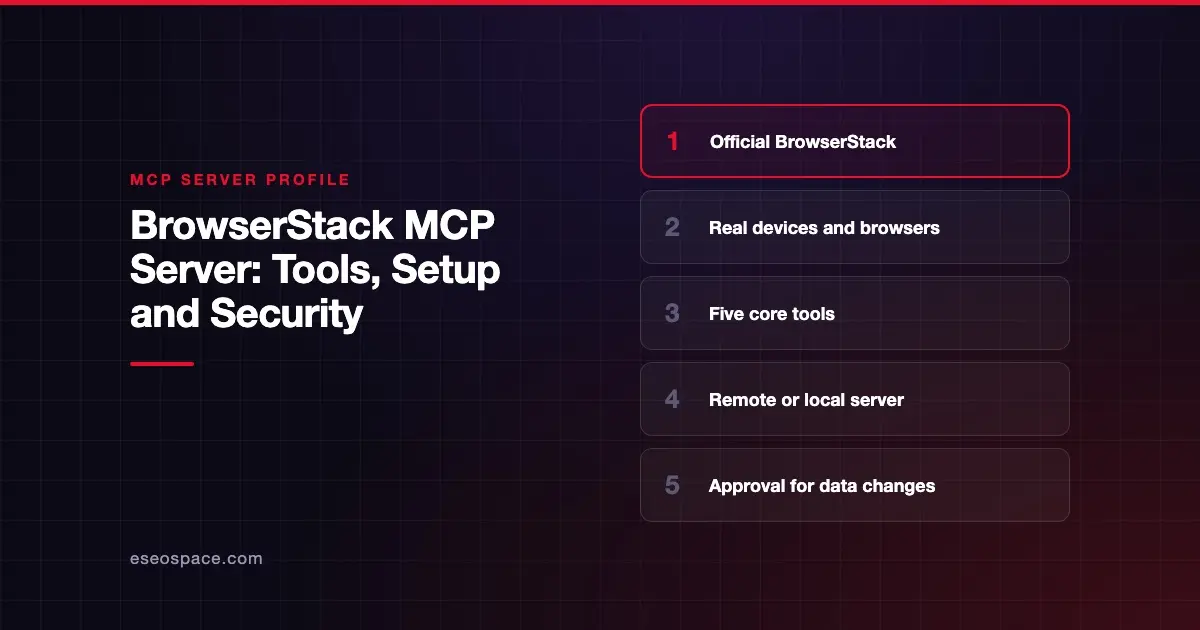
The BrowserStack MCP server connects AI tools to BrowserStack's testing platform. You can open apps and sites on real devices, run and debug automated tests, scan for accessibility issues, manage test cases and run load tests in plain English. BrowserStack offers a hosted server at https://mcp.browserstack.com/mcp and a local npm package.
Checked against: the BrowserStack MCP README on GitHub and Claude's BrowserStack listing on 2 November 2026. eSEOspace did not install or test this server.
Key Takeaways
- The hosted server is stateless over Streamable HTTP and uses OAuth, so there are no passwords in config.
- Five core tools let the agent search and run any BrowserStack capability without loading hundreds of tools.
- The hosted server cannot reach localhost or apps behind a VPN. Use the local server for that.
- BrowserStack says root-cause fixes are proposals only and are never applied automatically.
- You need a BrowserStack account. Open-source projects can apply for a free plan.
At a glance
| Item | Detail |
|---|---|
| Publisher | BrowserStack |
| Official? | Yes |
| Hosting | Both: remote URL and npm package @browserstack/mcp-server |
| Transport | Streamable HTTP (remote); local server for Local Testing |
| Sign-in | OAuth (remote); username and access key (local) |
| Read or write | Read-write (test runs, test cases, results) |
| Price | No separate MCP price listed; BrowserStack plans apply |
| Source code | browserstack/mcp-server (AGPL-3.0) |
| Status | "Under active development" per README |
What it can do
The README lists five core tools:
listProductslists BrowserStack products in the catalog.describeEntityexplains an entity, such as a test run, and what can act on it.searchCapabilityfinds capabilities that match a plain-language request.describeCapabilityreturns a capability's parameters and response format.invokeCapabilityruns a capability. BrowserStack says "Changes to data need your approval."
The README explains why: one tool per workflow "would fill your context window." Claude's listing still shows 37 tools, such as createTestRun, fetchAccessibilityIssues, getFailureLogs and fetchRCA.
Use cases in the README include:
- Manual testing on real phones and browsers, such as opening a site on Edge.
- Automated tests with Playwright, Selenium and Jest, including debugging failures.
- Accessibility scans for local or live sites.
- Test management: projects, test cases, test runs and results.
- Load testing with JMeter, k6, Gatling, Locust and browser frameworks.
- BrowserStack AI agents for test generation and self-healing scripts.
How to connect it
For Claude Code, the README gives:
claude mcp add --scope user --transport http browserstack https://mcp.browserstack.com/mcpThen run /mcp and sign in. For Codex:
codex mcp add browserstack --url https://mcp.browserstack.com/mcp
codex mcp login browserstack
For Cursor, add "browserstack": { "url": "https://mcp.browserstack.com/mcp" } under mcpServers in ~/.cursor/mcp.json. In Claude Desktop or claude.ai, add a custom connector with the same URL, or use the listing in Claude's directory. ChatGPT users install the BrowserStack plugin.
The local server needs Node.js 22 or newer plus your BrowserStack username and access key. BrowserStack links separate local setup docs. Our MCP config generator can format the JSON.
Security notes
BrowserStack builds in two useful checks. Data changes through invokeCapability need approval, and root-cause analysis returns a suggested fix "as a proposal only." Your assistant must wait for your OK before editing files.
Other points to watch:
- Local files. Tools that upload a local file or app need
MCP_UPLOAD_BASE_DIR, and uploads are restricted to that folder. Point it at a dedicated directory. - Local server credentials. The local server uses your access key. Keep it out of shared config.
- Load tests cost quota. The README shows checking VU-hours before a big run. Require approval before load tests start.
- Non-determinism. BrowserStack notes that LLM-driven calls "can lead to unexpected results."
Pages and logs the agent reads are untrusted input; see prompt injection through tool results. The MCP project's security best practices and our MCP Security Center cover the rest.
Alternatives
- Playwright MCP server for free local browser automation.
- Chrome DevTools MCP server for debugging and performance traces in Chrome.
- Browserbase MCP server for hosted headless browsers.
Next step
Start with an accessibility scan or a failed-test analysis, which read more than they change. Our browser testing playbook shows a full workflow, and the MCP server directory has more profiles.
More in the MCP Guide
Free tools: MCP Server Risk Checklist · Tool Permission Planner
Latest research: State of MCP: October 2026
Frequently asked questions
Is the BrowserStack MCP server free?
The server is open source, but it works with your BrowserStack account and plan. The README says open-source projects can get a free plan.
Can the hosted server test my localhost site?
No. The README says the remote server has no Local Testing support. Use the local BrowserStack MCP server for localhost, VPNs or firewalled apps.
Will it change my test code automatically?
No. BrowserStack says suggested fixes are proposals, and your assistant must get your approval before editing files.
Which clients work with it?
BrowserStack documents Claude Code, Claude Desktop, ChatGPT, Codex, VS Code with GitHub Copilot, Cursor and Kiro, and says any MCP client can connect.