This profile is part of our MCP server directory, within The MCP Guide. Profiles are checked against each vendor's own documentation. Need a server built? See MCP development.

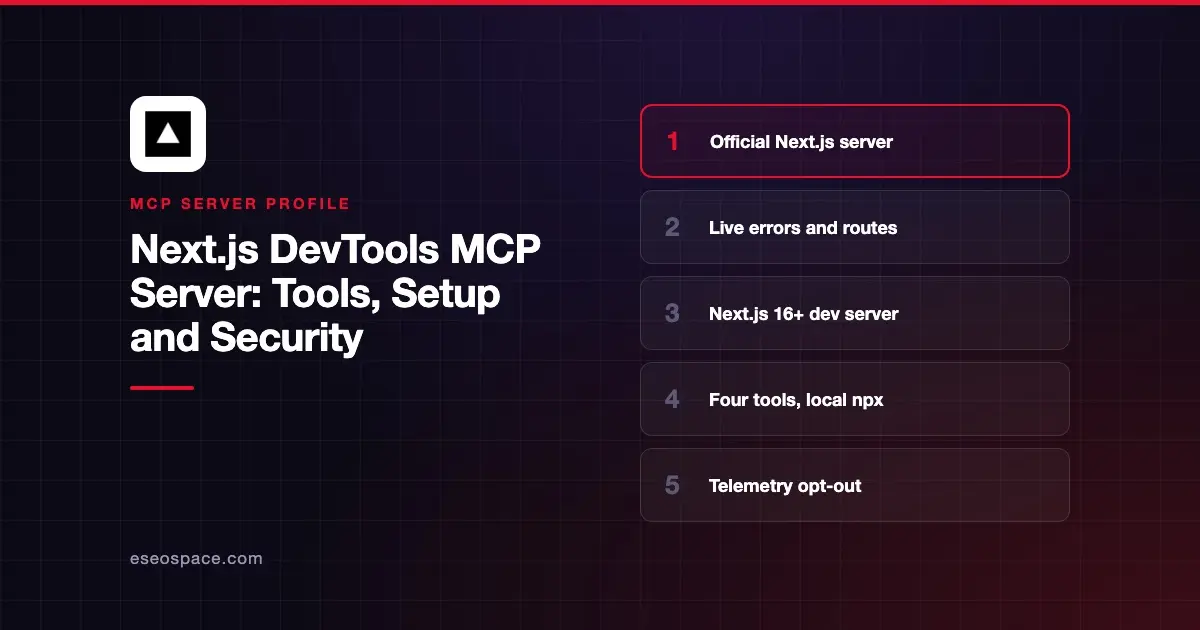
The Next.js DevTools MCP server, next-devtools-mcp, connects coding agents such as Claude Code and Cursor to your running Next.js dev server. Next.js 16 and later expose an MCP endpoint at /_next/mcp, and this package finds it and passes the agent live errors, routes and logs.
Checked against: the next-devtools-mcp README (package version 0.4.1) and the Next.js MCP guide on 2 November 2026. eSEOspace did not install or test this server.
Key Takeaways
- Vercel publishes
next-devtools-mcp. It runs locally throughnpxand needs Node.js 20.19 or newer. - Since version 0.4.0 it is a "thin connector" with four tools:
nextjs_index,nextjs_call,nextjs_docsandbrowser_eval. - Runtime tools such as
get_errors,get_routesandget_logscome from the Next.js dev server itself. - Older guides mention
init,upgrade_nextjs_16andenable_cache_components. Those tools were removed. - It collects anonymous usage telemetry unless you set
NEXT_TELEMETRY_DISABLED=1.
At a glance
| Item | Detail |
|---|---|
| Publisher | Vercel (Next.js team) |
| Official? | Yes |
| Hosting | Local npm package next-devtools-mcp |
| Transport | stdio; proxies the dev server's HTTP endpoint |
| Sign-in | None |
| Read or write | Mostly read; compile tools build routes in the dev server |
| Price | Free |
| Source code | vercel/next-devtools-mcp (package.json lists MIT) |
| Status | Pre-1.0 (0.4.1) |
What it can do
The README lists four tools:
nextjs_indexscans common ports for running Next.js 16+ dev servers and lists each one's runtime tools.nextjs_callcalls one runtime tool on a chosen server, with a 60-second deadline.nextjs_docspoints the agent to the version-matched docs bundled innode_modules/next/dist/docs/. It does not fetch docs itself.browser_evalpoints the agent to Vercel'sagent-browserCLI. It does not drive a browser itself.
Through nextjs_call, the Next.js guide lists these dev server tools:
get_errorsreturns build, runtime and config errors with source-mapped stack traces.get_logsreturns the path to the dev log file.get_page_metadatashows what contributes to the current page, with the page open in a browser.get_project_metadataandget_routesreturn the project path, dev URL and every route.get_server_action_by_idmaps a Server Action ID to its source.get_compilation_issuesandcompile_routecheck compilation without an HTTP request (Turbopack only).get_request_insightsshows request timelines and cache behavior whenexperimental.requestInsightsis on.
The guide says these tools let agents check that code compiles "instead of running next build" while still editing.
How to connect it
Install for all your agents with add-mcp:
npx add-mcp next-devtools-mcp@latestOr add it to .mcp.json at your project root:
{
  "mcpServers": {
    "next-devtools": {
      "command": "npx",
      "args": ["-y", "next-devtools-mcp@latest"]
    }
  }
}
For Claude Code, the README gives:
claude mcp add next-devtools npx next-devtools-mcp@latestThe README also covers Codex, Cursor, Gemini, Google Antigravity, VS Code and Warp. Then start your app with npm run dev. The endpoint at http://localhost:3000/_next/mcp is on by default, and the package connects automatically. Our MCP config generator can format the JSON for other clients.
Security notes
The server mainly reads from your local dev server, which limits the risk. Still, a few points matter:
- Log contents.
get_logsreturns a log that includes browser console output and server output. Those can contain user data or secrets printed during debugging, so keep test data clean. - Telemetry. The package sends anonymous tool usage, error messages and session metadata. The README says it does not collect code, file paths or tool arguments. Opt out with
export NEXT_TELEMETRY_DISABLED=1and delete~/.next-devtools-mcpto clear local data. - Latest tag.
next-devtools-mcp@latestalways pulls the newest version. Pin a version if your team reviews dependencies. See supply chain risks. - Dev only. The
/_next/mcpendpoint is part of the development server. Do not expose a dev server to the internet.
The MCP project's security best practices and our MCP Security Center cover the wider picture.
Alternatives
- Vercel MCP server for deployments, logs and projects on Vercel.
- Chrome DevTools MCP server for inspecting the rendered page.
- Context7 MCP server for docs across many libraries.
Next step
Run your dev server and ask, "What errors are in my Next.js application?" to confirm the connection. Our deploy checks playbook shows how this fits with Vercel, and the MCP server directory has more profiles.
More in the MCP Guide
Free tools: MCP Server Risk Checklist · Tool Permission Planner
Latest research: State of MCP: October 2026
Frequently asked questions
Does next-devtools-mcp work with Next.js 15?
The runtime tools need Next.js 16 or later, because the /_next/mcp endpoint only exists there. nextjs_docs and browser_eval work without a dev server.
Why can't I find the upgrade tools anymore?
Version 0.4.0 removed upgrade_nextjs_16 and enable_cache_components. The README says those workflows are now distributed as agent skills.
Do I need next-devtools-mcp at all?
Not always. The Next.js guide says skills such as next-dev-loop call /_next/mcp directly, so they work without this package.
Is it free?
Yes. It is an open-source npm package from Vercel, and the package metadata lists the MIT license.