This guide is part of Launch and list your MCP server, within The MCP Guide. Want help getting found? See MCP marketing.
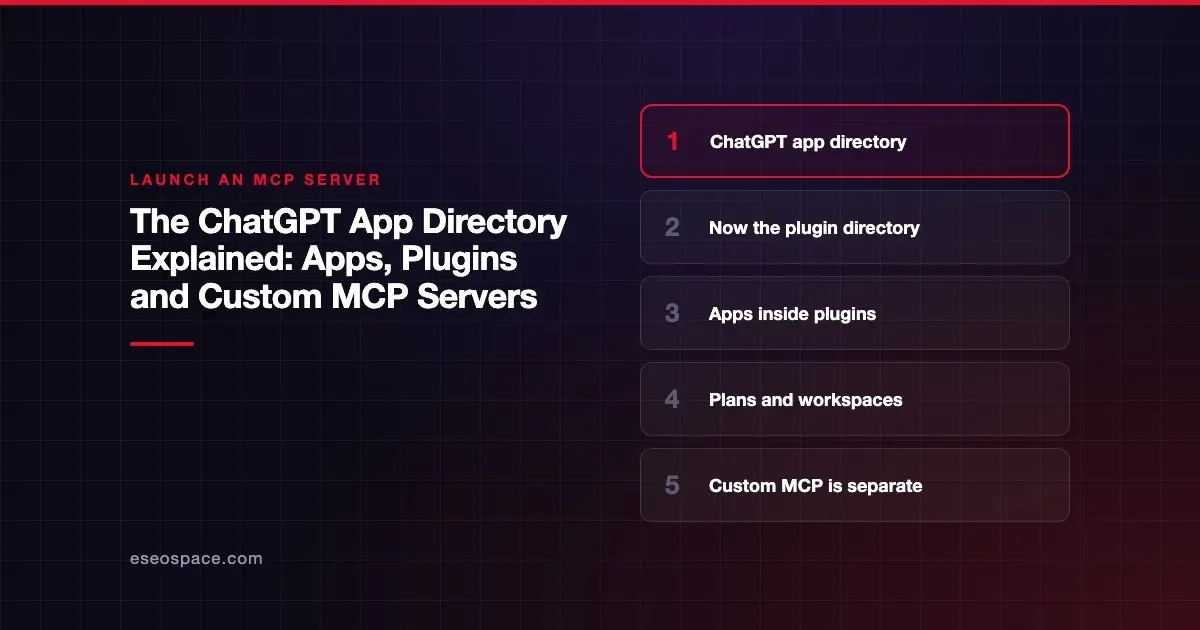
The ChatGPT app directory is the in-product catalog where people find and install third-party integrations for ChatGPT. As of November 2026, OpenAI's help pages call it the plugin directory. A plugin can bundle one or more apps, which connect ChatGPT to a service such as Slack, plus skills, which are reusable instructions.
OpenAI's help center says "The plugin directory is available across ChatGPT plans." Whether a user can install a given plugin depends on their plan, workspace, role, region and the plugin's capabilities. That is different from adding a custom MCP server, which OpenAI limits to certain plans and to the web.
This guide explains what users see, how apps relate to plugins, and how a public listing differs from a custom connection, checked against OpenAI's pages on 6 November 2026. For the publishing side, see how to submit an app to ChatGPT.
Key Takeaways
- OpenAI now documents the directory as the plugin directory; an app connects to a service, and a plugin packages apps, skills or both.
- The directory is open on every ChatGPT plan, but installing a plugin depends on plan, workspace, role, region and the plugin's features.
- Users browse Plugins in the sidebar on ChatGPT web, desktop or mobile, with Public, Your workspace, Personal and Installed views.
- Some plugins carry an OpenAI Verified badge; OpenAI says it does not replace your own security review.
- Custom MCP server connections are for Business and Enterprise/Edu on the web, with Pro limited to read and fetch, per OpenAI's help center.
- Publishing to a workspace directory does not publish a plugin to the public directory.
Apps vs plugins: the current terms
OpenAI's developer docs moved. The old Apps SDK URLs now redirect to a Plugins section, which describes how to "Build and publish plugins with skills, MCP servers, and optional UI." The help center still has an article on the Apps SDK, which calls it "available in preview" and "built on the Model Context Protocol (MCP)."
The clearest definitions are in OpenAI's Plugins in ChatGPT help article:
- "An app connects ChatGPT to an external service, such as Google Drive or Slack, so it can access information or perform supported actions."
- "A plugin packages capabilities into a workflow and can include one or more apps, skills, or both."
- "Some plugins include only skills and do not connect to an external service."
So when people say "ChatGPT app," they usually mean the service connection. In the directory, that app reaches users inside a plugin. Our comparison of plain MCP and the ChatGPT Apps SDK explains the build differences.
What users see in the directory
The Plugins in ChatGPT article describes the user experience.
| Element | What OpenAI says (checked 6 November 2026) |
|---|---|
| Where | Plugins in the sidebar on ChatGPT web, desktop or mobile |
| Views | Public, Your workspace, Personal, Installed |
| Categories | Such as Popular and New & Noteworthy, plus plugins suggested during a conversation |
| Badges | Some plugins show OpenAI Verified; OpenAI "reviews these plugins for quality, reliability, and usefulness" |
| Labels | Desktop only means the plugin needs the desktop app |
| Install | Install plugin, then Connect for apps that need account sign-in |
| Use | ChatGPT uses installed plugins when relevant, or users pick one with @, the + menu or Plugins in the composer |
OpenAI notes that a plugin's "availability and features can vary depending on where you use it." Some tools or interactive views may work only on desktop, web or mobile.
Installing does not skip sign-in. OpenAI says installation "cannot bypass provider or workspace permissions." A plugin also can't use an app to reach content outside what that app's connection allows.
What developers can win in the directory
OpenAI's plugin guidelines cover "all plugins listed in the ChatGPT Directory." They say plugins that show strong utility and user satisfaction "may be eligible for enhanced distribution opportunities, such as directory placement or proactive suggestions." They also describe the directory as "shared by ChatGPT and Codex," so one listing can reach both.
Which plans can use the directory
Plan rules are spread across several OpenAI help articles. Here is what each one says.
| Question | Answer | Source |
|---|---|---|
| Who can browse the plugin directory? | "available across ChatGPT plans" | Plugins in ChatGPT |
| Who can install a given plugin? | Depends on "your plan, workspace, role, region, and its included capabilities" | Plugins in ChatGPT |
| Who can use a given app? | Depends on "the app, your ChatGPT plan, region, workspace, role, model, and the ChatGPT interface you use" | Connected apps in ChatGPT |
| Are apps on by default in Business? | "In ChatGPT Business, many apps are enabled by default" | Connected apps in ChatGPT |
| Enterprise and Edu defaults? | New workspaces "start with a selected set of enabled apps"; in general new plugins and apps are disabled by default | Admin controls for plugins and apps |
OpenAI's help center does not publish a single plan-by-plan table for public plugins. If your product depends on a plan, check the plugin's own listing and OpenAI's help center before you promise it to customers.
Workspace controls
In managed workspaces, admins decide what members can install. The Plugins in ChatGPT article lists the role permissions under Workspace settings > Permissions & roles:
- Use plugins: on by default for Enterprise.
- Upload plugins: off by default for Enterprise.
- Create plugins with MCPs: off by default for Enterprise.
- Share plugins and Publish plugins to workspace.
Admins can set an installation policy of Available or Installed for each plugin. A restricted plugin can still appear with Disabled by admin. For vendors, this means an enterprise buyer may need an admin to enable your plugin before anyone can use it.
How the directory differs from custom MCP servers
A public plugin is reviewed by OpenAI and listed for everyone who is eligible. A custom MCP server is a private connection that a user or admin adds by URL. OpenAI's custom MCP server help article sets these rules:
- "Custom MCP server connections and full MCP support are available for ChatGPT Business and Enterprise/Edu customers on ChatGPT web."
- On Business, only admins and owners can create and publish plugins for custom MCP servers.
- On Enterprise/Edu, admins can use role-based access control to let selected members create connections. Only admins and owners can publish.
- "Pro users can connect custom MCP servers with read/fetch permissions."
- On mobile: "No - web only."
- "You don't need to turn on Developer Mode first."
| Public plugin in the directory | Custom MCP server | |
|---|---|---|
| Reviewed by OpenAI | Yes, before publication | No; OpenAI says you are responsible for vetting it |
| Who sees it | Eligible users browsing Public | Your account or workspace |
| Plans | Directory open on all plans; install depends on plan and workspace | Business and Enterprise/Edu (web); Pro read/fetch only |
| Mobile | Depends on the plugin | Web only |
| Tool updates | Picked up by OpenAI's daily scans after checks | Frozen snapshot until an admin refreshes |
The last row matters for vendors. OpenAI's custom MCP article says that after an admin approves a connection, ChatGPT uses a "frozen" snapshot of its tools, and later changes are not applied until an admin reviews and publishes an update. Our guide to ChatGPT Developer mode and custom MCP servers covers that setup step by step.
A plan nuance to watch
OpenAI's pages are not perfectly aligned. The custom MCP article limits full MCP to Business and Enterprise/Edu. The Plugins in ChatGPT article says "You can create a plugin with an app hosted on ChatGPT Sites on any ChatGPT plan," with admins enabling permissions in managed workspaces. Those describe different features, but customers may read them as conflicting. When you write your own docs, quote the specific OpenAI article for the feature you rely on.
What this means for an MCP or SaaS company
If you already run a remote MCP server, you have two ways into ChatGPT:
- Custom connection now. Business and Enterprise customers can add your server by URL on the web today. Document the steps and the auth method.
- Public listing. Package the server as a plugin and submit it for review, so eligible users on any plan can find it.
Most companies do both, starting with custom connections for design partners. The same server can also serve Claude. Our Claude vs ChatGPT for MCP comparison shows how the two platforms differ on plans and admin controls, and what Claude connectors are covers Anthropic's side.
Next step
eSEOspace's ChatGPT app development service builds ChatGPT apps on MCP and OpenAI's Apps SDK, packaged for the plugin directory. Each project is scoped individually. The MCP launch hub collects our guides on getting listed everywhere else.
More in the MCP Guide
Latest research: State of MCP: October 2026
Frequently asked questions
Is the ChatGPT app directory the same as the plugin directory?
OpenAI's help center now uses "plugin directory," and its developer docs describe plugins that can include apps, skills and MCP servers. The older "app directory" name still appears in some OpenAI pages. We could not find an explicit rename notice, so we describe it as now documented as plugins.
Can ChatGPT Free and Plus users use directory plugins?
OpenAI says the plugin directory "is available across ChatGPT plans." Whether a specific plugin installs depends on plan, workspace, role, region and the plugin's features, and OpenAI does not publish one plan table for every plugin.
Can Plus users add a custom MCP server?
Not according to OpenAI's custom MCP help article checked on 6 November 2026. It lists Business and Enterprise/Edu on the web, with Pro limited to read and fetch. Plus and Free are not listed.
What does the OpenAI Verified badge mean?
OpenAI says it "reviews these plugins for quality, reliability, and usefulness." It also says the badge "does not replace your organization's privacy, security, or vendor review."
Does publishing a plugin to my workspace make it public?
No. OpenAI says "Publishing to a workspace directory does not publish the plugin to the public directory." Public listing goes through OpenAI's separate submission and review.