This profile is part of our MCP server directory, within The MCP Guide. Profiles are checked against each vendor's own documentation. Need a server built? See MCP development.

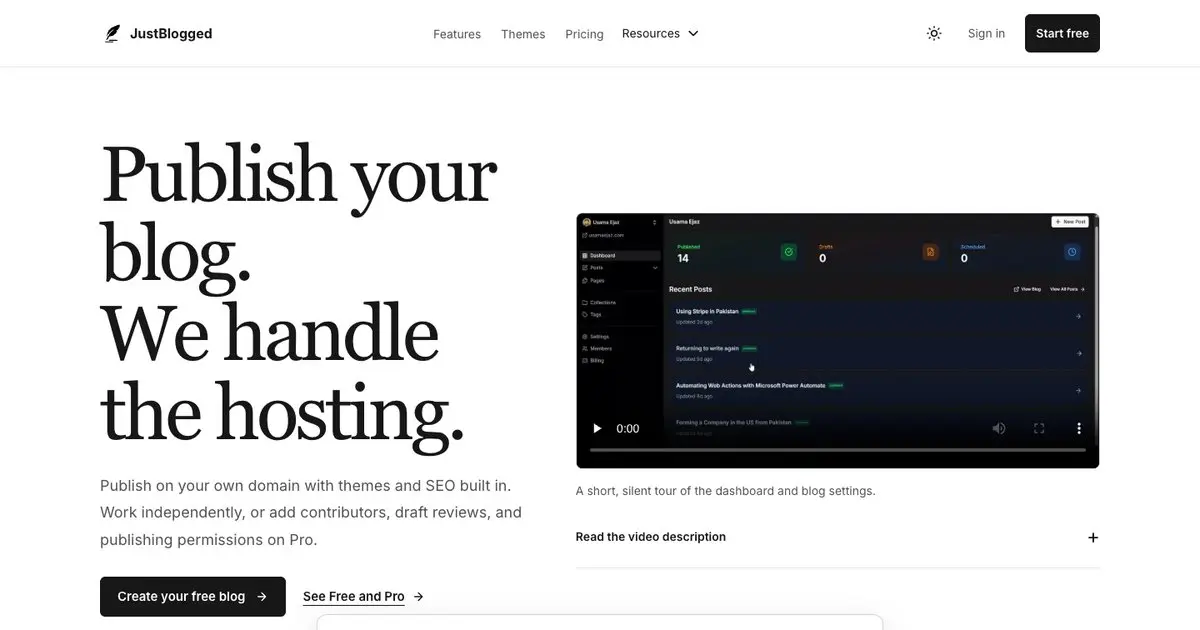
The JustBlogged MCP server lets an AI app manage a blog hosted on JustBlogged. It covers posts, pages, drafts, scheduling, images, tags, collections, redirects, domains and themes. JustBlogged hosts the server and connects it to your account through OAuth.
Checked against: JustBlogged's AI page, its MCP manifest and the public tool list on 8 November 2026. eSEOspace did not install or test this server.
For more on the company, read our Company Spotlight review of JustBlogged.
Key Takeaways
- JustBlogged gives the server URL as
https://justblogged.com/mcp. - The public tool list showed 48 tools, 21 of them marked read-only.
- MCP is included on the Free plan with no card. Editing custom theme files needs Pro.
- New posts are drafts by default; setting the status to published makes them live.
- JustBlogged documents one permission scope,
blogs:manage, covering content, settings, domains and themes.
At a glance
| Item | Detail |
|---|---|
| Publisher | JustBlogged |
| Official? | Yes |
| Hosting | Remote URL: https://justblogged.com/mcp |
| Transport | Streamable HTTP |
| Sign-in | OAuth with PKCE; bearer API key also available |
| Read or write | Read and write |
| Price | Included on Free; Pro is $9 per month or $49 per year, per blog |
| Source code | Not linked from the pages we checked |
| Status | Version 0.1.1 |
What it can do
The server's public tool list groups into these areas:
- Blogs: list, create, update and delete blogs, and change metadata and custom domains.
- Posts and pages: list, read, create, update and delete, with slugs, metadata, images and publishing status.
- Images:
upload_imageaccepts base64 image data up to 8 MB. - Organization: tags, collections and redirects.
- Themes: switch built-in themes, change theme settings and, on Pro, edit theme files.
- Review: read revision history and submit or decide content reviews.
Scheduling works through the post tools' status and published_at fields. JustBlogged's API specification says scheduled status comes from a published post with a future publish date.
How to connect it
JustBlogged's AI page has setup steps for Claude, Cursor, Claude Code, VS Code, Gemini CLI and ChatGPT. For Claude, it says:
- Open Customize, then Connectors, choose Add custom connector and paste
https://justblogged.com/mcp. - Choose Connect, sign in to JustBlogged in your browser and review the requested access.
- Turn on the connector in a chat, then name the blog and the task.
On Claude Team and Enterprise plans, JustBlogged says an organization owner must add the connector first. ChatGPT support is through developer mode or custom connectors.
Security notes
- One broad scope. The consent screen covers reading and managing content, settings, domains and themes. Connect only clients you trust.
- Your roles still apply. JustBlogged says the connection can only reach blogs your account can manage, under the same owner, admin and member checks as the dashboard.
- Write tools change the live blog. Publishing, deleting, domain changes and theme edits take effect on the public site. JustBlogged advises asking the assistant to summarize those changes first.
- Keep drafts as the default. New posts stay drafts unless the status is set to published.
Read the MCP security hub for approval and logging basics, and our guide to MCP prompt injection.
Alternatives
- WordPress MCP Adapter: the official WordPress package for exposing site abilities.
- Webflow MCP server: Webflow's hosted server for design, CMS and SEO settings.
- Wix MCP server: Wix's hosted server for docs, sites and site APIs.
Next step
See our best MCP servers for content writing to compare publishing options, or ask about MCP development if you want a custom setup.
Frequently asked questions
Is the JustBlogged MCP server free?
Yes. JustBlogged says MCP and the REST API are included on the Free plan with no card. Editing custom theme files is the only developer feature that needs Pro.
Can it schedule posts?
Yes. The post tools accept a publishing status and a publish date, and JustBlogged's API specification treats a published post with a future date as scheduled.
Can it delete my blog?
Yes. The tool list includes delete_blog, which only the blog owner can use. Ask the assistant to show you any destructive change before it runs.
Do I need an API key?
Not for clients that support OAuth. JustBlogged's bearer API keys remain available for scripts and clients that need them.