This profile is part of our MCP server directory, within The MCP Guide. Profiles are checked against each vendor's own documentation. Need a server built? See MCP development.

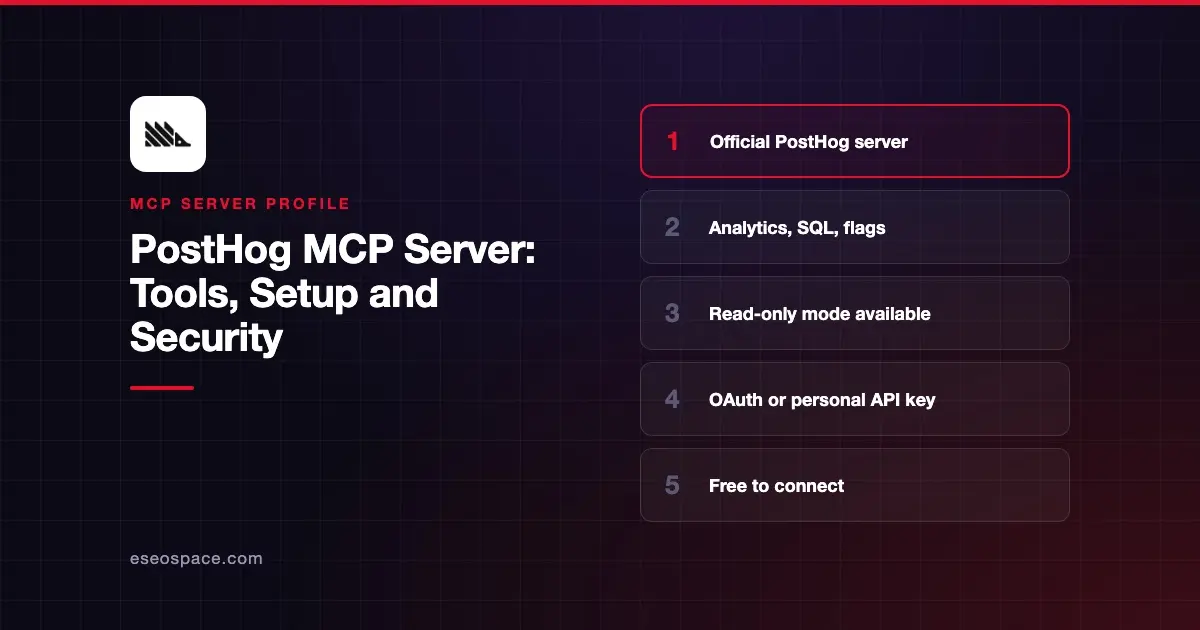
The PostHog MCP server lets an AI app query your product analytics, run SQL, and manage dashboards, feature flags, experiments and more in PostHog. PostHog hosts it at one URL and routes you to your US or EU data region when you sign in.
Checked against: PostHog MCP docs, the PostHog MCP FAQ and the server README on GitHub on 2 November 2026. eSEOspace did not install or test this server.
Key Takeaways
- The hosted endpoint is
https://mcp.posthog.com/mcp, and PostHog routes you to the US or EU region based on the account you sign in with. - OAuth is the recommended sign-in. A personal API key with the MCP Server preset is the fallback.
- A read-only mode (
readonly=trueor thex-posthog-read-onlyheader) hides every tool that creates, updates or deletes data. - You can cut the tool list down with the
featuresandtoolsURL parameters, and pin a session to one project. - Connecting and calling tools is free, but PostHog says some tools use LLMs internally and may be billed as PostHog AI spend.
At a glance
| Item | Detail |
|---|---|
| Publisher | PostHog |
| Official? | Yes |
| Hosting | Remote URL hosted by PostHog; self-run from source is possible |
| Transport | Streamable HTTP |
| Sign-in | OAuth (recommended), or personal API key as a Bearer token |
| Read or write | Read-write by default; read-only mode available |
| Price | Free to connect; some AI-powered tools may count as PostHog AI spend |
| Source code | Public, in the PostHog monorepo (services/mcp) |
| Status | Not stated; Claude directory entry added February 2026 |
What it can do
PostHog's README says the server covers "analytics and SQL, dashboards, experiments, feature flags, surveys, session replay, error tracking, and more." The Claude connector listing shows 57 tools. Visible names include query-run, insight-create-from-query, dashboard-create, create-feature-flag, delete-feature-flag, experiment-create and experiment-results-get.
Tools are grouped into feature categories that you can turn on by name. The README lists more than 60, including:
insights,dashboardsandsqlfor analysisflagsandexperimentsfor releases and A/B testserror_tracking,logsandreplayfor debuggingsurveys,cohortsandpersonsfor users and feedbackllm_analyticsfor AI observability and LLM costsworkspaceandcorefor switching projects and searching docs
The README's example prompts include creating a flag for 20% of users, counting daily signups, setting up an A/B test and listing the week's top errors.
How to connect it
PostHog's wizard installs the server into several clients at once, including Cursor, Claude Code, Claude Desktop, VS Code and Zed:
npx @posthog/wizard mcp addFor Claude Code, PostHog's setup page gives this manual command. Run /mcp afterward and sign in through the browser:
claude mcp add --transport http posthog https://mcp.posthog.com/mcp -s userFor clients without OAuth, the README shows an mcp-remote config with a personal API key. Create the key with the MCP Server preset first:
{
  "mcpServers": {
    "posthog": {
      "command": "npx",
      "args": [
        "-y",
        "mcp-remote@latest",
        "https://mcp.posthog.com/mcp",
        "--header",
        "Authorization:${POSTHOG_AUTH_HEADER}"
      ],
      "env": {
        "POSTHOG_AUTH_HEADER": "Bearer {INSERT_YOUR_PERSONAL_API_KEY_HERE}"
      }
    }
  }
}
In Claude, you can also add PostHog from Customize > Connectors. Our MCP config generator can help you format the JSON for other clients.
To load only some tools, add parameters to the URL. PostHog's example is https://mcp.posthog.com/mcp?features=flags,workspace,dashboards. The tools parameter takes exact tool names, and the two parameters combine as a union.
Security notes
The default connection is read-write, so the AI can create, change and delete flags, dashboards and experiments. PostHog's FAQ gives a read-only switch: set the x-posthog-read-only header or the readonly query parameter to true or 1. PostHog says tools that "create, update, or delete data are excluded" in that mode.
The FAQ also suggests three ways to "limit blast radius":
- Restrict the session to read-only tools.
- Filter tools with
featuresortools. - Pin the session to one organization or project, which removes the switch tools.
Personal API keys made with the MCP Server preset are scoped to a specific project. Keep the key out of shared config files and source control.
PostHog warns about prompt injection and says to "always review MCP tool calls before executing them." Feature flag changes affect live users, so treat them like a deploy. PostHog says the server does not store your analytics data and returns results directly to your AI client.
See prompt injection through tool results and the MCP Security Center. The MCP project's security best practices cover scope minimization in more depth.
Alternatives
- Amplitude MCP server for product analytics on Amplitude.
- Mixpanel MCP server for event analytics on Mixpanel.
- Google Analytics MCP server for marketing site traffic.
Next step
Start in read-only mode with the insights and sql features, then add flags once your team agrees on approval rules. Compare options in our best MCP servers for data analytics list or browse the MCP server directory.
More in the MCP Guide
Free tools: MCP Server Risk Checklist · Tool Permission Planner
Latest research: State of MCP: October 2026
Frequently asked questions
Does the PostHog MCP server cost extra?
PostHog says connecting and calling its tools is free. Some tools use LLMs internally and may be billed as PostHog AI spend. Those tools only appear when AI data processing is enabled for your organization.
How do I make the PostHog MCP server read-only?
Add ?readonly=true to the URL or send the x-posthog-read-only: true header. PostHog then hides every tool that creates, updates or deletes data.
Is there a separate EU endpoint?
PostHog's docs say the authentication server routes you to the correct region, US or EU, based on the account you sign in with. You use the same https://mcp.posthog.com/mcp URL.
Can I limit which tools the AI sees?
Yes. Use the features parameter for whole categories, such as flags or dashboards, or the tools parameter for exact tool names. Fewer tools also means less of your client's context window spent on tool descriptions.