This profile is part of our MCP server directory, within The MCP Guide. Profiles are checked against each vendor's own documentation. Need a server built? See MCP development.

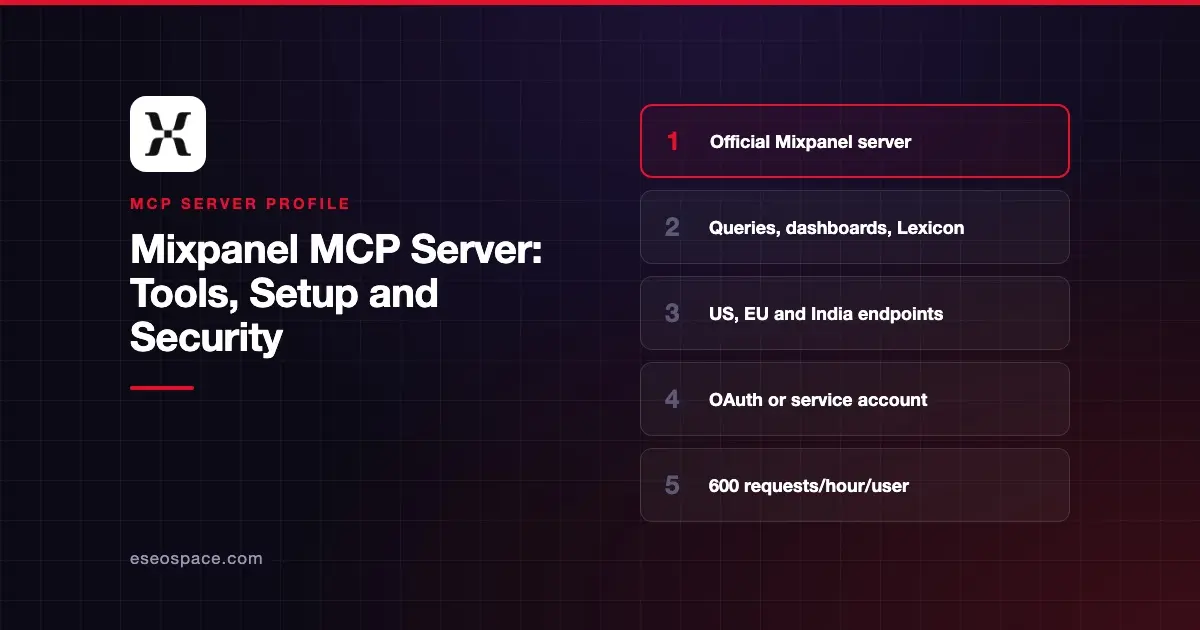
The Mixpanel MCP server lets an AI app query your Mixpanel events, read and build dashboards, and manage Lexicon, cohorts, metrics, experiments and feature flags. Mixpanel hosts it in three data regions, and each user signs in with their own Mixpanel account.
Checked against: Mixpanel MCP docs and the Claude connector listing on 2 November 2026. eSEOspace did not install or test this server.
Key Takeaways
- Mixpanel runs three endpoints: US
https://mcp.mixpanel.com/mcp, EUhttps://mcp-eu.mixpanel.com/mcpand Indiahttps://mcp-in.mixpanel.com/mcp. - OAuth is the main sign-in. Service account authentication is in Beta.
- MCP is on by default for free and Growth accounts created after 1 August 2026. Other accounts need an org admin to turn it on.
- The server can read and write. Write tools can edit events, properties, cohorts, dashboards, experiments and flags.
- Mixpanel records MCP-driven changes in its audit log with an origin of MCP, but read-only and failed calls are not logged.
At a glance
| Item | Detail |
|---|---|
| Publisher | Mixpanel |
| Official? | Yes |
| Hosting | Remote URL hosted by Mixpanel (US, EU, India) |
| Transport | HTTP (Claude Code uses --transport http) |
| Sign-in | OAuth with your Mixpanel login; service accounts in Beta |
| Read or write | Read and write |
| Price | No separate MCP price; free plans may hit Query API limits |
| Source code | Not published in Mixpanel's MCP docs |
| Status | Not stated overall; service accounts, experiments, flags and audit log in Beta |
What it can do
Mixpanel's docs list a large tool set. The main read tools are:
- Analytics:
Run-Query,Get-Query-Schema,Get-Report,Display-Query - Dashboards:
List-Dashboards,Get-Dashboard - Data discovery:
Get-Projects,Get-Events,List-Properties,Get-Property-Values,Search-Entities,Get-Issues - Session replays:
Get-User-Replays-Data - Experiments and flags:
List-Experiments,Get-Experiment-Results-Interpretation-Guidance,List-Feature-Flags
Write tools include:
- Dashboards:
Create-Dashboard,Update-Dashboard,Duplicate-Dashboard,Delete-Dashboard - Lexicon and data quality:
Edit-Event,Edit-Property,Bulk-Edit-EventsandBulk-Edit-Properties(up to 50 each),Create-Tag,Delete-Tag,Merge-Group - Cohorts:
Create-Cohort,Update-Cohort,Delete-Cohort - Experiments and flags:
Create-Experiment,Update-Experiment,Create-Feature-Flag,Update-Feature-Flag
The Claude directory listing shows a shorter list of 20 tools, so the full set you get may depend on your client and account.
Mixpanel says Run-Query does not support cohort filters and breakdowns, profile property history fields or Saved Metrics. Experiments and feature flags are in Open Beta, and audience and cohort targeting are not available through MCP.
How to connect it
For Claude Code, Mixpanel's docs give this command:
claude mcp add --transport http mixpanel https://mcp.mixpanel.com/mcpFor Cursor, Mixpanel uses mcp-remote:
{
  "mcpServers": {
    "mixpanel": {
      "command": "npx",
      "args": ["-y", "mcp-remote", "https://mcp.mixpanel.com/mcp"]
    }
  }
}
Swap in the EU or India URL if your project lives there. For Codex CLI, add a [mcp_servers.mixpanel] entry with the URL to ~/.codex/config.toml, then run codex mcp login mixpanel. In Claude, add Mixpanel from Customize > Connectors.
For headless use, service accounts send a static Authorization header with base64-encoded username:secret credentials. Mixpanel says to keep those in environment variables or a secret manager. Notion supports OAuth only, not service accounts.
Use our MCP config generator to format configs for other clients.
Security notes
If your account predates 1 August 2026, an org admin has to enable MCP first. Mixpanel's docs point to Settings > Org > AI Settings, and changes can take up to 15 minutes. Admins can switch it off the same way.
Users sign in with their own credentials, so existing project roles apply and they only see projects they can already open. Get-Audit-Log needs org admin or owner access.
The server can write. A bulk edit can rename or hide up to 50 events at once, which affects everyone's reports. Mixpanel logs MCP changes under the connected account with an MCP origin, but read-only calls and failed calls are not logged. If you need a record of what the AI read, you have to capture it in your client or gateway.
Mixpanel also warns that your data goes to the AI provider you use. It says to check GDPR or CCPA requirements before connecting projects with personal data. Each user is limited to 600 MCP requests per hour.
Read about prompt injection through tool results, or visit the MCP Security Center. The MCP project's security best practices explain scope minimization.
Alternatives
- Amplitude MCP server for Amplitude workspaces on Enterprise or Plus.
- PostHog MCP server, which has a documented read-only switch.
- Google Analytics MCP server for website traffic data.
Next step
Start with query and dashboard questions, and agree on who may run bulk Lexicon edits before you allow them. Compare options in our best MCP servers for data analytics or browse the MCP server directory.
More in the MCP Guide
Free tools: MCP Server Risk Checklist · Tool Permission Planner
Latest research: State of MCP: October 2026
Frequently asked questions
Is the Mixpanel MCP server free?
Mixpanel's MCP docs do not list a separate price. Accounts created after 1 August 2026 on free and Growth plans have MCP on by default, though free plans may be subject to Query API access limits.
Why can't I connect to the Mixpanel MCP server?
On older accounts, an org admin has to enable MCP in the organization's AI settings first. Changes can take up to 15 minutes. Also check that you used the endpoint for your data region.
Does Mixpanel log what the AI does?
Changes made through MCP appear in the audit log, attributed to the connected account with an origin of MCP. Read-only and failed tool calls are not logged.
Can the AI create cohorts and feature flags?
Yes. Write tools include Create-Cohort and Create-Feature-Flag. Experiments and flags are in Open Beta, and audience and cohort targeting are not supported through MCP.