Disclosure: this is a guest article that mentions VPN Overview and links to its website.
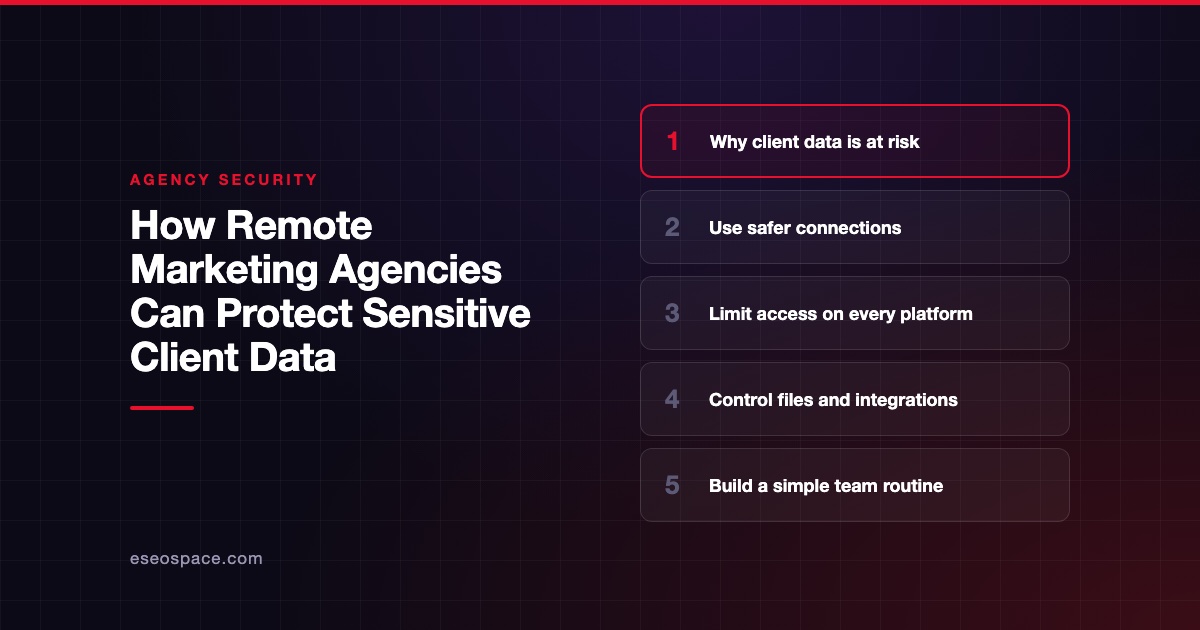
Remote SEO teams work inside a lot of client tools at once: Google Analytics, Search Console, dashboards, hosting, shared folders. Every one of them is a door into the client's business, and every one holds information worth protecting.
Security sites such as VPN Overview warn that working from home, cafés, or personal devices can increase security risks. Simple, safe habits protect client data without slowing down your work.
Why Remote SEO Teams Are at Risk
Agencies and freelancers often hold the keys to several clients' accounts. That is where access quietly starts to leak, usually in ordinary places:
- A password shared in chat
- A login saved in a spreadsheet
- A contractor who is never removed when the project ends
One hacked laptop or stolen login could put several clients at risk and damage both your clients' reputations and your own. Our overview of common cybersecurity threats covers how these attacks usually start.
Where Client Access Usually Leaks
The table shows the accounts SEO teams use most and the gap that typically appears in each.
| Account type | Common risk | Safer practice |
|---|---|---|
| Google Analytics and Search Console | Every contractor gets full owner access | Give each person the smallest role that still lets them do the job |
| Website and hosting | One admin password passed around in chat | Each person gets their own login plus a second step at sign-in |
| Rank tracking and SEO tools | The whole team shares one login | One account per person, checked once a month |
| Shared documents and reports | Files set to public or "anyone with the link" | Limit who can open them and set links to expire |
| Social media and ad accounts | People keep access after they leave | Remove their roles when they leave |
Build Access Controls That Scale
- Give people only the access they need. Analysts usually do not need owner or administrator access. Google explains how to manage permissions in Search Console and Analytics.
- Give each person their own login. Shared logins make it hard to see who did what or to remove just one person's access.
- Use a password manager. A shared team vault lets you share passwords without sending them through chat or email.
- Require multi-factor authentication (MFA). A second login check makes it much harder for someone to get in with a stolen password. CISA explains how to set it up across your accounts.
- Check access every three months. Review who can access each client's accounts and remove anyone who no longer needs it.
Protect the Devices and Networks Your Team Uses
Even strong login security cannot protect an unsafe device. Everyone, including freelancers, should follow these basic rules:
- Turn on full-disk encryption and set the screen to lock automatically.
- Keep your operating system, browser, and browser extensions up to date.
- Use separate browser profiles for work and personal use.
- Do not save downloaded client data in personal cloud storage.
- Report lost devices right away so their access to work accounts can be removed.
For a budget-friendly checklist that covers the rest of the business, see our guide to practical cybersecurity measures for small businesses.
A VPN Overview for Distributed SEO Teams
A VPN encrypts the traffic between a device and the VPN server, which helps protect logins and client data on shared networks such as café or airport Wi-Fi. It also hides your IP address from the sites you visit. A VPN won't keep anyone safe from phishing or fix weak passwords; it adds one more layer to the ones above. When choosing a provider, use the criteria independent reviewers such as the VPNOverview team use: strong encryption, no logs, a kill switch, and leak protection. Also check device limits and which server locations are available.
Offboard Contractors Without Gaps
Most access leaks happen when work ends. Use a simple offboarding checklist: remove the person's permissions, change passwords on shared accounts, revoke API keys and tokens, and transfer ownership of documents on the last day of the contract, not weeks later. Clients increasingly ask agencies how they handle this, and a clear process helps win their trust. If the client's own site needs hardening too, our website security team can help.
Conclusion
The biggest risk in remote work is often that nobody tracks who has access. A password shared with a contractor in chat can still work a year after the project ends. Once you put the habits above in place, you minimize that risk. Use a VPN on public Wi-Fi, but don't stop there. When a client gives you the keys to their online presence, you need to know who else has a copy.