This profile is part of our MCP server directory, within The MCP Guide. Profiles are checked against each vendor's own documentation. Need a server built? See MCP development.

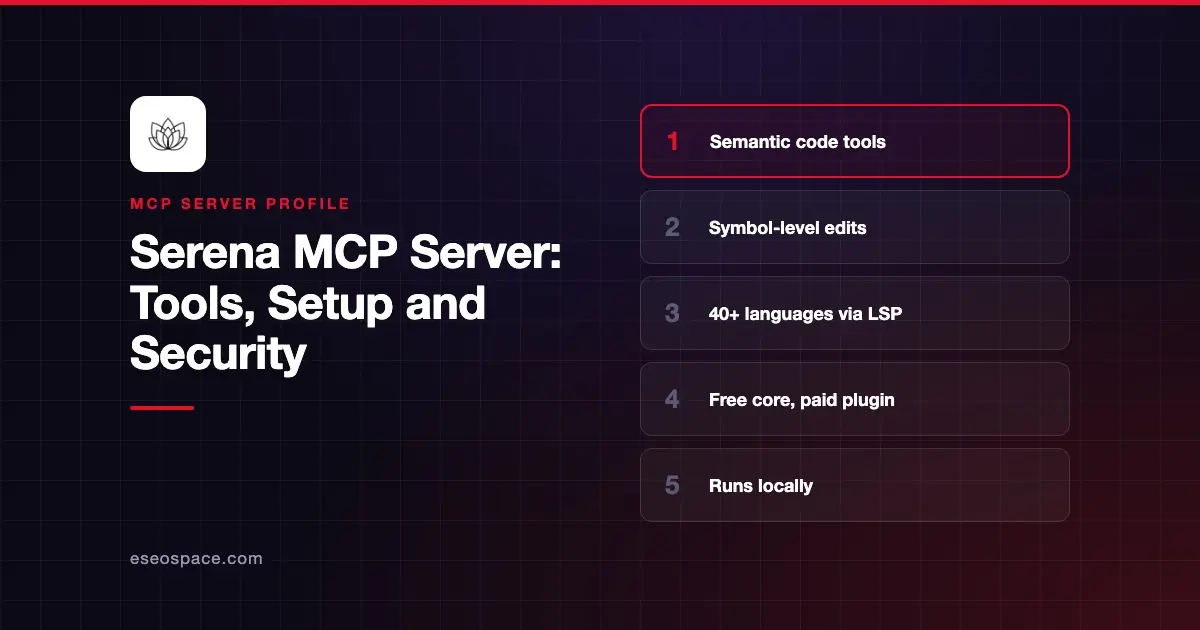
Serena is an open-source MCP server that gives coding agents IDE-like tools. Instead of reading whole files and editing by line number, the agent can find symbols, follow references, rename and replace code at the symbol level. It runs locally and works with Claude Code, Codex, Cursor and other MCP clients.
Checked against: the Serena README on GitHub and Serena's client setup guide on 2 November 2026. eSEOspace did not install or test this server.
Key Takeaways
- Serena uses language servers (free, the default) or a paid Serena JetBrains plugin to understand your code.
- The README claims support for over 40 languages through language servers.
- Install with
uv tool install -p 3.13 serena-agent, then runserena init. - The README warns: "Do not install Serena via an MCP or plugin marketplace!" because those listings carry outdated commands.
- Serena can run shell commands and edit code, so treat it as a write-capable local server.
At a glance
| Item | Detail |
|---|---|
| Publisher | Oraios AI |
| Official? | Yes (the project's own server) |
| Hosting | Local |
| Transport | stdio (launch command) or HTTP mode |
| Sign-in | None |
| Read or write | Read-write, including refactors and optional shell commands |
| Price | Free with language servers; JetBrains plugin is paid (free trial) |
| Source code | oraios/serena (GPL-3.0-or-later; SolidLSP part MIT) |
| Status | Serena v2 released |
What it can do
The README lists these capability groups:
- Retrieval: find symbol, file outline, find referencing symbols, find declaration, find implementations, diagnostics and querying external projects. Type hierarchy and dependency search need the JetBrains plugin.
- Refactoring: rename symbols with language servers. Moving symbols, files and directories, inlining and propagating deletions need the JetBrains plugin.
- Symbolic editing: replace a symbol's body, insert before or after a symbol, and safe delete.
- Debugging: breakpoints, variable inspection and expression evaluation, available only through the JetBrains plugin.
- Basic tools:
search_for_pattern,replace_content,list_dir,find_file,read_fileandexecute_shell_command. The README says these are usually off by default inside harnesses such as Claude Code, which already provide similar tools. - Memory: a simple memory system for knowledge shared across sessions.
Serena v2 adds a REPL-based agent interface, which you choose in configuration. Active tools, prompts and modes are set in YAML at global, project and client levels.
How to connect it
Serena is managed by uv, which is the only prerequisite:
uv tool install -p 3.13 serena-agent
serena init
Add -b JetBrains to serena init to use the JetBrains backend instead.
For Claude Code, the setup guide offers automatic setup with serena setup claude-code, or a manual global command:
claude mcp add --scope user serena -- serena start-mcp-server --context claude-code --project-from-cwdFor Claude Desktop, add this under mcpServers:
{
  "mcpServers": {
    "serena": {
      "command": "serena",
      "args": ["start-mcp-server", "--context=desktop-app"]
    }
  }
}
The guide says to fully quit Claude Desktop through File, Exit, because closing the window only minimizes it. Other clients use their own contexts, such as codex, vscode or ide. If startup is slow in Claude Code, the guide suggests export MCP_TIMEOUT=60000.
Security notes
Serena edits real code and, when enabled, runs shell commands through execute_shell_command. Keep that tool off unless you need it, and review diffs as you would any agent change.
The setup guide describes an alpha auto-approve hook for Claude Code. It approves Serena calls whenever Claude Code is in acceptEdits or auto mode, which covers destructive tools such as replace_symbol_body and rename_symbol. Turn it on only if you accept that scope.
Other points:
- Install source. Follow the README and use
uv, not a marketplace listing. - Project scope. Per-project contexts with
--projectkeep Serena focused on one codebase. Global setups need theactivate_projecttool. - HTTP mode. If you run Serena over HTTP, keep it on
127.0.0.1. See exposed local MCP servers. - License. The application is GPL-3.0-or-later, which matters if you plan to redistribute it.
The MCP project's security best practices cover local server compromise. Plan which tools to allow with the MCP tool permission planner, and see the MCP Security Center.
Alternatives
- JetBrains MCP server, the IDE's built-in server.
- Sourcegraph MCP server for code search across many repositories.
- Context7 MCP server for library docs rather than your own code.
Next step
Try Serena on one large project and compare how many steps a cross-file rename takes with and without it. Our best MCP servers for developers list covers other coding tools, and the MCP server directory has more profiles.
More in the MCP Guide
Free tools: MCP Server Risk Checklist · Tool Permission Planner
Latest research: State of MCP: October 2026
Frequently asked questions
Is Serena free?
The core server with language servers is free and open source. The Serena JetBrains plugin is paid, with a free trial.
Which languages does Serena support?
The README says over 40 through language servers, including Python, TypeScript, Java, Go, Rust, C# and PHP. The JetBrains plugin supports what your JetBrains IDE supports, except Rider and CLion.
Why does Serena say not to install it from a marketplace?
The README says marketplace listings "contain outdated and suboptimal installation commands." It recommends installing with uv and following its client guide.
Does Serena work with Claude Code?
Yes. Serena has a claude-code context and an automatic serena setup claude-code command.