This profile is part of our MCP server directory, within The MCP Guide. Profiles are checked against each vendor's own documentation. Need a server built? See MCP development.

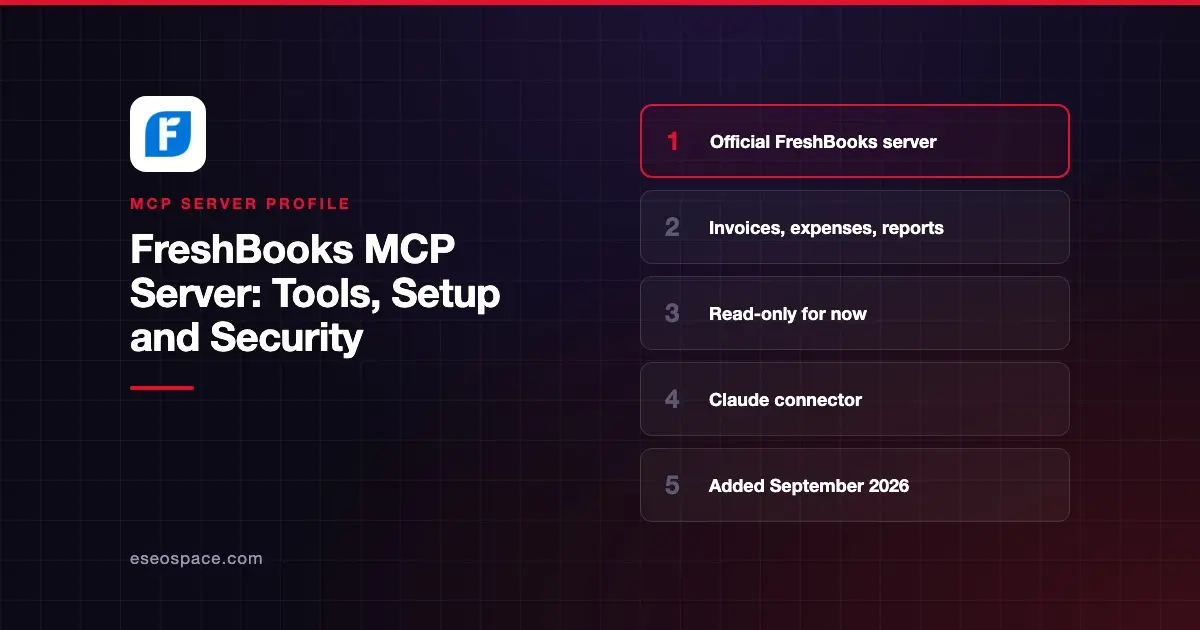
The FreshBooks MCP server lets Claude answer questions about your business from your live FreshBooks data, such as profit, expenses and unpaid invoices. FreshBooks publishes it as a connector in Claude's directory, backed by the server at https://mcp.freshbooks.com/v1.
Checked against: Claude's FreshBooks listing and FreshBooks' connector help article on 2 November 2026. eSEOspace did not install or test this server.
Key Takeaways
- FreshBooks' official connector was added to Claude's directory in September 2026.
- It is read-only today. FreshBooks lists opt-in write permissions as "coming soon."
- It has 20 tools covering invoices, estimates, expenses, payments, clients and five accounting reports.
- Claude returns only what your role in the FreshBooks account allows.
- It connects to every active business on your login, so FreshBooks suggests one chat per business.
At a glance
| Item | Detail |
|---|---|
| Publisher | FreshBooks |
| Official? | Yes |
| Hosting | Remote URL (hosted by FreshBooks) |
| Transport | Remote MCP over HTTPS |
| Sign-in | FreshBooks login with OAuth ("Allow Access") |
| Read or write | Read-only for now |
| Price | No separate MCP price listed; FreshBooks plans from $23/month regular price |
| Source code | Not published |
| Status | Live in Claude's directory |
What it can do
Claude's listing shows 20 tools in three groups:
- Reports: balance sheet, general ledger, profit and loss, revenue by client and trial balance. For example,
accounting-reports__get_profit_and_loss_report. - Accounting records: get or list clients, estimates, expenses, invoices, payments, recurring templates, credits for a client, and items and services. For example,
accounting__list_invoicesandaccounting__get_expense. - Business profile:
business-profile__list_businesses, which lists the businesses on your login.
The help article says you can ask about profitability, expenses, cash position, revenue and payables, and connected bank accounts. It calls the connector "a secure, read-only way to use Claude for finance questions."
Claude pulls live data, so FreshBooks stays the source of truth. If a number looks wrong, FreshBooks advises checking it in FreshBooks and contacting support if it persists.
How to connect it
FreshBooks documents setup inside Claude, on the desktop app or the web, with a free or paid Claude account:
- Open the Connectors Directory, or go to Customize > Connectors.
- Search for FreshBooks and select Connect.
- Sign in with your FreshBooks login if prompted.
- Pick any optional permissions you want.
- Select Allow Access.
- Confirm FreshBooks shows in your connector list and review its tool permissions.
In each chat, you can let Claude ask before every tool call or choose "Always Allow."
FreshBooks' help article covers Claude only. The server URL is public, but FreshBooks does not document setup for Claude Code, Cursor or ChatGPT. Treat other clients as unsupported until FreshBooks says otherwise.
Security notes
Read-only access is the main safeguard. The help article states, "The FreshBooks-Claude connection is currently read-only," and that only the listed tool permissions are supported.
The server's public OAuth metadata, fetched on 2 November 2026, already lists write scopes such as mcp:revenue:write and mcp:books:write alongside mcp:all:read. That fits FreshBooks' note that opt-in write access is coming. When it arrives, review each new permission before you approve it.
Other points to keep in mind:
- Role limits. Claude only sees data that matches your FreshBooks role.
- Several businesses. One connection reaches every active business on your login, so keep separate chats to avoid mixing figures.
- Disconnecting. Once you disconnect, Claude can no longer pull new data.
The MCP project's security best practices cover scope minimization and token handling. Run the MCP server risk checklist, and visit the MCP Security Center.
Alternatives
- QuickBooks MCP server, which can create and update records.
- Xero MCP server, with a read-only hosted connector and an open-source server.
- Zoho Books MCP server for Zoho users.
- LedgerMCP (built by eSEOspace), a ledger designed for an AI to keep the books.
Next step
Connect FreshBooks, then ask for last month's profit and loss and compare it with the report in FreshBooks. Our best MCP accounting tools list compares the main options, and the MCP server directory has more profiles.
More in the MCP Guide
Free tools: MCP Server Risk Checklist · Tool Permission Planner
Latest research: State of MCP: October 2026
Frequently asked questions
Is there an official FreshBooks MCP server?
Yes. FreshBooks publishes an official connector in Claude's directory, added in September 2026. It runs on FreshBooks' server at https://mcp.freshbooks.com/v1.
Can Claude create invoices in FreshBooks?
Not yet. The connector is read-only, and FreshBooks lists opt-in write permissions as coming soon.
Which reports can it pull?
Profit and loss, balance sheet, general ledger, trial balance and revenue by client. It can also list invoices, expenses, estimates, payments and clients.
What does FreshBooks cost?
FreshBooks lists no separate fee for the connector. Its pricing page showed Lite at $23, Plus at $43 and Premium at $70 per month (regular monthly prices) on 2 November 2026, with promotional discounts and custom pricing for Select.