This profile is part of our MCP server directory, within The MCP Guide. Profiles are checked against each vendor's own documentation. Need a server built? See MCP development.

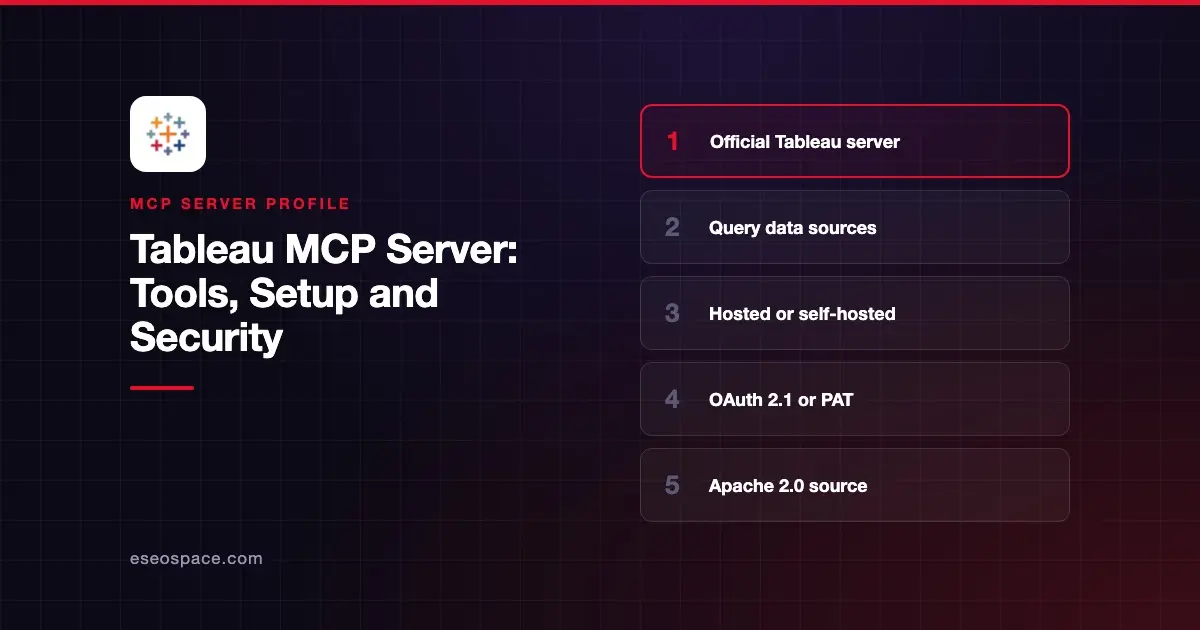
Tableau MCP lets an AI app list and query your published Tableau data sources, read workbooks and views, pull view images and work with Pulse metrics. You can use Tableau's hosted service at one URL for Tableau Cloud, or run the open-source server yourself for Tableau Cloud or Tableau Server.
Checked against: Tableau MCP README, the hosted Tableau MCP docs, the client integrations page, the environment variables reference and the Claude connector listing on 2 November 2026 (npm @tableau/mcp-server 5.1.5). eSEOspace did not install or test this server.
Key Takeaways
- The hosted endpoint is
https://mcp.tableau.com, available to Tableau Cloud customers on any SKU but not to Tableau Server. - Hosted users sign in with OAuth 2.1, and every call runs with that user's existing Tableau permissions.
- Tableau Server customers run the
@tableau/mcp-servernpm package themselves, usually with a personal access token (PAT). - The tool list includes delete tools such as
delete-workbookanddelete-datasource, so filter tools before wide rollout. - Site admins cannot turn off the hosted service, but they can block tools with
EXCLUDE_TOOLSthrough the REST API.
At a glance
| Item | Detail |
|---|---|
| Publisher | Tableau (Salesforce) |
| Official? | Yes ("Tableau Supported" in the README) |
| Hosting | Hosted at mcp.tableau.com (Cloud) or self-hosted via npm, Docker or binary |
| Transport | HTTP (hosted); stdio or HTTP (self-hosted, default stdio) |
| Sign-in | OAuth 2.1 (hosted); PAT, direct trust, OAuth or passthrough (self-hosted) |
| Read or write | Mostly read; some delete, update and flow-run tools |
| Price | No MCP price listed; some tools need Tableau+ or Data Management |
| Source code | Open source, Apache 2.0 |
| Status | Not stated |
What it can do
Tableau describes the project as "a suite of developer primitives, including tools, resources and prompts." The Claude connector listing shows 35 tools. Visible ones include:
| Area | Example tools |
|---|---|
| Data sources | list-datasources, get-datasource-metadata, query-datasource, delete-datasource |
| Workbooks and views | list-workbooks, get-workbook, get-view-data, get-view-image, delete-workbook |
| Custom views | list-custom-views, get-custom-view-data, get-custom-view-image |
| Pulse | list-all-pulse-metric-definitions, list-pulse-metrics-from-metric-definition-id |
| Site admin | list-users, list-jobs, list-extract-refresh-tasks, delete-extract-refresh-task |
The README's example prompts ask for the top five states by sales in a data source, the most viewed workbook of the year and an image of a named view.
The hosted docs say Pulse Insight Briefs and Tableau Knowledge need Tableau+, and the full Metadata API needs Data Management. Tools you are not entitled to return an error when called.
How to connect it
For Claude Code with the hosted service, Tableau's client page gives:
claude mcp add --transport http Tableau https://mcp.tableau.comStart a session, run /mcp, select Tableau and choose Authenticate. In Claude, add the Tableau Cloud connector from Customize > Connectors. In ChatGPT, Tableau says to find it under Plugins and install it.
For Tableau Server, or Cloud sites that need self-hosting, the README gives this local config. It needs Node.js 22.7.5 or later:
{
  "mcpServers": {
    "tableau": {
      "command": "npx",
      "args": ["-y", "@tableau/mcp-server@latest"],
      "env": {
        "SERVER": "https://my-tableau-server.com",
        "SITE_NAME": "my_site",
        "PAT_NAME": "my_pat",
        "PAT_VALUE": "pat_value"
      }
    }
  }
}
Tableau notes that PATs expire after 15 days by default in its Claude Desktop extension guide. The npm package covers Tableau Cloud and Server only; the Tableau Desktop authoring server is a separate build. Our MCP config generator can help with other clients.
Security notes
On the hosted service, Tableau says calls run as the signed-in user, so "every existing per-user permission and access control is enforced automatically." The hosted service does not store your Tableau data, and OAuth sign-ins and tool calls go through Tableau's standard activity and audit logs.
The tool set is not read-only. It includes delete tools for workbooks, data sources and extract refresh tasks. For self-hosted servers, the environment variables give you control:
INCLUDE_TOOLSorEXCLUDE_TOOLSto allow or block tools and tool groups (not both at once).FLOW_WRITE_TOOLS_ENABLED, on by default, which allows flow runs that can overwrite outputs. Set it tofalseto turn them off.ADMIN_TOOLS_ENABLED, off by default, for admin-only tools.BREAK_GLASS_DISABLE_GLOBALLYto make every tool return a service-unavailable error in an emergency.MAX_RESULT_LIMITto cap how many rows tools return.
Hosted site admins cannot disable the service, but they can set EXCLUDE_TOOLS through the REST API. Keep PAT values out of shared config files.
See least privilege in practice and the MCP Security Center. Run the server through our MCP server risk checklist before rollout.
Alternatives
- Metabase MCP server for teams on Metabase.
- Snowflake MCP server to query the warehouse directly.
- Google BigQuery MCP server for BigQuery data.
Next step
Exclude the delete and flow-run tools, then pilot the server with analysts who already know your published data sources. Compare options in our best MCP servers for data analytics list.
More in the MCP Guide
Free tools: MCP Server Risk Checklist · Tool Permission Planner
Latest research: State of MCP: October 2026
Frequently asked questions
Does Tableau MCP work with Tableau Server?
Not the hosted version, which is Tableau Cloud only. Tableau Server customers can run the open-source @tableau/mcp-server package themselves and connect with a PAT or another supported auth method.
Do I need Tableau+ to use Tableau MCP?
Tableau says the hosted service is available to Tableau Cloud customers on any SKU. Pulse Insight Briefs and Tableau Knowledge need Tableau+, and the full Metadata API needs Data Management.
Can I stop the AI from deleting workbooks?
Yes. Use EXCLUDE_TOOLS to block delete tools. On the hosted service, site admins set EXCLUDE_TOOLS through the REST API.
Does the hosted service store my data?
Tableau's hosted docs say it does not store your Tableau data. Sign-ins and tool calls are logged through Tableau's standard activity and audit pipelines.