



Wix emails going to spam
Wix emails going to spam
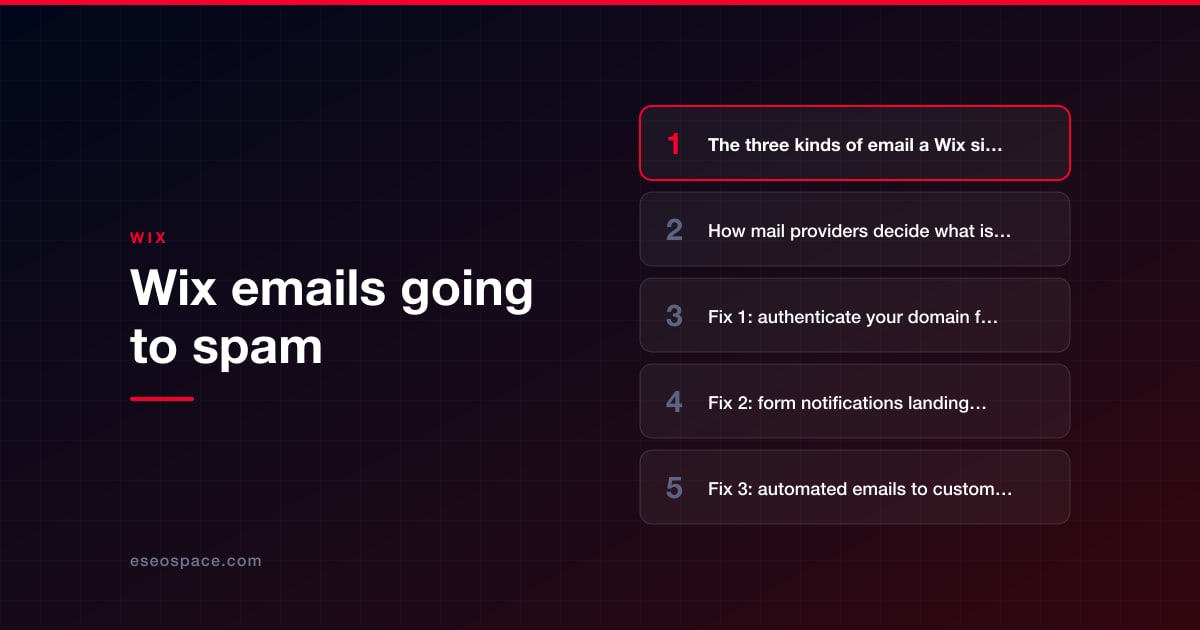
The fix depends on which Wix email is going to spam. If it is a marketing campaign, the most likely cause is that you are sending from a free address such as Gmail or from a custom domain that hasn't been authenticated, so the email arrives from a Wix sending domain instead of yours. Authenticating your domain in Wix Email Marketing is the fix.
If it is a form notification that lands in your own spam folder, the usual causes are that your mail provider doesn't recognize Wix's notification addresses, or that the sender and recipient are the same address. Add Wix's sending addresses to your safe senders list and change the recipient.
The rest of this guide explains the three kinds of email a Wix site sends, how mail providers decide what is spam, and the steps for each case.
Key Takeaways
- If you send campaigns from a public address such as Gmail, Yahoo or AOL, Wix automatically changes the sender to an authenticated wixshoutout.com address.
- Domain authentication is automatic for domains bought from Wix or connected through Wix name servers. For domains hosted elsewhere it is a manual step using CNAME records.
- Wix says to allow up to 24 hours for authentication to complete, and that one of the CNAME records sets up DMARC for you.
- For form notifications, Wix's first fixes are to check spam, add its sending addresses to your safe list, and avoid using the same address as sender and recipient.
- A campaign that lands in a recipient's spam folder still shows as "delivered" in the Wix dashboard.
- Gmail asks all senders to keep reported spam rates below 0.3%, and Wix describes a good complaint rate as 0.02%.
The three kinds of email a Wix site sends
People say "my Wix emails go to spam" about three different things. Identify yours first.
| Type | Example | Who receives it | Where to fix it |
|---|---|---|---|
| Marketing campaigns | A newsletter or promotion sent from Wix Email Marketing | Your subscribers | Sender details and domain authentication in Email Marketing |
| Form notifications | "New submission" emails when someone fills in a form | You and your team | Your own mailbox settings, and the recipients in the form's automation |
| Automated emails to customers | A thank-you email after a form, an order confirmation, a booking reminder | Your customers | Wix Automations, the sender address, and your contact's delivery status |
If your problem is that notifications don't arrive at all, not even in spam, that is a settings issue. See Wix form not sending emails.
How mail providers decide what is spam
Gmail, Outlook and other providers look at two things: whether the email can prove where it came from, and how recipients have reacted to the sender's earlier emails.
Proof of origin uses three standards. All three are published as DNS records, which are settings held where your domain is managed.
- SPF (Sender Policy Framework) lists the servers allowed to send email for a domain.
- DKIM (DomainKeys Identified Mail) adds a digital signature to each email that the receiving server can verify against a key in your DNS.
- DMARC (Domain-based Message Authentication, Reporting and Conformance) tells receiving servers what to do when an email fails those checks.
Google's email sender guidelines set the bar for Gmail. As of October 2026, all senders must set up SPF or DKIM for their sending domains. Senders of 5,000 or more messages a day must set up both, plus DMARC, and their marketing emails must support one-click unsubscribe. Everyone is told to keep spam rates reported in Google's Postmaster Tools below 0.3%.
The practical point: when a service like Wix sends email on behalf of your domain, your domain has to say that this is allowed. That is what authentication does.
Fix 1: authenticate your domain for campaigns
What Wix does if you don't
Wix substitutes a sender it can authenticate:
- If your sender address is on a public domain such as Gmail, Yahoo or AOL, Wix automatically changes the sender to an authenticated wixshoutout.com address. Replies still go to your reply-to address.
- If you use a custom domain that isn't authenticated, Wix adds one of its own authenticated domains as a "Wix signature". It gives ascendbywix.com and wixemails.com as examples.
The email is still sent, but the recipient sees a sending domain they may not recognize next to your name. Authenticating your own domain removes the Wix domain from your campaigns.
When authentication is automatic
Wix says authentication happens automatically for domains bought from Wix or connected via Wix name servers. If the domain was used in your sender details before it was connected, Wix says the manual process applies.
How to authenticate manually
For a domain hosted elsewhere, follow Wix's steps for authenticating your custom email domain:
- Go to Email Marketing in your site's dashboard and open Sender Details.
- Click Manage Senders and enter a sender name and a reply-to address on your custom domain.
- Confirm the address with the code Wix emails to it.
- Next to the "Not authenticated" status, click Authenticate this domain.
- Copy the CNAME records Wix shows you into the DNS settings at your domain host. Some hosts want only the first part of the host name, for example s1._domainkey, without your domain on the end.
- Return to Wix and wait. Wix says "it can take a few hours" and to "allow up to 24 hours for the authentication to be completed".
You don't have to write a DMARC record yourself. Wix states that "with the CNAME 5 record, your DMARC record for your custom domain will automatically be set up."
Two cautions. First, if your domain is connected to Wix by pointing, your DNS stays with your domain host, and Wix directs you to that host for authentication problems. Wix lists sending campaigns from your own domain among the features that need a name server connection, so name servers or a Wix-registered domain is the better-supported route. Our guide to domains on Wix explains the two methods. Second, if records with sendgrid.net and ascendbywix.com in them appear in your Wix-managed DNS after you send a campaign, leave them. Wix says it adds five such records automatically and calls it expected behavior.
Fix 2: form notifications landing in your own spam
These emails go from Wix to you, so the fix is mostly in your own mailbox. Wix's Wix Forms troubleshooting page gives this order:
- Find the emails. Search your Spam or Junk folder for mail from no-reply@wixsiteautomations.com or reply-to@wixforms.com. Another Wix page names notifications@wix-forms.com, so search for all three. Mark any you find as not spam.
- Add Wix's addresses to your safe senders list. Wix lists *@automations.ascendbywix.com, *@crm.wix.com, *@wixforms.com and no-reply@test.wixshoutout.com. Keep the asterisk where shown, then republish the site.
- Change the recipient if it matches the sender. Wix says: "If the sender and recipient email are the same, change the recipient email. Some email providers treat these messages as spam." Use a different mailbox as the recipient.
If your company email runs on Microsoft 365 or Google Workspace, the safe list may need to be set by whoever administers the account, because an organization-wide filter can override your personal settings.
Recipients are edited in the automation that sends the notification, not on the form. Remember that publishing your site does not publish automation changes, so save the automation itself.
One thing that looks like a spam problem and isn't: Wix states that "submissions caught by your spam filter do not trigger notification emails." If a real inquiry never reached you, check the Spam tab of the form's submissions. That is Wix filtering the submission, not your mailbox filtering the email.
Fix 3: automated emails to customers going to spam
Confirmation emails, follow-ups and reminders are sent by Wix Automations. When customers say they landed in spam, check the following.
- Send from your own address. Connecting an email channel (Gmail, Outlook or a business email) in Wix Inbox makes, in Wix's words, "all outgoing emails from your site, such as contact form responses or store order updates" send from that address. A familiar address on your own domain is more recognizable than a platform address. If you don't have one, see business email on a Wix site.
- Check whether it was spam or a bounce. If a contact's earlier email bounced, or they unsubscribed, Wix blocks further delivery. Look for a red "Bounced" warning on the contact.
- Check your allowance. Emails sent by custom automations count against your monthly email balance. When the balance runs out they stop sending, which can be mistaken for a spam problem.
- Read the email statistics. Each automation's email action reports delivery rate, open rate, bounces and spam complaints. A high delivery rate with very few opens can be a sign of spam-folder placement.
We cover building these flows in Wix Automations: what to automate first.
Content and list habits that keep you out of spam
Authentication proves who you are. Whether recipients welcome your email is the other half. Wix's deliverability guidance, as of October 2026:
- Email only people who subscribed. Purchased lists violate Wix's terms, and hitting spam traps can get an email marketing account restricted or deactivated.
- Use double opt-in, where a new subscriber confirms by clicking a link.
- Clean your list at least twice a year.
- Balance text and images. Wix warns that an email made of a single large image is likely to be marked as spam.
- Increase volume gradually on a new domain or list.
- Include your business name, a physical address and an unsubscribe link.
Wix enforces some of this itself. For a large, new or unverified list, it sends to a portion first, and if bounces exceed 2% the rest is held and the campaign shows "Not sent to all". Wix says Customer Care cannot override that. If a campaign draws bounces, complaints or low engagement, Wix may slow its distribution, and some recipients may not receive it for 24 to 48 hours.
For a benchmark, Wix says "A good spam complaint percentage is 0.02%", which is one complaint per 5,000 recipients. To see who complained, go to Contacts and filter by the email deliverability status "is spam complaint". Plan limits and pricing are covered in Wix Email Marketing: plans, limits and setup.
How to test properly
Two details trip people up when they test.
- Test emails don't use your domain. Wix sends test emails from a default Wix testing address, not from your authenticated domain. Wix says a test landing in spam "does not mean your live campaign is broken". Judge by a real send to a small group that includes your own addresses at Gmail, Outlook and Yahoo.
- "Delivered" does not mean "inbox". Wix says a campaign that lands in the recipient's spam folder still shows as delivered in the dashboard.
What you can't change
Wix does not document an option to send site email through your own mail server using custom SMTP settings. Sender identity is handled through the Inbox email channel and through Email Marketing's sender details and domain authentication. If your organization requires all outbound email to pass through its own mail system, raise that before you build your notifications on Wix.
Conclusion
Start by naming the email: a campaign, a notification to you, or an automated message to a customer. Campaigns need an authenticated sending domain. Notifications need your mailbox to trust Wix's addresses and a recipient that differs from the sender. Customer emails do best from your own address with clean lists behind them. If you'd like help setting up authentication and building campaigns that reach the inbox, see our email marketing services, or our Wix website services for the site side. Related account protections are in the Wix security guide. More guides are in our Wix hub.
Frequently asked questions
Why do my Wix form notifications go to spam?
Usually because your mail provider doesn't recognize Wix's notification addresses, or because the sender and recipient are the same address. Mark the emails as not spam, add Wix's sending addresses to your safe list, and use a different recipient address.
Does Wix set up SPF, DKIM and DMARC for me?
For Wix Email Marketing, authentication is automatic if your domain was bought from Wix or uses Wix name servers. Otherwise you add the CNAME records Wix provides at your domain host, and Wix says one of them sets up DMARC automatically.
Can I send Wix campaigns from my Gmail address?
You can enter it, but Wix will change the sender to an authenticated wixshoutout.com address, with replies going to your Gmail. To send from your own name and domain, use an address on a custom domain and authenticate it.
How long does domain authentication take on Wix?
Wix says it can take a few hours and to allow up to 24 hours for authentication to be completed after you add the records.
My test email went to spam. Is my campaign broken?
Not necessarily. Wix sends tests from a default testing address, not your authenticated domain, and says a test in spam does not mean the live campaign is broken.
Put this into action with eSEOspace
We help businesses grow with website design that actually performs. Explore the services behind this guide:
Get a FREE Audit
We'll perform a comprehensive SEO, AEO, GEO & CRO audit of your website — completely free — and show you exactly how to outrank your competitors.
Don't have a site yet? Get in touch →
Get a FREE GEO/AEO/SEO Audit
We'll analyze your site's SEO, GEO, AEO & CRO — completely free — and show you exactly how to get found across Google and AI answers.
Don't have a site yet? Get in touch →
Great — your audit is on the way!
We'll send your free SEO/GEO/AEO/CRO audit within the next few hours. Where should we send it?
You're all set! ✓
Your free audit is being prepared — check your inbox in the next few hours. Talk soon!


On this page
- Key Takeaways
- The three kinds of email a Wix site sends
- How mail providers decide what is spam
- Fix 1: authenticate your domain for campaigns
- Fix 2: form notifications landing in your own spam
- Fix 3: automated emails to customers going to spam
- Content and list habits that keep you out of spam
- How to test properly
- What you can't change
- Conclusion
- Frequently asked questions






