



7 Backlink Checker Tools That Fit A Lean In-House SEO Team In 2026
7 Backlink Checker Tools That Fit A Lean In-House SEO Team In 2026
It is Monday morning, and you are the only person who can tell anyone what your domain's link profile actually looks like. You have been running backlink checker tools solo for two years. Now your VP just forwarded a thread asking how the brand shows up in AI search, and that lands on your desk too.
This list is for the in-house SEO lead at a B2B SaaS or multi-location brand, somewhere around 75 to 150 employees, running a team of one to three that owns the entire domain. You report up to a VP or CMO, not to a roster of client retainers, and you carry rank tracking, audits, links, and now AI visibility on the same set of shoulders.
Here's the thing: for a team this size, the pick is SE Ranking. It folds backlink data into one platform that also handles rank tracking, audits, and AI visibility, so you run the whole stack from one login instead of buying a separate link tool and stitching the data together by hand. The honest caveat: if all you ever need is the occasional spot check on a competitor, a free tool covers it. The other six below each earn their spot, so here is how they line up. Start with SE Ranking's backlink checker.
| Rank | Tool | Whole stack or link-only | Backlink data included or add-on | Entry price |
|---|---|---|---|---|
| 1 | SE Ranking | Whole stack | Included in every plan | from $129/mo |
| 2 | Ahrefs | Link-led suite | Core to the product | from $129/mo |
| 3 | Moz Link Explorer | Suite | In the plan | from $49/mo |
| 4 | Semrush | Whole suite | In the plan (API extra) | from $139/mo |
| 5 | Majestic | Link-only | The whole product | from $49.99/mo |
| 6 | Ubersuggest | Light suite | In the plan | from $29/mo |
| 7 | Google Search Console | Google first-party | Free | Free |
What Changes When One Person Owns The Whole Backlink Profile
Here's the thing: when backlinks are one job of ten, a backlink checker has to earn its seat. A lean in-house team can't babysit a dashboard, and every new login is a line item leadership will question.
Teams actively use only 49% of the martech tools they pay for, and SEO platforms became the most-replaced martech category in 2025, so another standalone seat is a hard sell. Meanwhile you're absorbing new mandates: about 91% of SEOs said leadership asked about AI-search visibility in the past year. So your backlink analysis has to do several things: consolidate logins, feed reporting a VP will read, come included in the plan not as a paid add-on, and monitor your profile automatically.
What You Can Stop Worrying About
Here's the thing: a lean in-house team wins by triaging, not chasing every link. Two habits eat time without moving rankings, and you can let both go.
First, toxic-link policing. Google is very good at ignoring irrelevant links, so running a toxic backlink checker on a loop is low-value for most sites. Reserve disavow for genuinely unnatural patterns. Second, chasing every lost link or 404. Google says pages going away is normal and reviving a 404 rarely justifies the work, so fix only the lost links that carried real traffic. Spend the saved hours on links that move rankings.
The 7 Backlink Checkers That Fit An In-House Workflow
If you are running SEO for one company, the deciding question is not raw index size but how few logins the job takes, so this list is ranked by how cleanly each backlink checker folds the data into the rest of your week.
1. SE Ranking
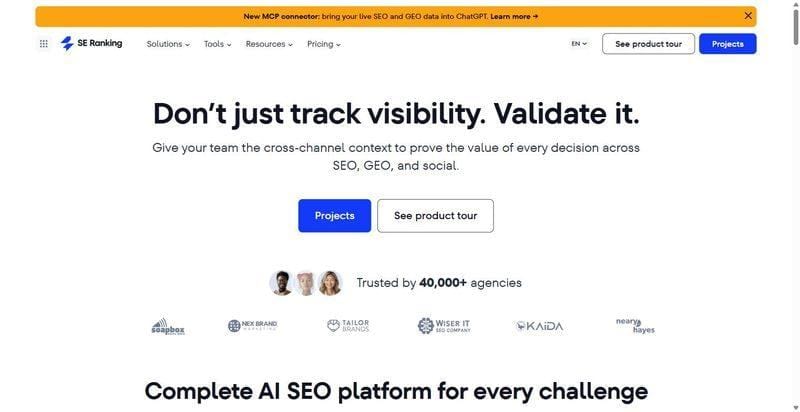
SE Ranking pulls rank tracking, site audits, keyword research, backlinks and AI-visibility into one platform, so backlink data never lives behind a separate seat.
Best for: a one-to-three-person in-house team that wants one login for the whole domain.
Standout: Your backlink data sits beside rank tracking, audits and AI-visibility, not in a separate tool. Every link carries Domain Trust, Page Trust and a 5-marker Toxicity Score, with one-click and bulk disavow plus export. Backlink Monitor rechecks status weekly. It is included in every plan, so there is no separate line item.
Why it works for an in-house team: One seat covers the whole stack instead of stacking logins across three tools. The Backlink Gap Analyzer, the competitor backlink checker most in-house teams reach for, compares you against up to five rivals. And reports come out ready for a VP, so you are not exporting just to make the numbers presentable.
Pros:
- Own index of 2.7T backlinks across 420M referring domains
- Backlink monitoring and disavow live in the same platform
- API, MCP and Data Studio connectors if you automate
Cons:
- Raw index is smaller than some legacy providers
- A "full backlink analysis" recheck costs extra
Pricing: Core from $129/mo ($103.20/mo billed annually), Growth $279/mo; the backlink checker, API and MCP are included in every plan, with a 14-day free trial.
My take: For a lean team, this one login covers the job end to end, so backlinks stop being a tool you renew separately. To judge the depth first, see the full backlink and referring-domain report.
2. Ahrefs
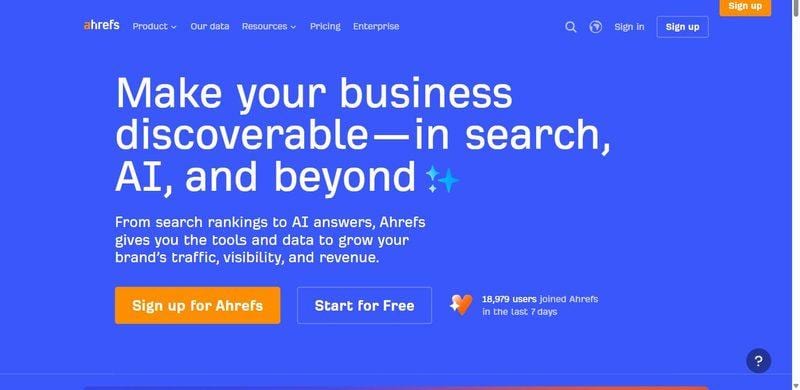
Ahrefs runs one of the largest link indexes around, built for teams that treat backlinks as a core, ongoing channel.
Best for: Teams where link building is a genuine, ongoing priority.
Standout: Site Explorer is the anchor. Its huge in-house index surfaces new, lost, and broken links quickly, and DR and UR scores give a fast read on any domain or page.
Why it works for an in-house team: If links are a genuine priority, the depth pays off. But be honest about the seat: it is heavier and pricier than a lean team may need.
Pros:
- Huge in-house index with fast new, lost, and broken link data
- DR and UR give quick, comparable strength reads
- Site Explorer shows a profile evolving over time
Cons:
- No free trial to test before you commit
- API row limits cap below Enterprise tiers
- Another login on top of your stack
Pricing: Lite from $129/mo, scaling to Enterprise at $1,499/mo.
My take: If your roadmap leans hard on link building, Ahrefs justifies the spend. If backlinks are one job among many, weigh whether that depth is worth another login.
3. Moz Link Explorer
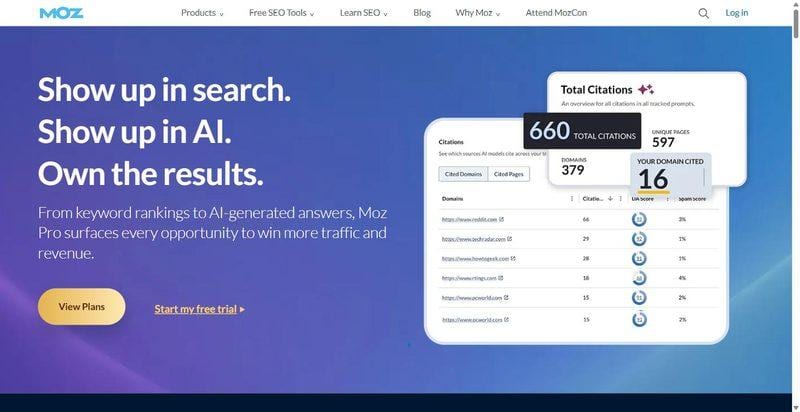
Moz Link Explorer centers on Domain Authority, the score leadership already recognizes, making it a natural fit for teams that report link progress upward.
Best for: Teams that report link results straight to leadership.
Standout: DA and PA are the headline numbers, and Spam Score flags risky profiles at a glance. Link Explorer lets you check a domain, compare it to competitors, and pull the single figure that lands cleanly in a report or slide.
Why it works for an in-house team: DA drops easily into a board slide, so reporting stays quick. For a lean team justifying link work to leadership, that shared vocabulary saves real time.
Pros:
- DA gives leadership a number they already trust
- Spam Score surfaces risky links fast
- Clean, approachable interface for quick checks
Cons:
- DA is a relative estimate, not a Google metric
- Index and refresh trail the bigger crawlers
- Less depth for serious link investigation
Pricing: Starter from $49/mo, Standard $99/mo, Medium $179/mo.
My take: Reach for Moz when reporting clarity matters more than raw index size. The DA vocabulary keeps everyone aligned; just remember it is a relative estimate, not a Google metric.
4. Semrush
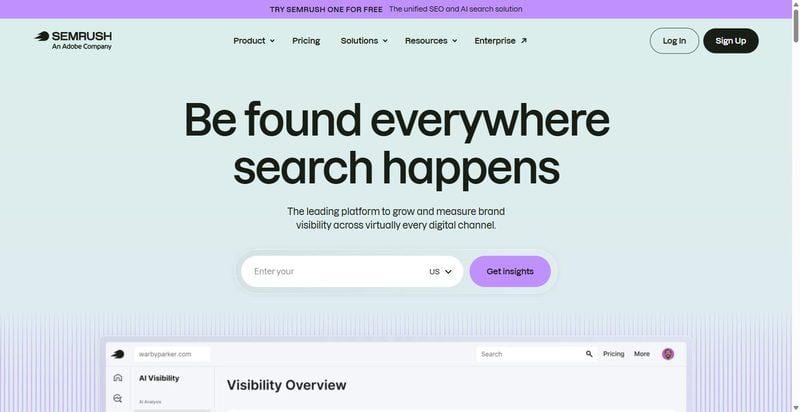
Semrush folds backlink tools into a broad SEO suite, so link data sits alongside keywords, audits, and everything else your team already tracks.
Best for: Teams already living in Semrush for keyword work.
Standout: Backlink Analytics and Backlink Audit do the heavy lifting, scoring toxicity and building disavow files, while Authority Score gives a familiar strength read. It all lives in a suite covering keywords, rank tracking, and site audits, so the data connects.
Why it works for an in-house team: If your team already runs Semrush for keywords, backlinks become one more tab, not one more tool to buy and learn. For a lean setup, that consolidation is the real draw.
Pros:
- Backlinks sit next to keywords and audits
- Toxicity scoring and disavow built in
- Authority Score offers a familiar strength read
Cons:
- Pricey per seat for a small team
- Backlinks are a module, not the focus
- API is a separate paid add-on
Pricing: SEO plans from $139/mo, rising to $549/mo.
My take: If Semrush is already your daily driver, the backlink module is an easy yes. If you only need link data, the full suite is a lot to pay for one job.
5. Majestic
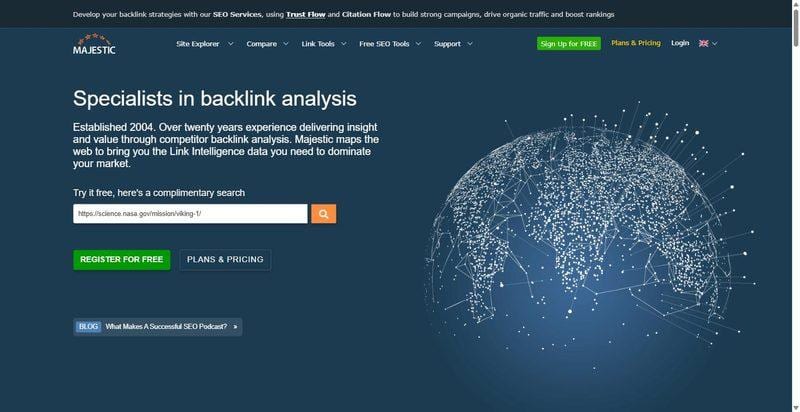
A backlink specialist that has been mapping the link graph for years, built entirely around link intelligence and nothing else.
Best for: Teams that want a dedicated second opinion on link quality alongside their main SEO platform.
Standout: Majestic scores every domain on two axes, Trust Flow for link quality and Citation Flow for link quantity, then lets you compare them to spot inflated profiles. Choose the Fresh index for recent activity or the Historic index for the full picture.
Why it works for an in-house team: It gives a focused second opinion on link quality when a profile looks suspicious. Just remember it does no rank tracking and no keyword research, so it works alongside your core platform, not instead of it.
Pros:
- Deep, long-established link index with strong historical coverage
- Trust Flow versus Citation Flow makes low-quality profiles easy to spot
- Fresh and Historic indexes cover both recent and long-term link activity
Cons:
- Single-purpose, so it needs a companion tool for keywords and rankings
- Trust Flow is a proprietary metric, not an official Google number
- Analysis Units meter your usage, which can feel limiting during heavy audits
Pricing: Lite from $49.99/mo, Pro from $99.99/mo.
My take: If you already have a core platform and want a sharper read on link quality, Majestic is worth adding. Treat it as your specialist link lens, not the whole kit.
6. Ubersuggest
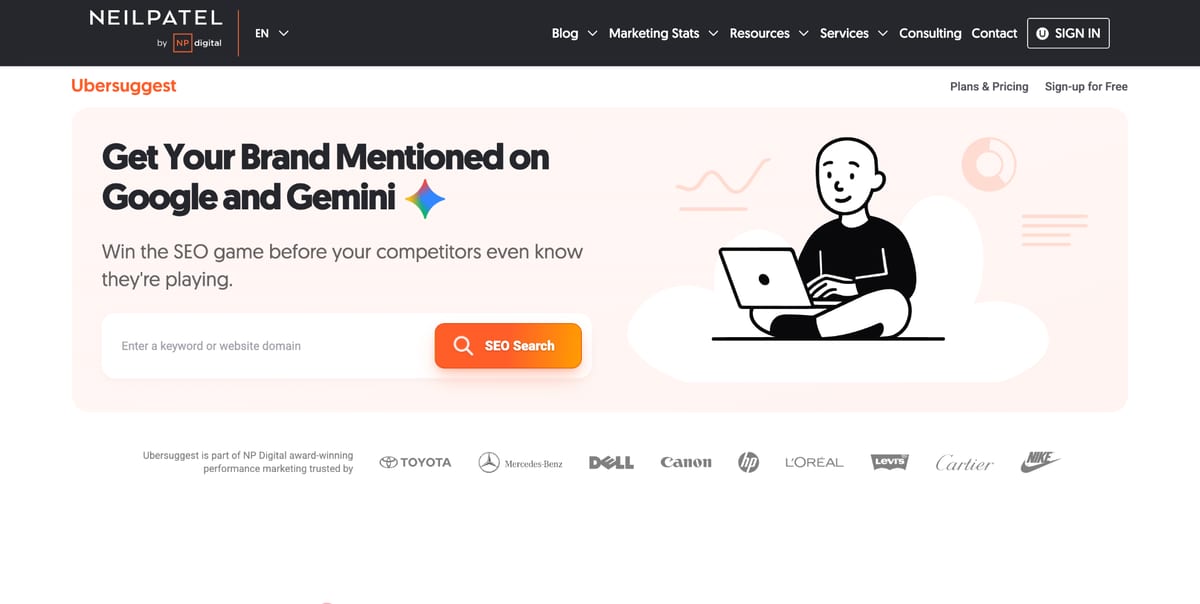
Neil Patel's lightweight SEO tool, best known for giving teams a quick, low-commitment check of link and keyword data without a steep learning curve.
Best for: Teams that want a quick, low-commitment way to spot-check a domain's backlinks.
Standout: Ubersuggest is a genuinely usable free backlink checker at roughly one search a day. You get a Domain Score, a clear follow versus nofollow split, and a historical view of new and lost links, plenty for a fast sanity check before you dig deeper.
Why it works for an in-house team: It is the lowest-commitment way to spot-check a link profile without adding another serious seat. When someone asks a quick backlink question, you can answer in a minute.
Pros:
- Free tier is genuinely useful for quick, one-off link checks
- Domain Score and follow/nofollow split are easy to read at a glance
- Historical new and lost links data helps you track movement over time
Cons:
- Index is shallow for serious competitive analysis
- Free limits are tight, so heavy use pushes you to a paid plan
- No API, so you cannot pull the data into your own reporting
Pricing: From $29/mo (Individual), with a lifetime option around $290. A free tier is available.
My take: Keep Ubersuggest bookmarked for the quick question that does not justify your main platform. It will not carry real competitive work, but as a fast, no-friction link check it does the job.
7. Google Search Console
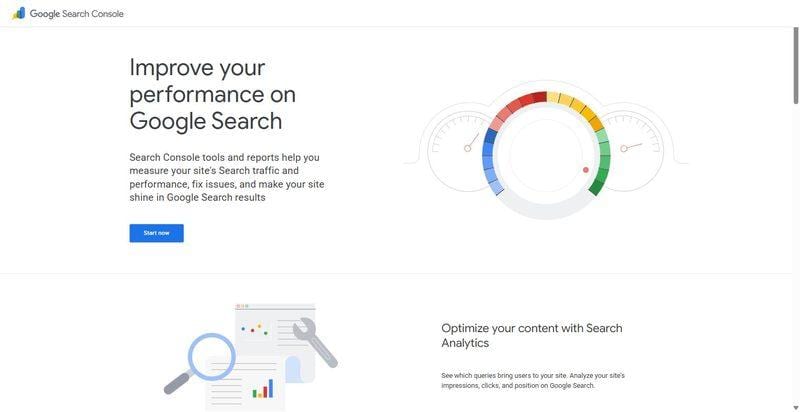
Google's own free tool, with a Links report that shows you the backlinks Google itself has actually recorded for your site.
Best for: Every in-house team that wants first-party link data straight from the source.
Standout: The Links report is first-party ground truth: your top linking sites, most linked pages, and anchor text, pulled directly from Google. The data is sampled and covers only your own property, but no other tool tells you what Google genuinely sees.
Why it works for an in-house team: Every in-house team already has it, free. It is the ground truth for the links Google actually counts, the baseline to check every other tool against.
Pros:
- Completely free, straight from Google
- First-party data on the links Google has actually recorded
- Already in your stack, no new setup or seat required
Cons:
- No competitor data, so you only see your own property
- No toxicity or authority scoring to judge link quality
- Link data is sampled, not a complete list
Pricing: Free.
My take: This is your baseline, not your whole answer. Pair it with a dedicated backlink tool for competitor data and quality scoring, but always trust Search Console first for what Google truly sees.
Picking One Without Adding Three More Logins
The right pick comes down to two questions: how many logins your team can realistically justify, and how central links are to your roadmap. Most in-house teams are better served by consolidation than by the deepest index, so weigh the backlink checker tools below against the way you actually work.
If you want one login for the whole domain: go with SE Ranking. Rankings, audits, keywords, and backlinks live in one stack, so nobody hunts for a second seat.
If you already pay for a big suite and are cutting costs: consolidate onto the one tool your team fully uses, instead of keeping a separate link seat idle. Remember, about half of martech tools go unused.
If leadership only understands one number: a tool whose score your VP already recognizes makes reporting smoother. Just do not reshape the team's work around a vendor score.
If you just need an occasional spot-check: Google Search Console and a free backlink checker are plenty. Skip the paid seat.
If links are becoming a real priority: step up to a deeper index among backlink checker tools, but only once one person's time justifies it.
Pick for how your team actually works, not the longest feature list.
FAQ
How is backlink checking different for an in-house team than an agency?
An agency spreads one tool across many client logins and needs white-label reports. Your in-house team runs a single domain and reports up internally, so you should optimize for consolidation and the seats you actually use, not client-portal features. You can skip anything built purely for reselling.
Do you need a separate backlink tool if you already have an all-in-one SEO platform?
Usually no. If your platform already includes backlink data, and many do, a second standalone seat mostly duplicates what you have. Since most teams use under half the tools they pay for, consolidate first. Only add a specialist tool if links become a dedicated priority for your team.
How much time should a lean in-house team spend on backlinks?
Less than most think. Set up monitoring so alerts come to you, then review monthly and triage: fix only lost links that carried real traffic and ignore the rest. When you do check backlinks, look for patterns and big changes rather than scrutinizing every individual link.
Who on an in-house team should own backlink monitoring?
Your SEO lead owns it, but a good backlink checker should run mostly on automation, not manual pulls. Assign one person to review the monthly alert and the report that goes to leadership. On a team of one to three, backlinks are a standing 30-minute monthly item, not a full role.
Put this into action with eSEOspace
We help businesses grow with website development that actually performs. Explore the services behind this guide:
Get a FREE Audit
We'll perform a comprehensive SEO, AEO, GEO & CRO audit of your website — completely free — and show you exactly how to outrank your competitors.
Don't have a site yet? Get in touch →
Get a FREE GEO/AEO/SEO Audit
We'll analyze your site's SEO, GEO, AEO & CRO — completely free — and show you exactly how to get found across Google and AI answers.
Don't have a site yet? Get in touch →
Great — your audit is on the way!
We'll send your free SEO/GEO/AEO/CRO audit within the next few hours. Where should we send it?
You're all set! ✓
Your free audit is being prepared — check your inbox in the next few hours. Talk soon!








