This profile is part of our MCP server directory, within The MCP Guide. Profiles are checked against each vendor's own documentation. Need a server built? See MCP development.

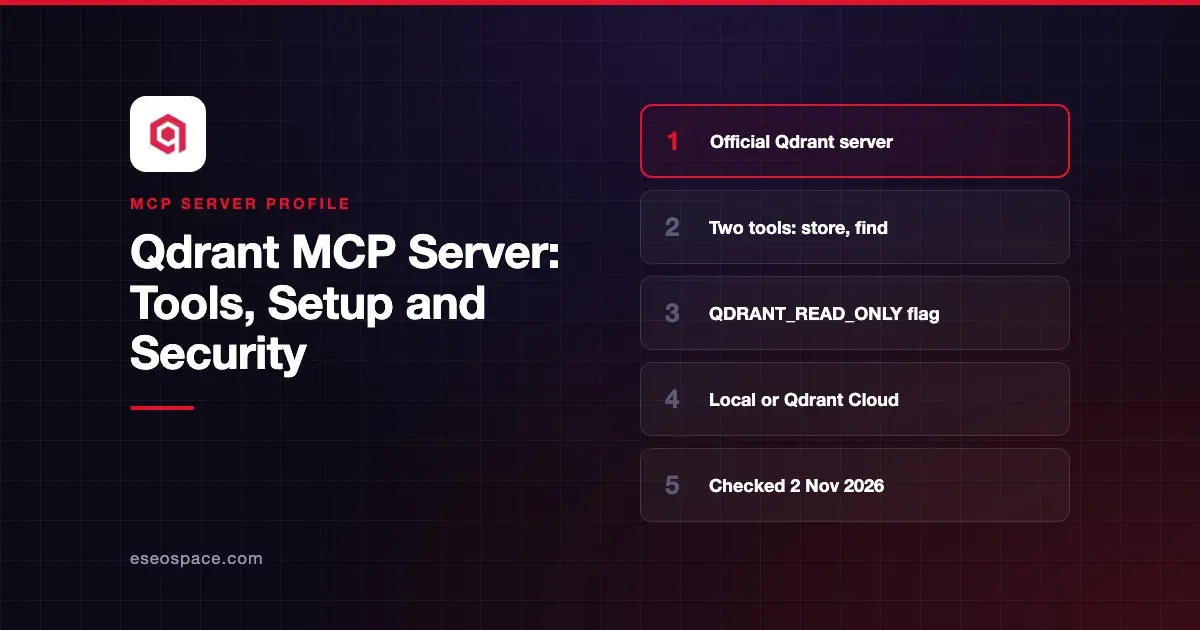
The Qdrant MCP server is a semantic memory layer on top of the Qdrant vector search engine. It gives an AI app two tools: one to store information and one to find it again by meaning. You run it yourself with uvx or Docker and point it at a Qdrant server, Qdrant Cloud or a local folder.
Checked against: the qdrant/mcp-server-qdrant README (release v0.8.1, December 2025), the mcp-server-qdrant package on PyPI and the Qdrant documentation, which links the server under Qdrant Tools, checked on 2 November 2026. eSEOspace did not install or test this server.
Key Takeaways
- The README calls it "an official Model Context Protocol server for keeping and retrieving memories" in Qdrant.
- There are only two tools:
qdrant-storeandqdrant-find. - Setting
QDRANT_READ_ONLY=trueremovesqdrant-store, leaving search only. - It embeds text with FastEmbed; the default model is
sentence-transformers/all-MiniLM-L6-v2. - The Qdrant docs we opened mention no hosted Qdrant Cloud MCP endpoint; you run this server yourself.
At a glance
| Item | Detail |
|---|---|
| Publisher | Qdrant |
| Official? | Yes |
| Hosting | Self-hosted (uvx or Docker) |
| Transport | stdio (default), SSE or Streamable HTTP via --transport |
| Sign-in | Qdrant API key (QDRANT_API_KEY); no auth on the MCP side documented |
| Read or write | Read-write by default; read-only mode available |
| Price | Free and open source (Apache 2.0); Qdrant Cloud is billed by Qdrant |
| Source code | Open, Python (built on FastMCP) |
| Status | v0.8.1 |
What it can do
The two tools are:
| Tool | Inputs | What it does |
|---|---|---|
qdrant-store | information, optional metadata, collection_name | Saves text and metadata to a collection |
qdrant-find | query, collection_name | Returns stored items that match the query by meaning |
If you set a default COLLECTION_NAME, the collection_name field is hidden from the model. The server creates the collection if it does not exist.
You can rewrite the tool descriptions with TOOL_STORE_DESCRIPTION and TOOL_FIND_DESCRIPTION. The README uses this to turn the server into a code snippet search for Cursor, Windsurf and Claude Code: store code in metadata, describe it in information, then search in plain English.
Search returns up to 10 results by default (QDRANT_SEARCH_LIMIT). Only FastEmbed models are supported for now.
How to connect it
The README gives this Claude Desktop entry for the mcpServers section of claude_desktop_config.json:
{
  "qdrant": {
    "command": "uvx",
    "args": ["mcp-server-qdrant"],
    "env": {
      "QDRANT_URL": "https://xyz-example.eu-central.aws.cloud.qdrant.io:6333",
      "QDRANT_API_KEY": "your_api_key",
      "COLLECTION_NAME": "your-collection-name",
      "EMBEDDING_MODEL": "sentence-transformers/all-MiniLM-L6-v2"
    }
  }
}
For a local Qdrant folder, replace QDRANT_URL and QDRANT_API_KEY with QDRANT_LOCAL_PATH. You cannot set both QDRANT_URL and QDRANT_LOCAL_PATH.
For Claude Code, the README shows claude mcp add with -e flags for each variable, followed by -- uvx mcp-server-qdrant, then claude mcp list to confirm. VS Code has one-click install buttons and a .vscode/mcp.json example. Our MCP config generator can help with other clients.
To serve remote clients, start it with --transport streamable-http (or the older sse). It listens on 127.0.0.1:8000 unless you change FASTMCP_SERVER_HOST or FASTMCP_SERVER_PORT. The Docker example sets the host to 0.0.0.0 so the container can accept connections.
The README also offers a Smithery install command. As of November 2026, Smithery has shut down its MCP proxy and hosting features, so we suggest the uvx or Docker routes above.
Security notes
If the assistant only needs to look things up, set QDRANT_READ_ONLY=true. That removes qdrant-store, so nothing new can be written. Neither tool deletes data, per the README's tool list.
When you run it over HTTP, the README does not describe any authentication for the MCP endpoint itself. Do not expose port 8000 to the internet with the Docker 0.0.0.0 setting unless a gateway or firewall sits in front of it. Keep QDRANT_API_KEY out of shared configs and version control.
Stored memories come back into the model's context. If users or web pages can write to the collection, hidden instructions can come with them; see prompt injection through tool results. Our MCP server risk checklist and the MCP Security Center cover the rest.
Alternatives
- Chroma MCP Server for full collection and document management, including updates and deletes.
- Pinecone MCP Server for a managed vector database with a vendor-run service.
- MCP Memory Server for a basic local knowledge graph with no vector database.
Next step
Run it in read-only mode against a test collection first, then enable qdrant-store once you know what the assistant should remember. If you are deciding between memory tools and classic retrieval, read MCP vs RAG.
More in the MCP Guide
Free tools: MCP Server Risk Checklist · Tool Permission Planner
Latest research: State of MCP: October 2026
Frequently asked questions
Is the Qdrant MCP server official?
Yes. The README calls it "an official Model Context Protocol server," it lives in the qdrant GitHub organization, and the Qdrant docs link it under Qdrant Tools.
Can it delete data?
No delete tool is documented. The only write tool is qdrant-store, which you can remove with QDRANT_READ_ONLY=true.
Which embedding models does it support?
Only FastEmbed models for now. The default is sentence-transformers/all-MiniLM-L6-v2; change it with EMBEDDING_MODEL.
Does Qdrant Cloud host an MCP server for me?
Not in the Qdrant docs we opened. You run mcp-server-qdrant yourself and point QDRANT_URL at your Qdrant Cloud cluster.