This profile is part of our MCP server directory, within The MCP Guide. Profiles are checked against each vendor's own documentation. Need a server built? See MCP development.

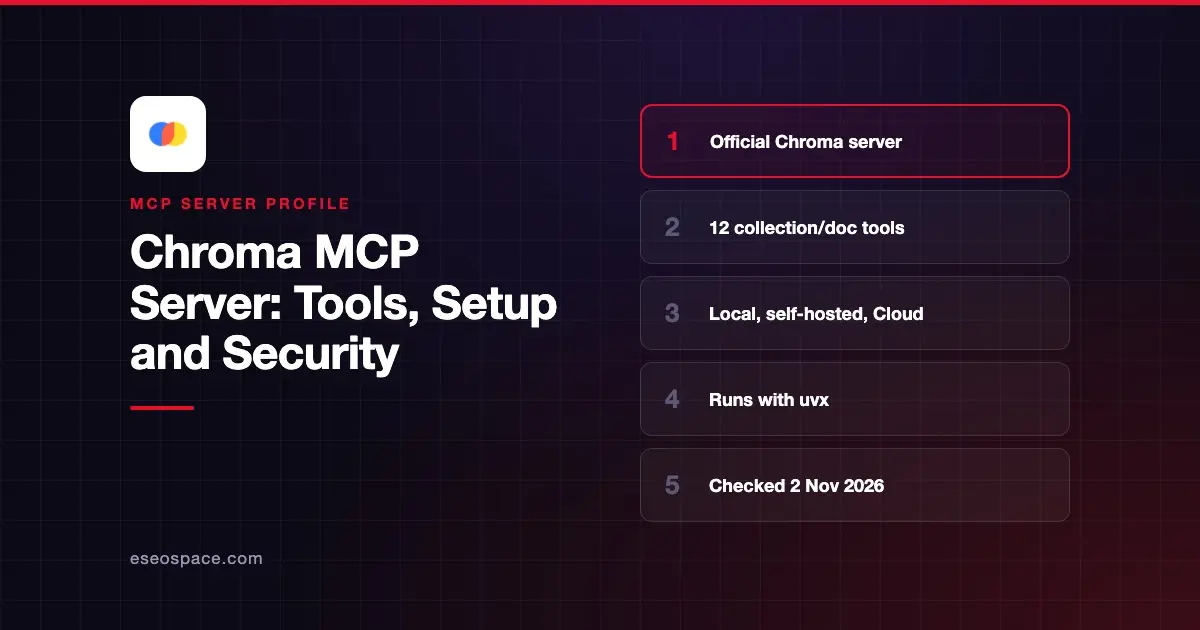
The Chroma MCP server lets an AI app store and search text in Chroma, the open-source embedding database. Your assistant can create collections, add documents and find them again with vector search, full-text search and metadata filters. You run it locally with uvx, and it can point at in-memory, on-disk, self-hosted or Chroma Cloud storage.
Checked against: the chroma-core/chroma-mcp README, Chroma's MCP integration docs and the chroma-mcp package on PyPI (version 0.2.6), checked on 2 November 2026. eSEOspace did not install or test this server.
Key Takeaways
- The server exposes 12 tools for managing collections and documents, including delete tools.
- Four client types are supported: ephemeral (in memory), persistent (local files), HTTP (your own Chroma server) and cloud (Chroma Cloud).
- The default is the ephemeral client, so data disappears when the server restarts unless you choose persistent or cloud.
- There is no hosted Chroma MCP URL in the docs we opened; you run the server yourself.
- The latest GitHub release is v0.2.6 from August 2025, so check the repo before you depend on it.
At a glance
| Item | Detail |
|---|---|
| Publisher | Chroma (chroma-core) |
| Official? | Yes |
| Hosting | Local process via uvx chroma-mcp |
| Transport | stdio (the documented configs all launch a local command) |
| Sign-in | None locally; API key for Chroma Cloud; custom auth credentials for self-hosted |
| Read or write | Read-write, including delete tools |
| Price | Free and open source (Apache 2.0); Chroma Cloud is billed by Chroma |
| Source code | Open, Python |
| Status | v0.2.6 (released 14 August 2025) |
What it can do
The README lists these tools:
| Tool | What it does |
|---|---|
chroma_list_collections | List collections, with pagination |
chroma_create_collection | Create a collection, with optional HNSW settings |
chroma_peek_collection | Show a sample of documents |
chroma_get_collection_info | Details about a collection |
chroma_get_collection_count | Number of documents |
chroma_modify_collection | Rename or change metadata |
chroma_delete_collection | Delete a collection |
chroma_add_documents | Add documents with metadata and IDs |
chroma_query_documents | Semantic search with filters |
chroma_get_documents | Fetch by ID or filter |
chroma_update_documents | Update content, metadata or embeddings |
chroma_delete_documents | Delete documents |
Chroma's docs suggest uses such as a shared team knowledge base and adding memory to a chat. Supported embedding functions are default, cohere, openai, jina, voyageai and roboflow. A collection keeps the embedding function it was created with, a feature Chroma says arrived in Chroma v1.0.0.
If you want an assistant to search open-source package code instead, the README points to a separate Chroma product called Package Search with its own repository.
How to connect it
The README gives claude_desktop_config.json entries. The simplest one starts an in-memory client:
"chroma": {
    "command": "uvx",
    "args": [
        "chroma-mcp"
    ]
}
To keep data on disk, add the persistent client type and a folder:
"chroma": {
    "command": "uvx",
    "args": [
        "chroma-mcp",
        "--client-type",
        "persistent",
        "--data-dir",
        "/full/path/to/your/data/directory"
    ]
}
For Chroma Cloud, use --client-type cloud with --tenant, --database and --api-key. For your own Chroma server, use --client-type http with --host, --port, --custom-auth-credentials and --ssl. These snippets go inside your client's mcpServers object. Our MCP config generator can wrap them for Cursor, VS Code or Claude Code.
You can also set everything with environment variables such as CHROMA_CLIENT_TYPE, CHROMA_TENANT, CHROMA_DATABASE and CHROMA_API_KEY. The server reads a .chroma_env file in the working directory by default, or a path you pass with --dotenv-path. Command-line arguments win over environment variables.
Security notes
The tool list includes chroma_delete_collection and chroma_delete_documents. Keep tool approval on in your client, and consider blocking those two tools if the assistant only needs search. Our tool permission planner can help you decide.
Chroma's README says putting API keys in arguments "is fine on local devices," but suggests a .env file via --dotenv-path for safety. Embedding providers that call outside APIs need their own keys, named like CHROMA_COHERE_API_KEY. Keep those files out of shared folders and version control.
Documents you store come back into the model's context later. Text from customers or the web can carry hidden instructions, so read prompt injection through tool results before you index untrusted content. The MCP Security Center covers the wider risks.
Alternatives
- Pinecone MCP Server for a fully managed vector database.
- Qdrant MCP Server for a simple store-and-find memory layer on Qdrant.
- MCP Memory Server for a basic local knowledge-graph memory with no database to run.
Next step
Try the persistent client on a small, non-sensitive set of documents, then decide whether you need Chroma Cloud. If you are weighing retrieval against live tool calls, read MCP vs RAG.
More in the MCP Guide
Free tools: MCP Server Risk Checklist · Tool Permission Planner
Latest research: State of MCP: October 2026
Frequently asked questions
Is there a hosted Chroma MCP endpoint?
Not in the README or MCP docs we opened. You run the server locally with uvx chroma-mcp. It can connect to Chroma Cloud as its storage backend.
Does my data survive a restart?
Not with the default ephemeral client, which keeps data only in memory. Use --client-type persistent with --data-dir, or the HTTP or cloud client, to keep it.
Which embedding models can I use?
The README lists default, cohere, openai, jina, voyageai and roboflow. External providers need an API key in an environment variable such as CHROMA_OPENAI_API_KEY.
Is the Chroma MCP server actively maintained?
As of November 2026, the latest GitHub release is v0.2.6 from August 2025, and PyPI shows the same version. The repo is not archived, but check recent activity before using it in production.