This guide is part of our Wix resource hub: whether Wix fits, what it costs, SEO and speed, security, and guides for moving to or away from Wix.
Wix gives you more SEO control than its reputation suggests. Titles, meta descriptions, URL slugs, canonical tags, robots rules, 301 redirects and custom structured data are all editable, and Wix ships an SEO setup checklist of its own. The problem on most sites is not the platform. It is that nobody ever opened those settings.
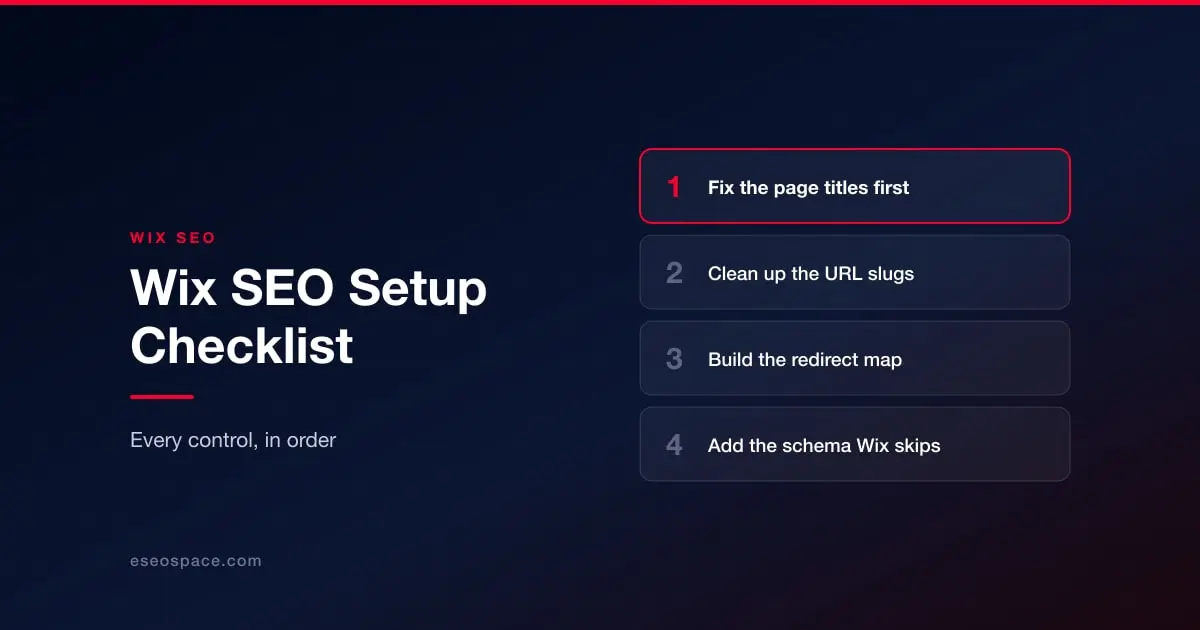
This is the order we work through them on a client site, cheapest and highest-impact first.
1. Fix the page titles before anything else
Open every page in your site menu and read its title tag. On neglected Wix sites you will find Home, About, and the business name repeated on all of them. A title tag is the single strongest on-page signal you control and the line a searcher actually reads, so give every page one that names what the page is and who it is for.
Keep the important words first. "Emergency Plumber in Sacramento | Rooter Bros" beats "Rooter Bros | Home | Plumbing Services in Sacramento and Surrounding Areas" because the first four words carry the meaning.
2. Write descriptions that sell the click
Meta descriptions are not a ranking factor, and they are still worth the hour. Google rewrites them often, but when it does use yours, it decides whether a result gets clicked. Write them as ad copy for the page, keep them under about 155 characters, and do not repeat the title.
3. Clean up the URL slugs
Wix lets you edit the slug on pages, blog posts and products. Auto-generated slugs full of dates, IDs or stray words dilute relevance and read badly when shared. Change them before a page earns links — and when you change one afterwards, set a redirect in the same sitting.
4. Build the redirect map
Every URL you change or retire needs a 301 to its nearest living equivalent. Wix supports these in its SEO tools. The rule we apply: redirect to the closest page that answers the same question, never blanket-redirect everything to the homepage — that tells search engines the old page had no specific replacement, and it tells a visitor they are on their own.
5. Check what your structure is saying
Most Wix sites are flat: fifteen pages hanging off one menu with no grouping. Search engines infer importance partly from how pages link to each other, so a flat site says everything is equally important, which reads as nothing being important. Group related pages, link between them in body copy, and make sure your money pages are reachable from more than just the navigation. Our guide to what Wix lets you control covers how far you can take this.
6. Add the schema Wix does not
Wix emits some structured data automatically and lets you add custom markup per page. Which types matter depends on your business: LocalBusiness for anyone with a service area, Product for stores, Article for the blog, and FAQPage only if you want questions labeled for other tools, since Google stopped showing FAQ rich results in May 2026. Schema markup on Wix goes through what to add by hand.
7. Submit the sitemap and read the report
Wix generates an XML sitemap for you. Submit it in Google Search Console, then actually read the coverage report a week later. Pages excluded as duplicates, redirects or soft 404s are the site telling you exactly where its structure confuses a crawler.
8. Then, and only then, worry about speed
Speed is a real ranking input and a real conversion input, but it is slower and fiddlier to fix on Wix than the seven items above. Do the cheap wins first. When you get to it, what actually moves Core Web Vitals on Wix is the honest version, including the fixes that do nothing.
The order matters more than the list
Every item here is free to do yourself in an afternoon or two. What teams get wrong is sequencing: chasing a Core Web Vitals score for weeks while every page on the site is still called Home. If you would rather hand the whole pass to someone, our Wix website services cover it, and the audit that comes first is free either way.
More on running a Wix site well
The rest of this series, written for people who own a Wix site rather than for agencies.
Start with Wix website services
- What Wix lets you control, and what it keeps
- Wix speed: what actually moves Core Web Vitals
- Wix Studio vs the Wix Editor
- Wix eCommerce SEO
- Wix blog SEO
- Schema markup on Wix
- Wix accessibility and ADA risk
- Redesigning without losing rankings
- What a Wix website really costs
- When Wix is the right choice
- Local SEO on Wix
- Wix security: locking the account down
- Wix or Squarespace hacked: what it actually means
- Best Wix SEO experts
- Top Wix developers