This guide is part of our Wix resource hub: whether Wix fits, what it costs, SEO and speed, security, and guides for moving to or away from Wix.
Wix now has three building experiences: the classic Wix Editor most small businesses are on, Wix Studio, the newer platform aimed at agencies and larger builds, and, since January 2026, Wix Harmony, an AI-assisted editor for people building their own site. This guide is about the first two. Owners keep asking which they should be on, usually after someone told them Studio is "the new version". It is not quite that simple.
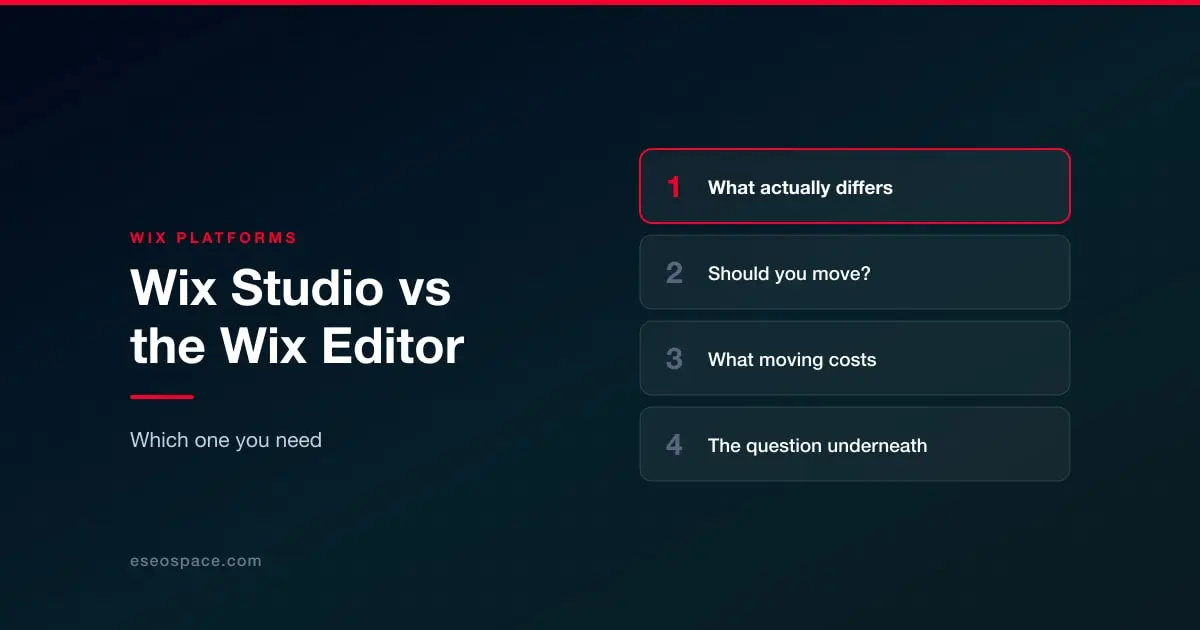
What actually differs
Layout control
The clearest difference. The classic editor is absolute positioning: you drag an element and it stays where you dropped it, which is intuitive and produces layouts that need manual attention at every breakpoint. Studio uses a responsive layout system with CSS-style tooling — grids, stacks, scaling rules — so one layout adapts rather than being rebuilt per device.
Who it is built for
Studio is aimed at people who build sites for a living: reusable components, client handoff, team workflows. The classic editor is aimed at the owner who maintains their own site. Neither is a downgrade; they optimise for different users.
What does not differ much
The SEO controls. Titles, descriptions, slugs, canonicals, redirects, robots and structured data work broadly the same way on both. If you are hoping Studio will fix your rankings by itself, it will not — that work is the same either way, and our Wix SEO checklist applies to both.
Should you move?
Probably not, if your current site works, you maintain it yourself, and your complaint is rankings or traffic. Moving editors will not fix those, and it will cost you a rebuild.
Worth considering, if you are already rebuilding, your site looks broken on mobile in ways you cannot fix, or you work with an agency that builds in Studio and you want a site they can maintain efficiently.
What moving costs
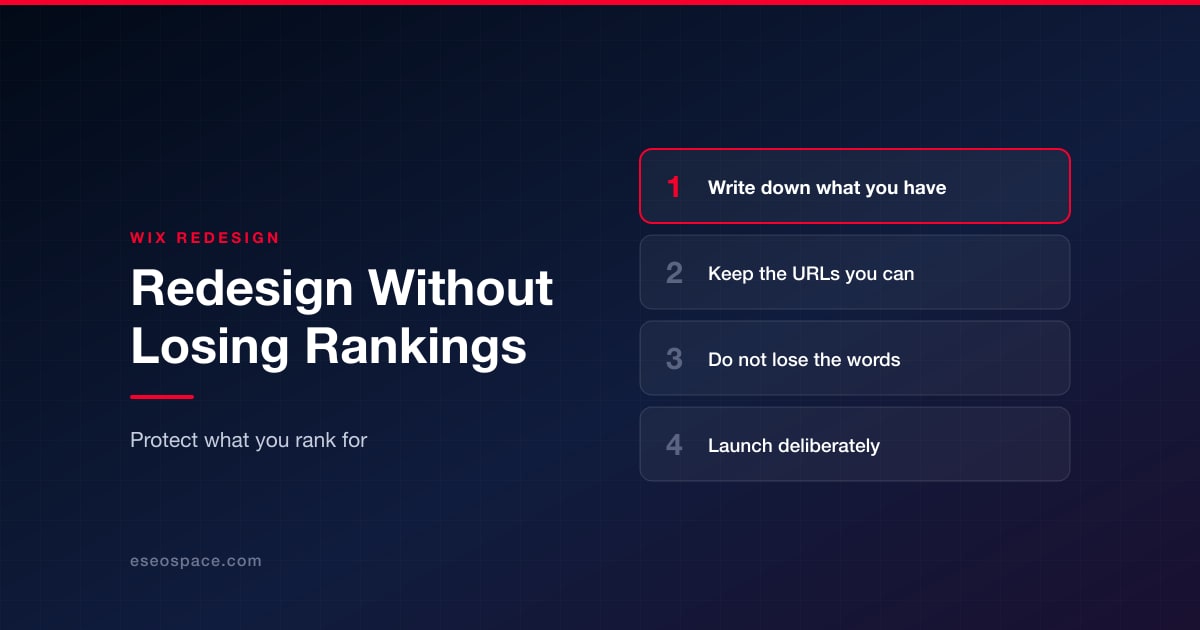
This is the part people underestimate: it is a rebuild, not a migration. There is no switch that converts a classic Editor site into a Studio site while keeping your layout. Budget for the design work, and treat it with the same care as any redesign — which means protecting what already ranks. Redesigning without losing rankings is the checklist for that, and it matters more than the editor you land on.
The question underneath
Most people asking about Studio are really asking whether their site is holding the business back. That question is worth answering directly rather than through an editor choice. Our Wix website services start with an audit that separates design problems from platform problems from execution problems, because the fix is different for each.
More on running a Wix site well
The rest of this series, written for people who own a Wix site rather than for agencies.
Start with Wix website services
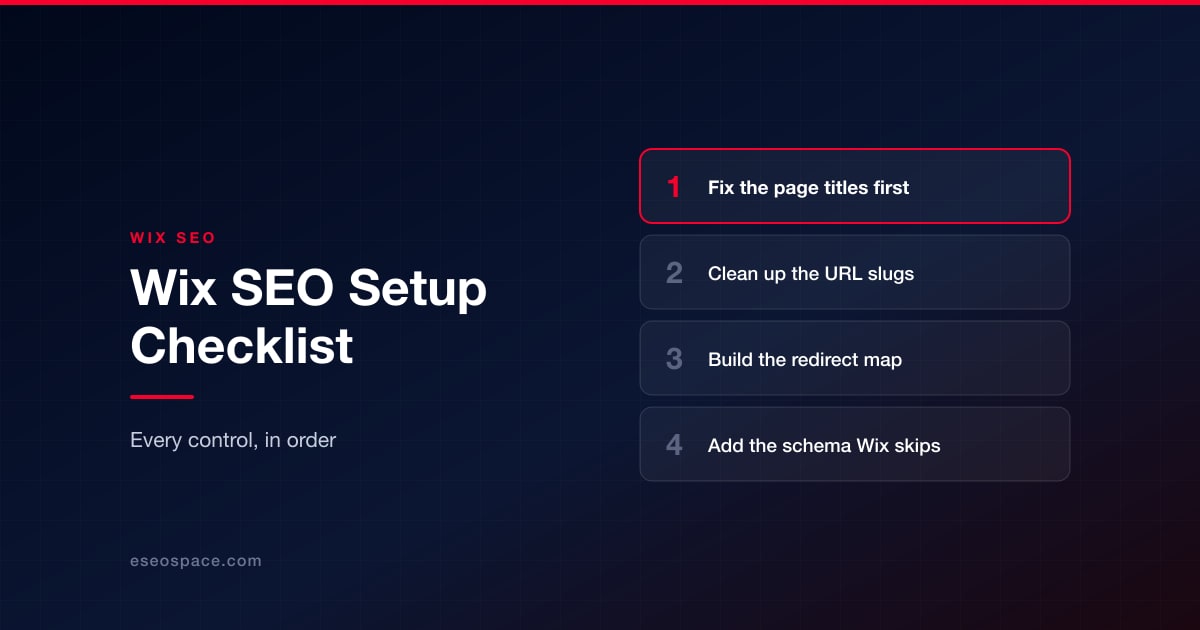
- Wix SEO: the complete setup checklist
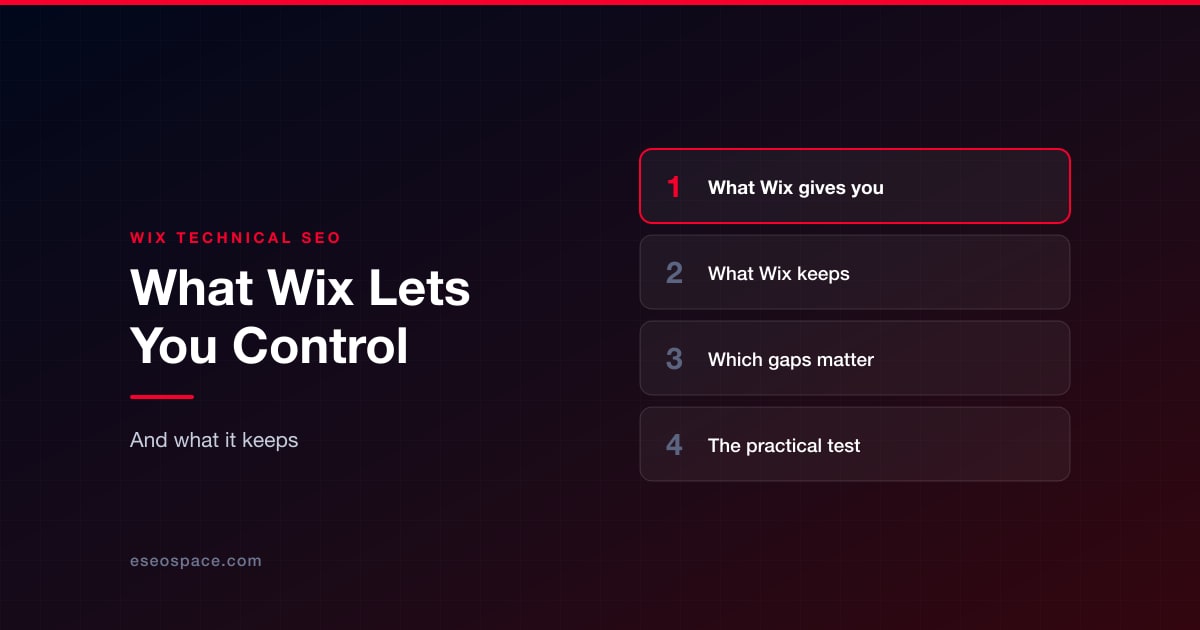
- What Wix lets you control, and what it keeps
- Wix speed: what actually moves Core Web Vitals
- Wix eCommerce SEO
- Wix blog SEO
- Schema markup on Wix
- Wix accessibility and ADA risk
- Redesigning without losing rankings
- What a Wix website really costs
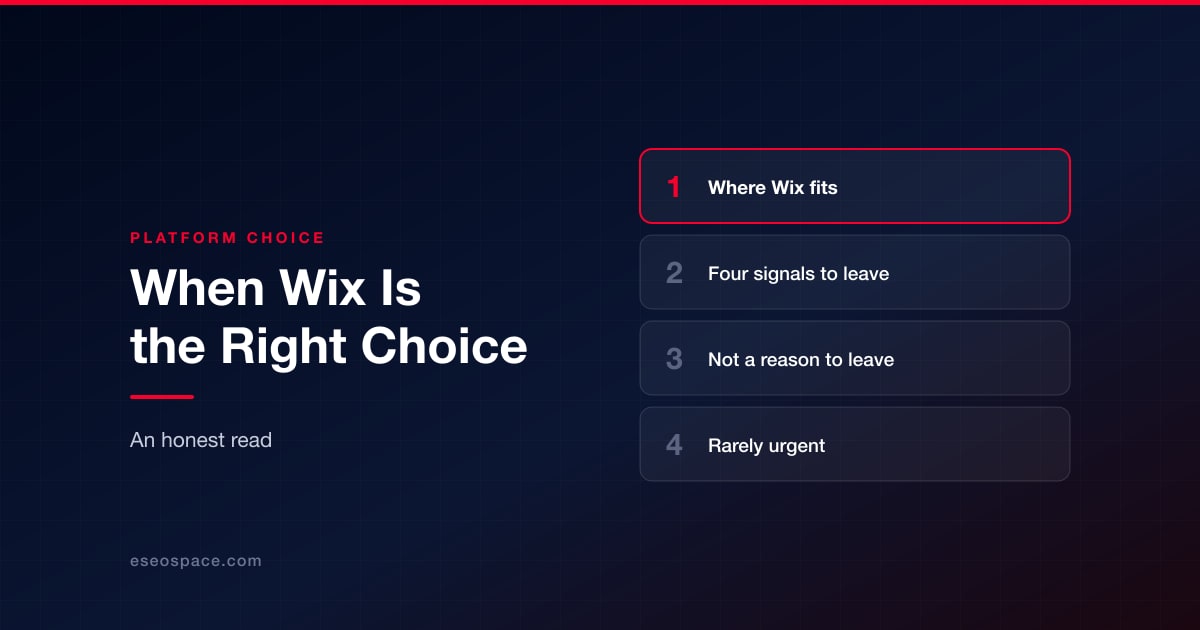
- When Wix is the right choice
- Local SEO on Wix
- Wix security: locking the account down
- Wix or Squarespace hacked: what it actually means
- Best Wix SEO experts
- Top Wix developers