This guide is part of our Wix resource hub: whether Wix fits, what it costs, SEO and speed, security, and guides for moving to or away from Wix.
Arguments about Wix and SEO usually stall because nobody separates two different questions: what the platform allows, and what it withholds. Here is the current split, and an honest read on which gaps matter.
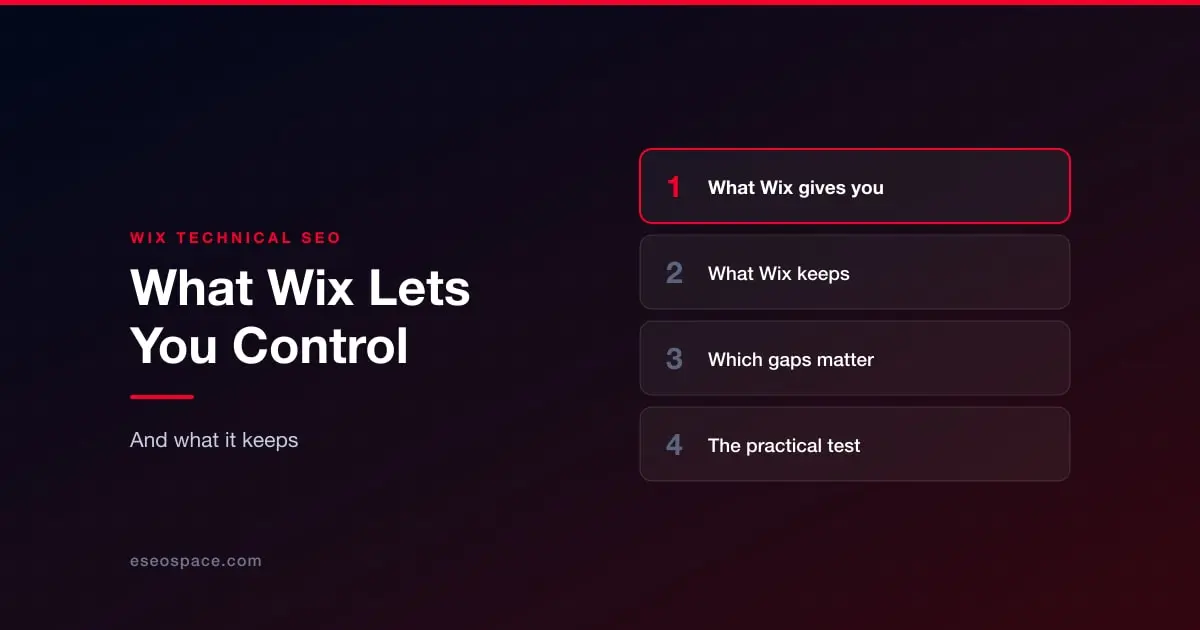
What Wix gives you
- Page titles and meta descriptions per page, including templated patterns for blog posts and products.
- Editable URL slugs on pages, posts and products.
- Canonical tags, editable per page when you need to point at a different primary URL.
- 301 redirects, managed in the SEO tools.
- A robots.txt editor, so you can keep crawlers out of pages that should not be indexed.
- Custom structured data per page, on top of what Wix emits automatically.
- An XML sitemap, generated and updated for you.
- Index/noindex control per page.
That list covers the large majority of what an ordinary business site needs. If your site is underperforming and none of the above has been configured, the platform is not your problem yet.
What Wix keeps
- Server configuration. No access to headers, caching rules or the edge. What Wix serves is what you get.
- URL structure at the section level. Slugs are yours, and as of October 2026 you can change the prefix pattern for blog posts and store product pages (product pages can drop the prefix entirely); beyond that, the surrounding path convention largely is not yours, which constrains how you organise large content sets.
- The rendering pipeline. You cannot decide how much JavaScript ships or in what order, which is where most Core Web Vitals pain originates.
- Log files. No server access, so you work from Wix's built-in bot log reports, which show which pages crawlers request and the status codes they get, rather than running your own log-file analysis.
- Full export. You cannot take the site with you. Content can be extracted with effort; the build cannot.
Which gaps actually matter
For a ten to fifty page business site with a blog, almost none of them. You will feel the rendering pipeline in your Core Web Vitals and little else.
The gaps start to bite when you have thousands of URLs and need structural control, when performance is a competitive differentiator rather than a hygiene factor, or when you need integrations with systems that expect to talk to your code. That is the point where optimisation stops paying and a move starts to. We have written the routes up — Wix to WordPress and Wix to Next.js are the two we run most — but the decision deserves the honest version first: when Wix is the right choice.
The practical test
Ask what is stopping the site from ranking today. If the answer is "the titles are defaults, there is no schema, and the images are enormous", that is execution, and it is fixable this month. If the answer is "we need 4,000 programmatic location pages and sub-second loads", that is the platform. Our Wix website services start with that diagnosis rather than a recommendation.
More on running a Wix site well
The rest of this series, written for people who own a Wix site rather than for agencies.
Start with Wix website services
- Wix SEO: the complete setup checklist
- Wix speed: what actually moves Core Web Vitals
- Wix Studio vs the Wix Editor
- Wix eCommerce SEO
- Wix blog SEO
- Schema markup on Wix
- Wix accessibility and ADA risk
- Redesigning without losing rankings
- What a Wix website really costs
- When Wix is the right choice
- Local SEO on Wix
- Wix security: locking the account down
- Wix or Squarespace hacked: what it actually means
- Best Wix SEO experts
- Top Wix developers