This guide is part of our Wix resource hub: whether Wix fits, what it costs, SEO and speed, security, and guides for moving to or away from Wix.
Wix includes accessibility tooling that catches a genuine share of common problems. What it cannot do is make the judgement calls, and those are where both the user harm and the legal exposure live.
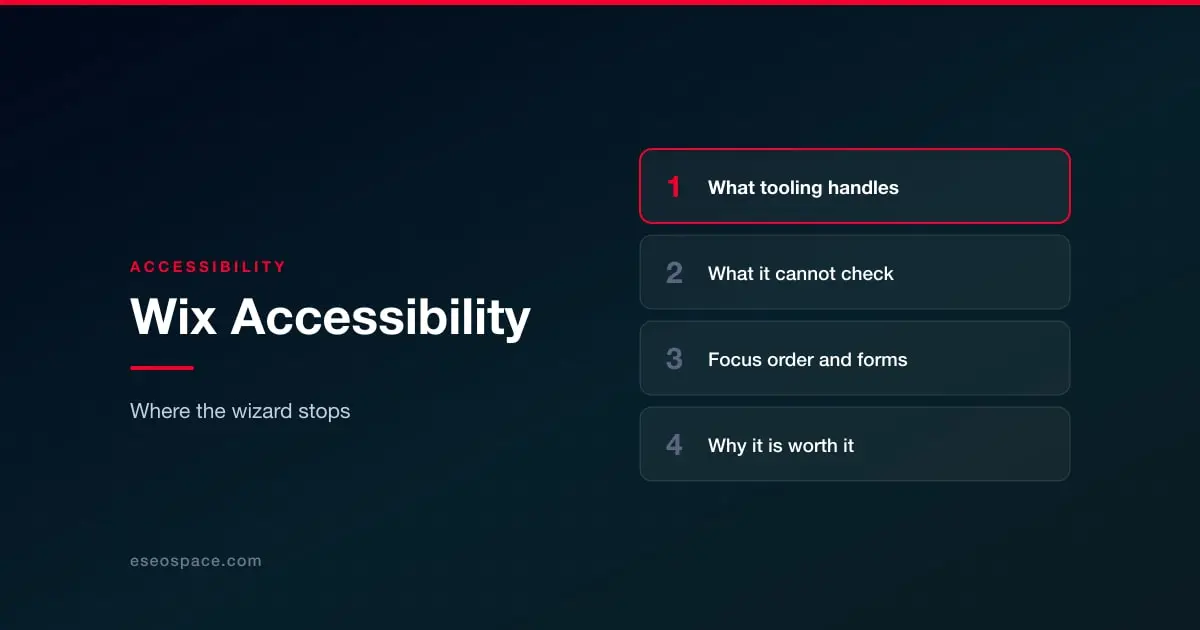
What the built-in tooling handles
Automated checks are good at the mechanical layer: missing alternative text, heading structure, some contrast ratios, and basic keyboard reachability. Run it, fix what it reports — that is a real improvement and it takes an afternoon.
What it cannot check
Whether your alt text is useful
A checker sees that alt text exists. It cannot see that "image1" or "photo of our team smiling" tells a screen reader user nothing. Describe what the image conveys in context. Decorative images should have empty alt text so they are skipped, not described.
Whether your link text means anything
"Click here" and "read more" repeated eleven times down a page are technically valid and practically useless, because screen reader users navigate by pulling up a list of links. Each link should make sense read alone.
Focus order
The classic Wix editor lets you place elements anywhere, and the order you see is not necessarily the order a keyboard tabs through. Tab through your own site once without touching the mouse. If focus jumps from the header to the footer and back, that is the fix.
Contrast that passes but fails
Light grey on white often passes a spot check on one element and fails across the design. Check your actual brand palette against WCAG ratios, not just the elements a scan sampled.
Forms
Placeholder text is not a label. Labels must be programmatically associated with inputs, error messages must say what went wrong and how to fix it, and required fields must be announced rather than just coloured red.
Video and audio
Captions for video, transcripts for audio. No tool produces these for you, and auto-captions need a human pass before they count.
Why this is worth budgeting for
Website accessibility demand letters are a live cost of doing business in the US, and they are sent on the basis of automated scans of public pages — which means the mechanical layer matters as a first line, and the judgement layer matters when a real user or a real complaint arrives. Accessibility overlays and widgets do not resolve this; they are frequently named in the complaints themselves.
The work is the same regardless of platform, and on Wix it is squarely within what you can control. We build it into the redesign and audit work in our Wix website services, alongside the technical SEO pass, because the two overlap more than people expect: headings, link text and image descriptions serve both.
More on running a Wix site well
The rest of this series, written for people who own a Wix site rather than for agencies.
Start with Wix website services
- Wix SEO: the complete setup checklist
- What Wix lets you control, and what it keeps
- Wix speed: what actually moves Core Web Vitals
- Wix Studio vs the Wix Editor
- Wix eCommerce SEO
- Wix blog SEO
- Schema markup on Wix
- Redesigning without losing rankings
- What a Wix website really costs
- When Wix is the right choice
- Local SEO on Wix
- Wix security: locking the account down
- Wix or Squarespace hacked: what it actually means
- Best Wix SEO experts
- Top Wix developers